Not all disk space problems are the same. If your storage is dominated by video files, the fix is usually offloading a few large clips to an external drive or cloud storage. If it's dominated by thousands of small cache files, the fix is clearing app caches. If it's development artifacts, the fix is cleaning derived data and node_modules folders. Before you can pick the right strategy, you need to know which category is actually the problem — and macOS doesn't break this down for you anywhere obvious.
Why file-type breakdown matters more than a total number
"You have 380 GB used" tells you nothing actionable. "You have 220 GB of video, 60 GB of archives, 40 GB of code projects, and 60 GB of everything else" tells you exactly where to focus. The type breakdown turns an overwhelming number into a short list of specific things to check.
Ways to check by file type
Spotlight smart searches
You can build a Finder smart folder filtering by "Kind" and sort by size, but this only searches indexed, user-visible locations — it misses caches, hidden folders, and system directories entirely.
Terminal with find
Commands like find ~ -name "*.mov" -exec du -ch {} + can total up a specific extension, but you'd need to run it separately for every file type you're curious about, and it ignores anything outside your home folder.
A visual, color-coded breakdown
Canopy color-codes every block in its treemap by file type, so as soon as a scan finishes, you can see at a glance whether your disk usage skews toward video, images, archives, code, or documents — patterns emerge visually without running a single command.
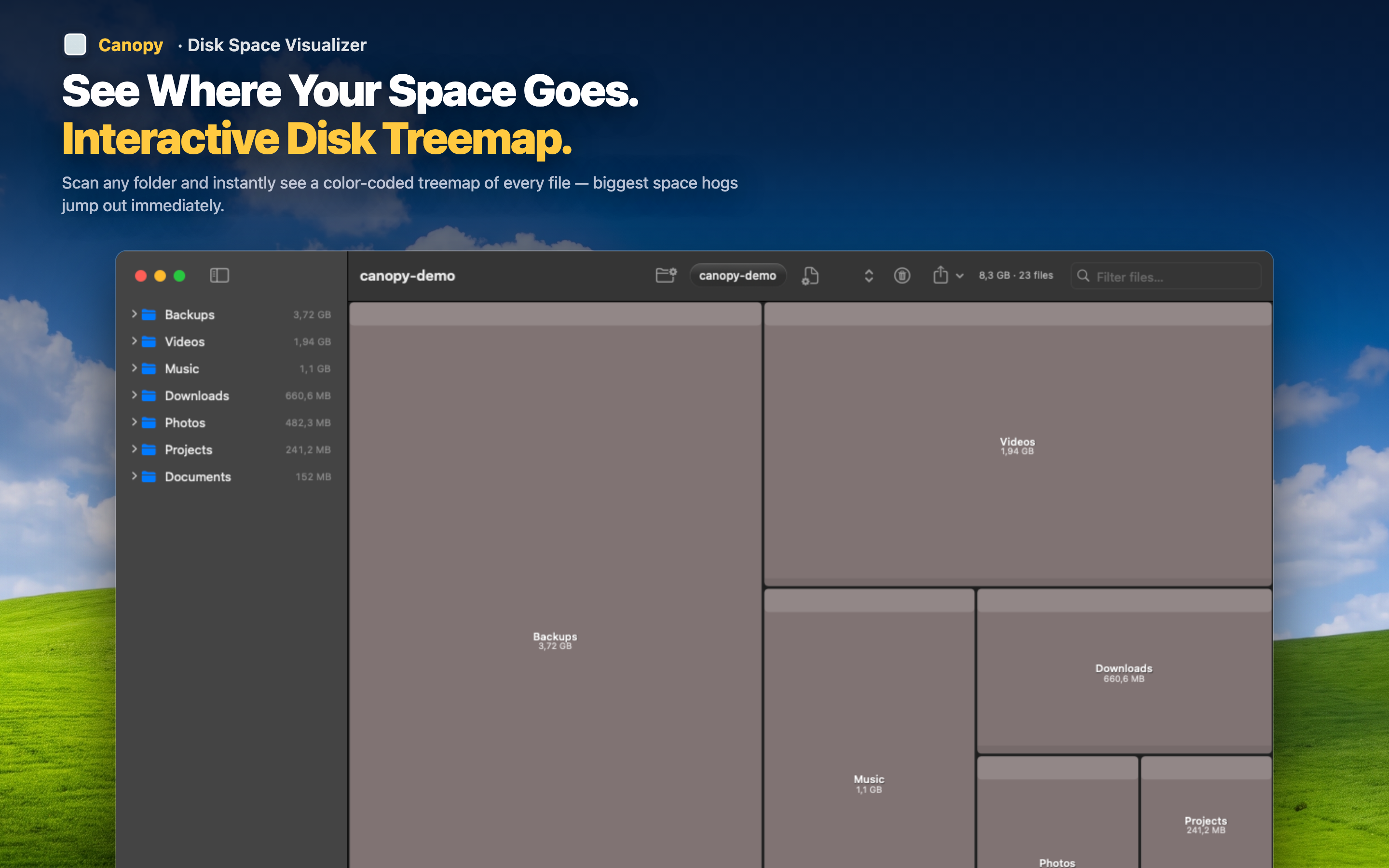
Spot dominant categories instantly
If one color dominates the treemap, that's your answer — a sea of one color pointing to video files, for instance, tells you exactly where to focus cleanup efforts.
Drill into a category
Click into the folders contributing most to a dominant color to see the specific files, then decide what to archive, move, or delete.
Export the breakdown
Export the file list as CSV if you want to analyze the type breakdown further or keep a record for reference.