If you've ever searched for a way to see your Mac's storage visually, you've probably run into the term "treemap." It's a specific kind of chart — and it happens to be the best way to represent disk usage, better than lists, pie charts, or sunbursts.
How a treemap works
A treemap divides a rectangle into smaller rectangles, where each one's area is proportional to the value it represents. Applied to disk usage, that means every file and folder on your drive becomes a block sized exactly to the space it occupies. A 20 GB folder is a big rectangle. A 200 KB file is a tiny sliver. Nested folders subdivide into their own child rectangles, so you can see structure and size at the same time.
This matters because your brain processes area far faster than it processes numbers in a list. Scrolling through a file list sorted by size still requires you to read and compare digits. A treemap lets you just look — the biggest block is the biggest space user, full stop.
Why treemaps beat other disk chart styles
- vs. pie/sunburst charts — treemaps use the full rectangular window with no wasted space, and deeply nested items don't shrink into unreadable slivers the way outer rings do
- vs. bar charts — treemaps show hierarchy (folder → subfolder → file) in one view instead of requiring separate charts per level
- vs. plain file lists — treemaps convey proportion instantly instead of requiring you to read and compare numbers
Canopy: a native treemap for macOS
Canopy is built specifically around this layout. It scans your Mac's drive and renders an interactive, color-coded treemap where file type determines color and size determines area.
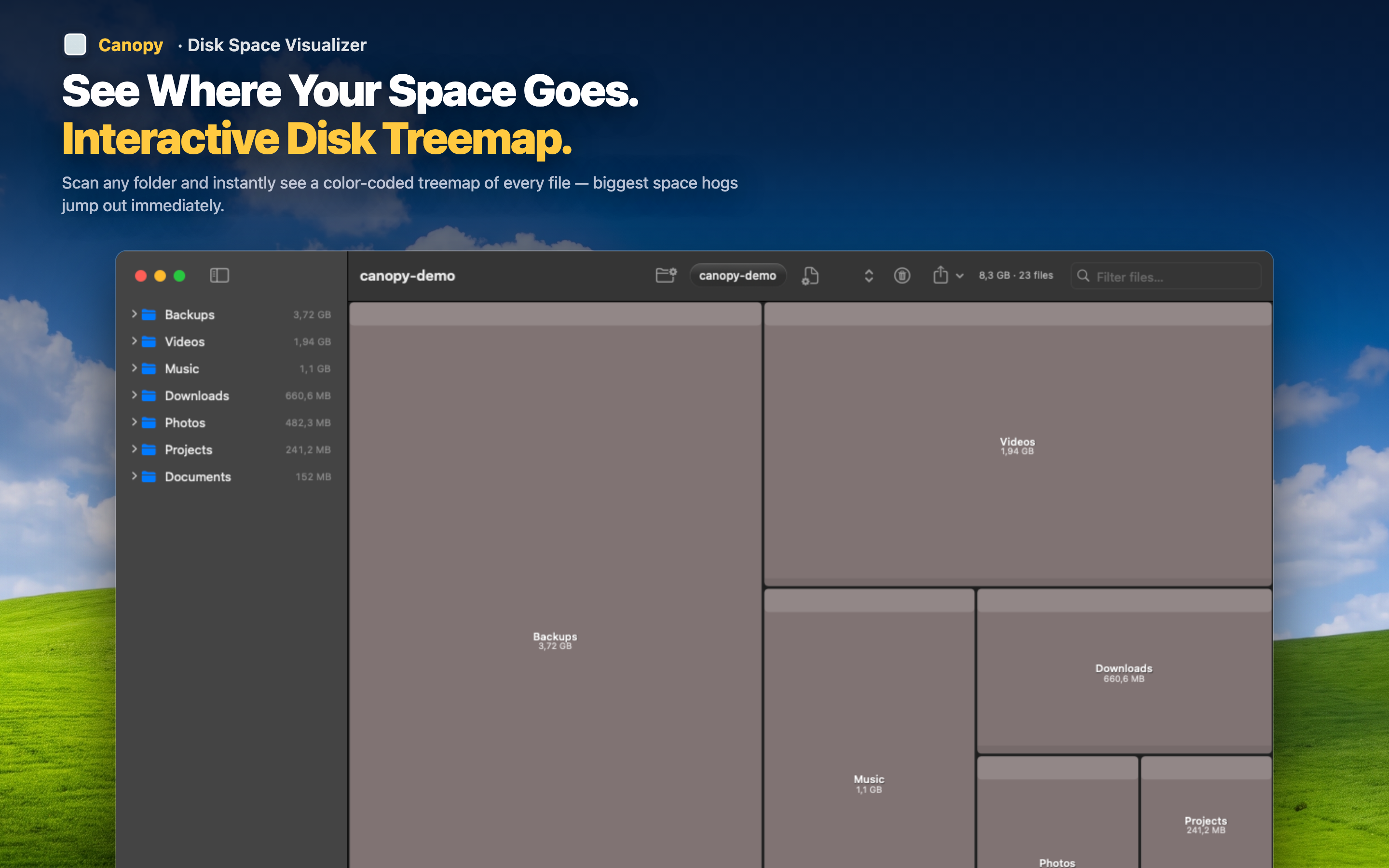
Zoom through the hierarchy
Double-click any folder to zoom into it, seeing its own treemap of contents. Zoom back out to return to the full-drive view. Navigation stays entirely visual — no path-typing required.
From viewing to cleaning
Once a block catches your eye, click it for details, then delete it right there if you don't need it. The treemap updates immediately, so you can keep working through your drive block by block.