Remote work removed a lot of friction, but it also removed the natural cues that used to structure an office day — walking to a conference room, seeing colleagues head to lunch, hearing a meeting wrap up in the next room. At home, one Zoom call ends and the next one is already waiting, with nothing marking the transition except your calendar, which you may or may not have open.
Without deliberate structure, remote days blur together into an undifferentiated stream of calls, with focus time squeezed into whatever gaps happen to survive.
The hidden cost of an invisible schedule
When your calendar lives in a separate app you have to open, it's easy to lose track of how the day is actually shaped. You might not notice a 90-minute gap between meetings that could be protected focus time, or realize that three calls are stacked back-to-back with zero buffer. Remote workers especially need this visibility, since there's no coworker walking by to remind you a meeting is starting.
Seeing the full shape of the day — not just the next single event — helps you plan breaks, batch focus work, and avoid the burnout that comes from an unstructured string of calls.
A persistent view of the whole day
Dayedge shows your entire day as a vertical timeline pinned to the screen edge — not just the next event, but the full shape of meetings, gaps, and reminders from morning to evening.
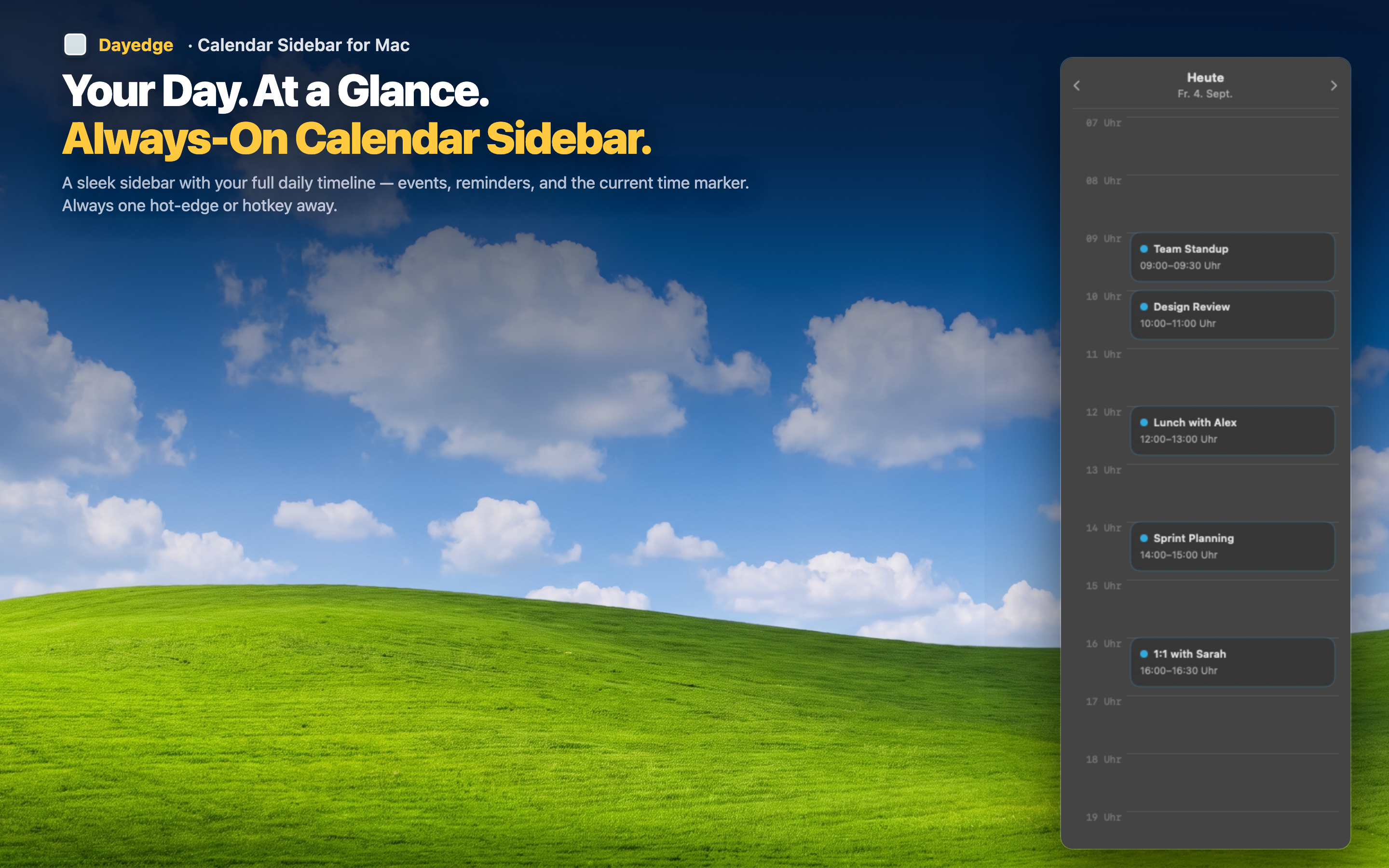
Spot gaps for focus work
Because the whole day is visible at once, open blocks of time stand out clearly against scheduled meetings. You can plan deep work sessions around the gaps instead of discovering them by accident.
One-click into every call
Remote work means video calls all day. Zoom, Google Meet, and Microsoft Teams links are extracted automatically and surfaced as join buttons directly on the timeline, so transitioning between calls takes one click instead of a link hunt.
Reminders for breaks and tasks
Because events and reminders share the same timeline, you can schedule breaks or personal tasks as reminders and see them woven into your workday alongside meetings — a small nudge toward pacing yourself.