Fantastical is a powerful calendar app. Natural language input, multiple calendar sets, weather integration, scheduling links, tasks — it's packed with features. But if you're honest about how you actually use your calendar during the workday, most of those features go untouched. You open it to check what's next. You glance at the timeline. You close it and get back to work.
If 90% of your calendar usage is glancing at today's schedule, maybe you don't need 100% of the features.
When a full calendar app is too much
Fantastical and similar apps (BusyCal, Calendars by Readdle) are designed for calendar management — creating events, coordinating schedules, managing multiple accounts. They're great when you're planning your week on Sunday evening. But during the workday, they're heavyweight tools for a lightweight need.
They also take up a full window or significant screen space when open. If you want persistent schedule visibility, you're sacrificing workspace. And their subscription pricing reflects the full feature set, even if you only use the timeline view.
A timeline, and nothing more
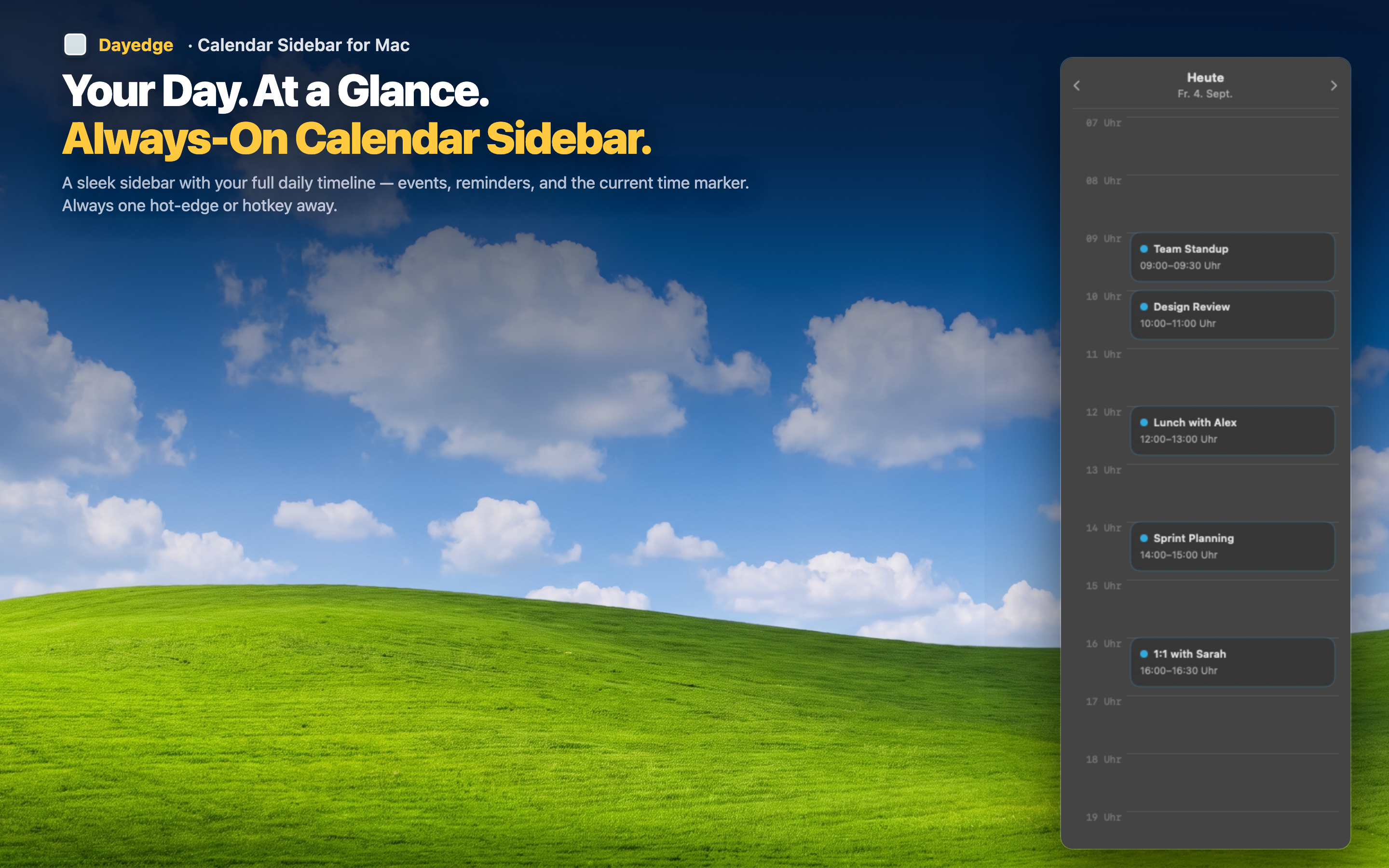
Dayedge does one thing: it shows today's events and reminders in a slim sidebar pinned to your screen edge. No event creation, no natural language parsing, no weather — just a clean, persistent timeline that reads from your existing macOS Calendar data.
Complements your existing calendar
Dayedge doesn't replace Apple Calendar or Fantastical — it complements either. Keep using whatever app you prefer for creating and managing events. Dayedge simply provides the always-visible timeline view that full calendar apps can't offer without taking over your screen.
Minimal screen footprint
The sidebar is narrow by design. It occupies a sliver of your screen edge — far less than any calendar app in Split View. And with hot edge activation, it can hide completely until you move your cursor to the edge.
Meeting links included
Despite its simplicity, Dayedge still surfaces Zoom, Meet, and Teams links for one-click joining. The feature most needed during the workday — getting into calls fast — is built right into the timeline.