Mac users who know about hot corners love them. Push your cursor into a screen corner and something happens — Mission Control, Desktop, screen saver lock. It's a gesture that takes zero thought once you've built the muscle memory. But Apple's hot corners are limited to system actions. You can't assign one to show your calendar.
What if the same concept — move your cursor to an edge, something useful appears — applied to your schedule?
Hot corners are great, but limited
macOS hot corners can trigger: Mission Control, Application Windows, Desktop, Notification Center, Launchpad, Quick Note, screen saver start/disable, and Lock Screen. That's the complete list. There's no option for "show my calendar" or "show today's events."
You could assign a corner to Notification Center, which contains a calendar widget, but it opens the entire Notification Center panel — notifications, widgets, and all. It's not a focused calendar view, and it takes over the right side of your screen.
A hot edge for your timeline
Dayedge introduces a hot edge — move your cursor to the screen edge and a calendar timeline slides into view. Move your cursor away and it slides back out. It's the same effortless gesture as a hot corner, but instead of triggering a system action, it reveals your schedule.
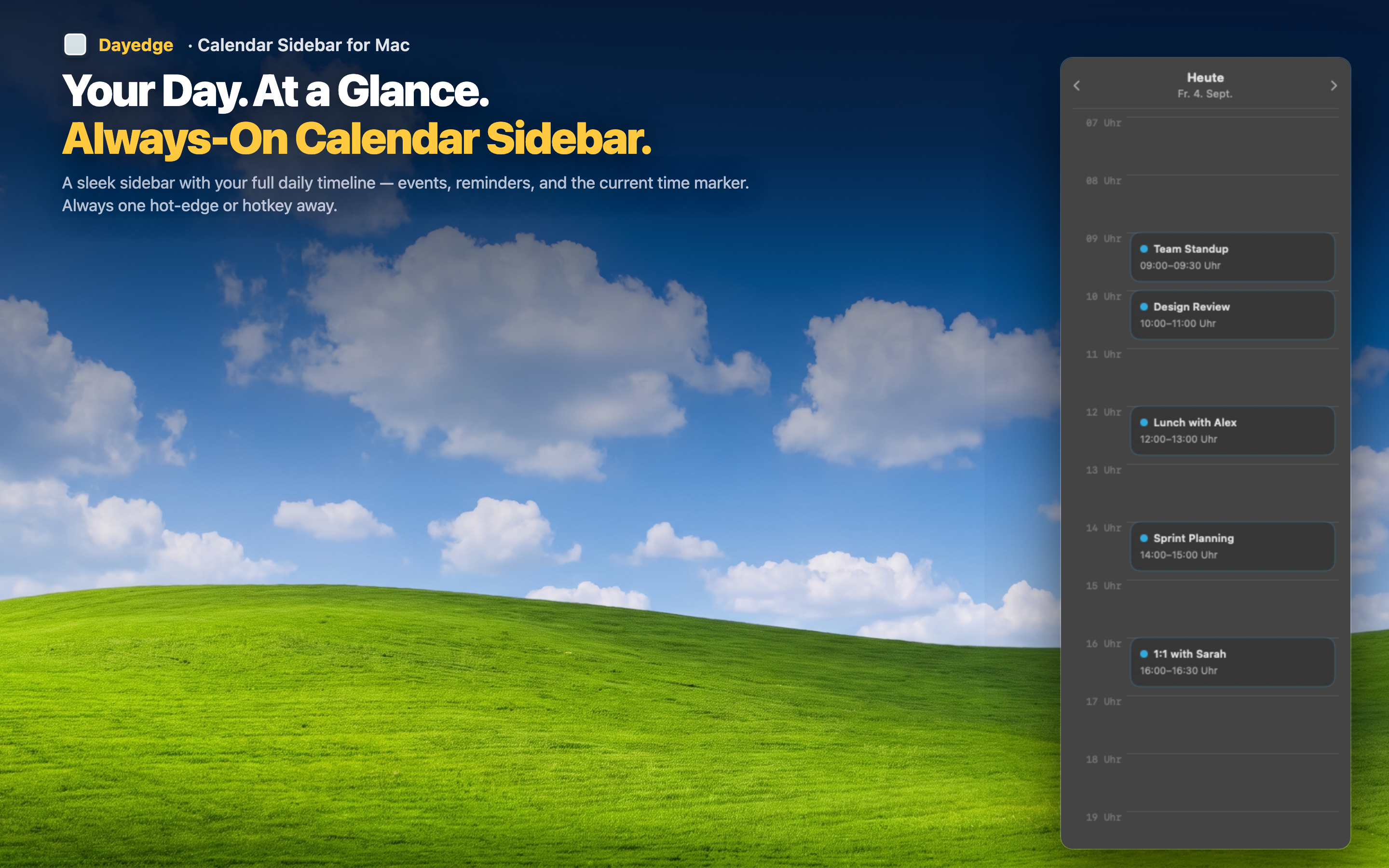
Muscle memory access
After a day of use, checking your schedule becomes automatic. Cursor to the edge, glance, cursor back. No keyboard shortcut to remember, no icon to click, no app to find. The gesture becomes invisible — you just know your schedule.
Clean desktop when hidden
With hot edge mode, Dayedge takes zero screen space when you don't need it. Your desktop is completely clean until you want to see your timeline. It's the best of both worlds: persistent access with zero visual clutter.
Or keep it always visible
If you prefer the sidebar to stay on screen permanently, you can disable the hot edge and pin the timeline. The choice is yours — always visible or reveal on demand. Either way, your schedule is never more than a glance or a gesture away.