Modern calendar apps have grown into full productivity suites. Task management, scheduling pages, video call integrations, natural language event creation, multiple calendar accounts synced across services — the feature list keeps expanding. For power users planning complex schedules, that depth is valuable. For the person who just wants to glance at today's plan, it's a lot of app for a small need.
Heavier apps also mean more memory, more background syncing, and more screen real estate when you open them. If your actual daily use case is "check what's next," the overhead doesn't pay for itself.
Feature-rich isn't always the right fit
There's nothing wrong with a fully-loaded calendar app — for the right use case. But if you find yourself opening the app, glancing at the day view, and closing it again dozens of times without touching any of its advanced features, you're carrying complexity you don't need. Every extra menu, panel, and setting is something to load, render, and mentally filter past just to see today's timeline.
A lighter tool that does one job well can be a better daily companion than a powerful one that does twenty.
A sidebar built for one job
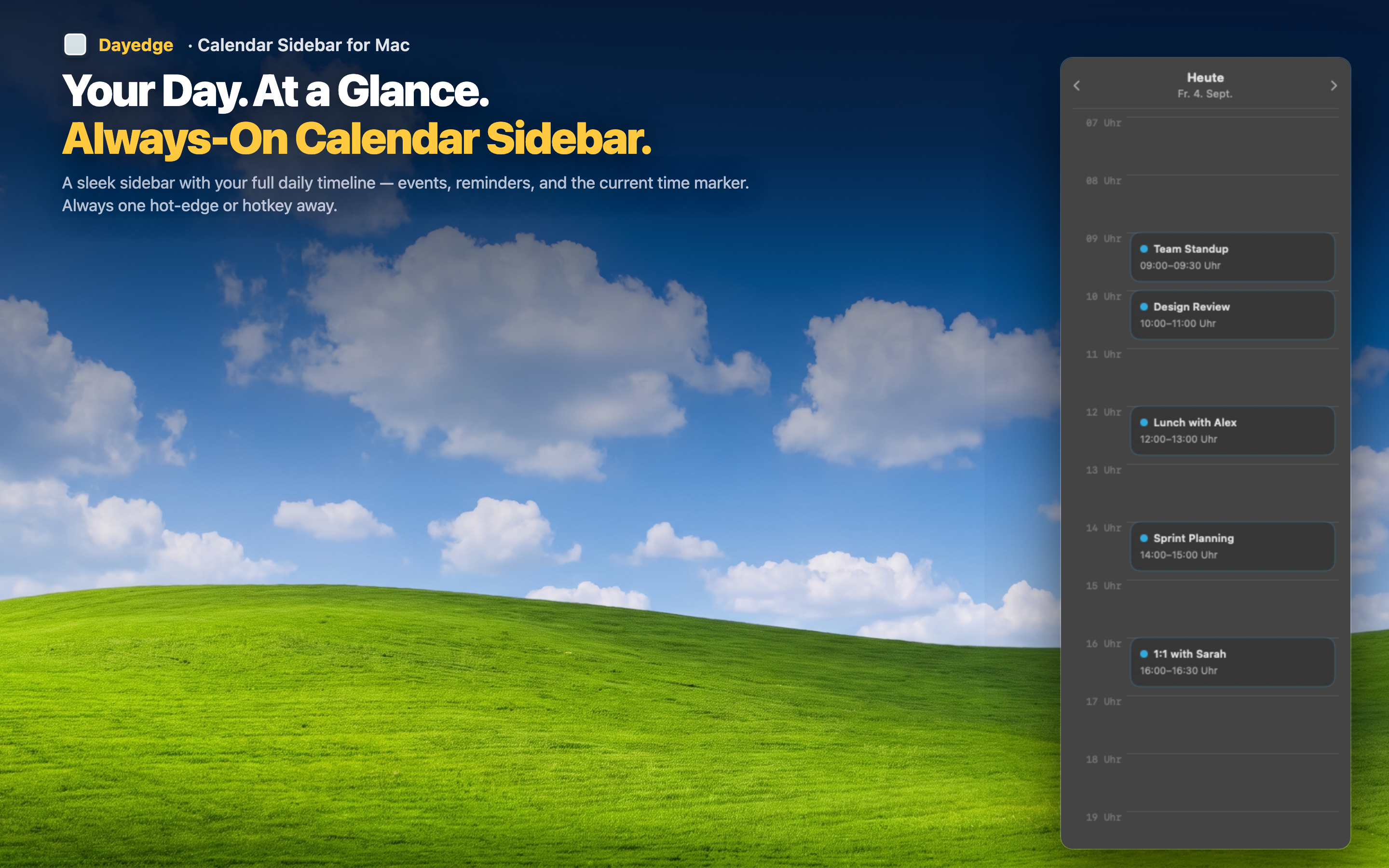
Dayedge focuses entirely on showing today's events and reminders as a clean vertical timeline, pinned to the screen edge. It reads from your existing macOS Calendar — no new accounts, no re-entering events, no migration.
Complements, doesn't replace
You can keep your full-featured calendar app for actually planning and creating events. The sidebar handles the "what's next" glance that makes up most of your day-to-day calendar checking, without asking you to give up your existing tools.
Minimal footprint, maximum clarity
Because it only does one thing, the interface stays simple: a timeline, event blocks, times, and join buttons for video calls. Nothing to configure beyond your existing calendar setup.
Optional hot edge for a clean desktop
If you want an even lighter footprint, hot edge activation hides the sidebar until your cursor reaches the screen edge — full workspace by default, schedule on demand.