Widgets and sidebars are often lumped together as "glanceable" tools, but they're built on fairly different assumptions. A widget is designed to be summoned briefly — swiped into view, read, swiped away. A sidebar is designed to be present continuously, occupying a fixed strip of screen for as long as you're working. Both can show calendar information, but they solve different problems.
If you're deciding between a Notification Center calendar widget and a persistent calendar sidebar, the right choice depends on how you actually want to interact with your schedule throughout the day.
How a widget behaves
The macOS calendar widget lives inside Notification Center, which is hidden by default. To see it, you swipe in from the screen edge or click the menu bar clock — an active step every time. Once open, it typically shows a short list of upcoming events with limited detail, and it disappears the moment you click elsewhere or swipe it away. It's well suited for an occasional check but not for staying continuously aware.
How a sidebar behaves
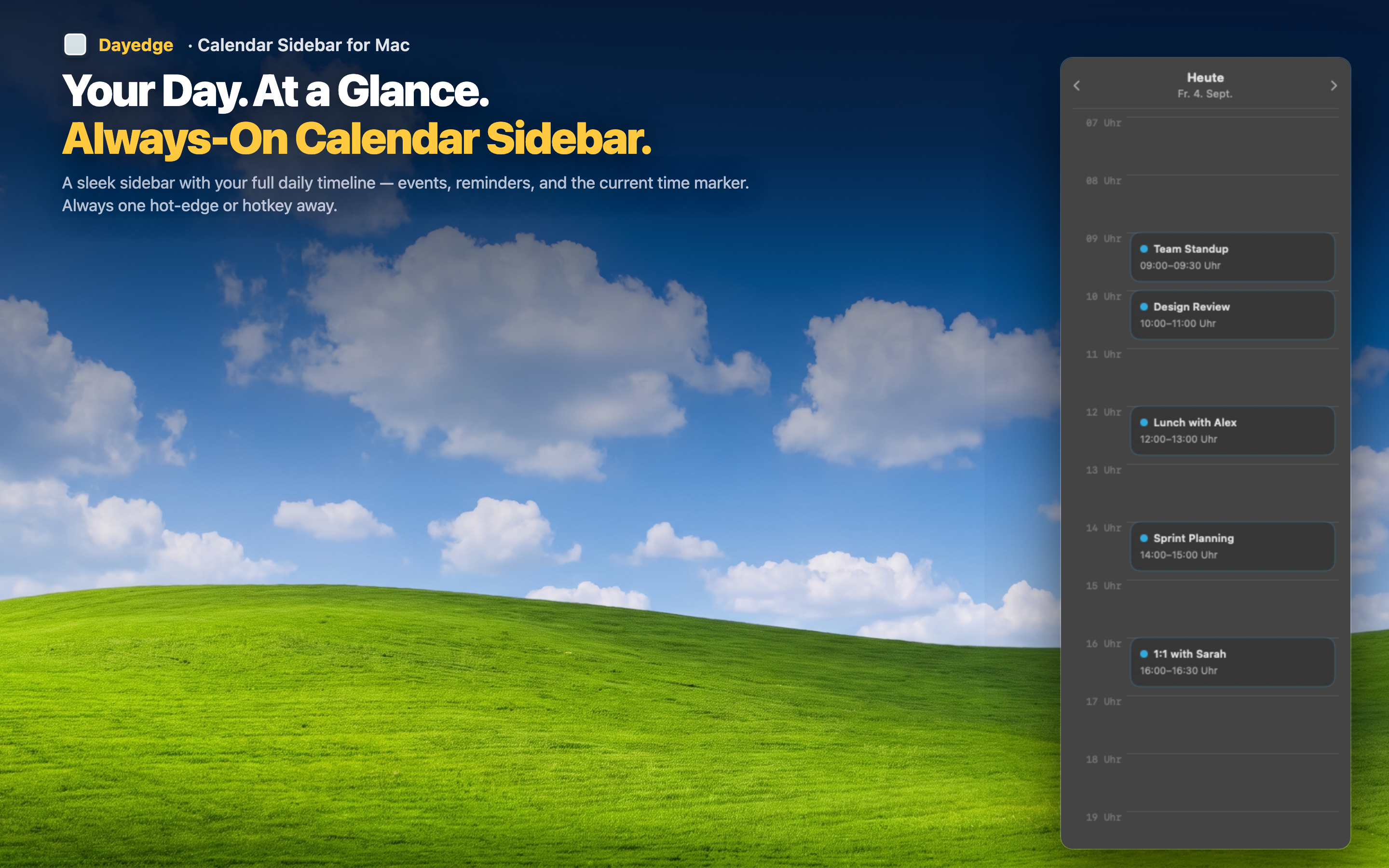
Dayedge represents the sidebar approach: a vertical timeline pinned to the screen edge that stays visible the entire time you're working, without needing to be summoned or dismissed. Because it doesn't have to fit inside a temporary panel, it can show a fuller picture — event duration represented visually, more events at once, and reminders alongside calendar events.
Visibility: continuous vs on-demand
A widget requires an action to reveal and another to dismiss. A sidebar requires neither — it's part of the screen the whole time, or available instantly with a hot edge cursor gesture if you want it hidden by default.
Information density: more room to show detail
Because a sidebar isn't squeezed into a shared panel with other widgets, it can dedicate its entire space to your schedule — showing more events, clearer time blocks, and one-click join buttons for Zoom, Google Meet, and Microsoft Teams calls.
Which one fits you
If you check your schedule rarely and don't mind a couple of clicks, a widget is fine. If you want ambient, continuous awareness of your day without any summoning step, a sidebar does more of the work for you.