It's 9:59 AM. Your standup starts at 10:00. You know there's a Zoom link somewhere — it was in the calendar invite, or maybe the email thread, or the Slack message from last week. You open Calendar, double-click the event, scroll through the notes field, find the URL, click it, wait for Zoom to launch. By the time you're in, the meeting has started without you.
This scramble happens before nearly every video call. The link exists — finding it quickly is the problem.
Why meeting links are hard to find
Meeting links end up in different places depending on who scheduled the call. Some are in the calendar event's URL field. Some are buried in the event notes. Some were only shared in an email or chat message. Apple Calendar shows the link if it's in the right field, but you still need to open the event, locate the link, and click it — three steps when you have thirty seconds.
The menu bar clock shows upcoming events, but it doesn't extract or surface meeting links. You see the event name but can't act on it.
One-click join from your timeline
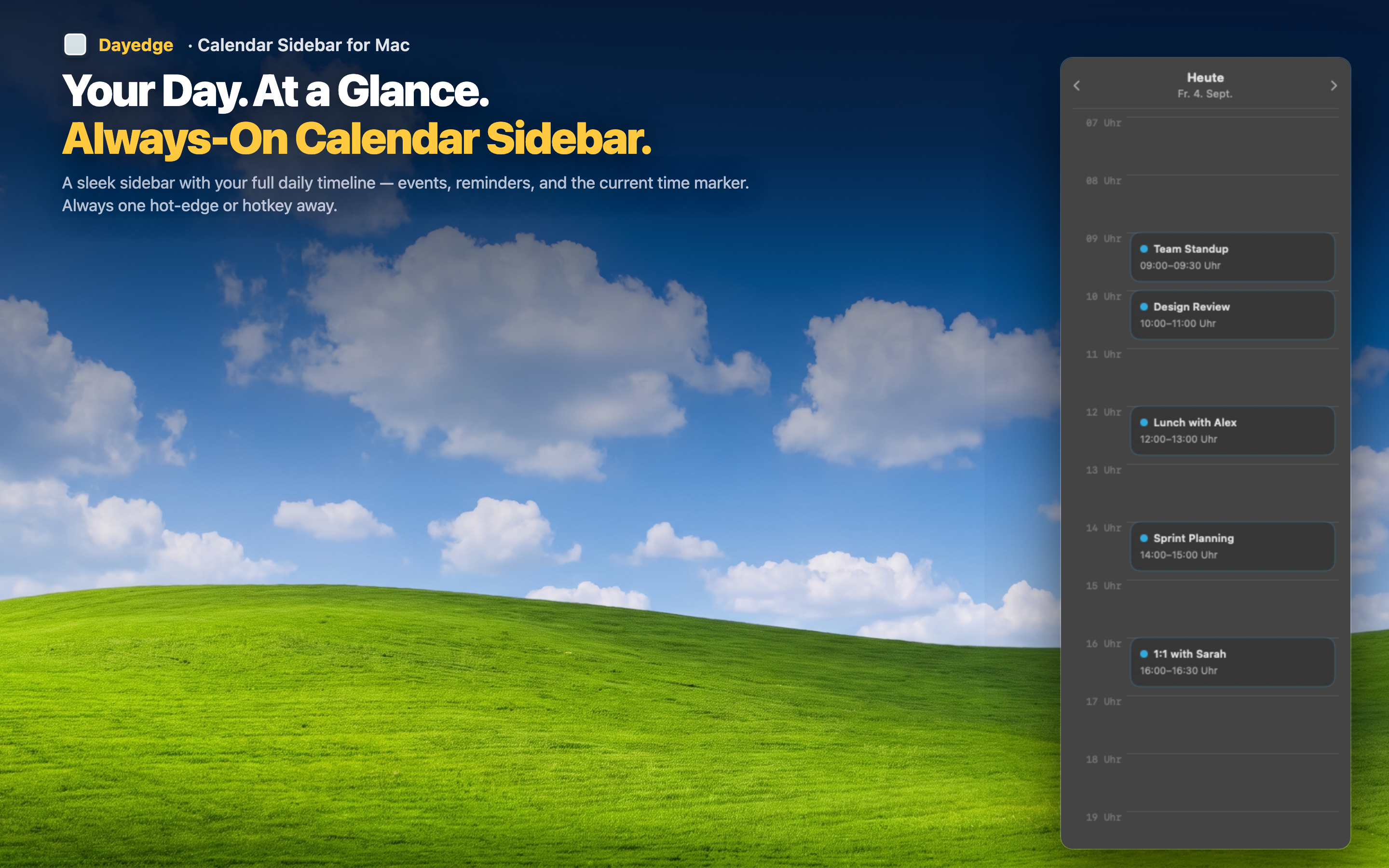
Dayedge detects Zoom, Google Meet, and Microsoft Teams links in your calendar events and surfaces them directly on the timeline. When a meeting is about to start, the join button is right there — one click and you're in the call.
No more link hunting
Dayedge parses the meeting link from the event data automatically. Whether the organizer put it in the URL field, the notes, or the location — it gets extracted and shown as a clickable join button on the event itself.
Works with all major platforms
Zoom, Google Meet, and Microsoft Teams links are all recognized. You don't need to configure anything. If the link is in your calendar event, Dayedge finds it and makes it one click away.
Visible before the meeting starts
Because the timeline is always on screen, you can see upcoming meetings and their join buttons before they start. No alarms to dismiss, no notifications to chase. The join button is sitting in your peripheral vision, ready when you are.