The average knowledge worker joins 5 to 8 video calls per day. Each one starts the same way: a notification pops up, you open Calendar, double-click the event, scan the notes or location field for a meeting link, click it, and wait for the video app to launch. It takes 15-30 seconds per meeting — multiply that by 8 meetings and you've spent several minutes a day just getting into calls.
The link is always there. The friction is getting to it.
Too many steps between you and the call
macOS calendar notifications show the event name and time, but not the meeting link. Clicking the notification opens Calendar, where you then need to find and click the link. If the organizer put the link in the notes field instead of the URL field, you might need to scroll to find it.
Some people bookmark their recurring meeting links or keep them in a notes doc. That works until the link changes, or until you have a one-off meeting with a new link you haven't saved anywhere convenient.
Meeting links on your timeline
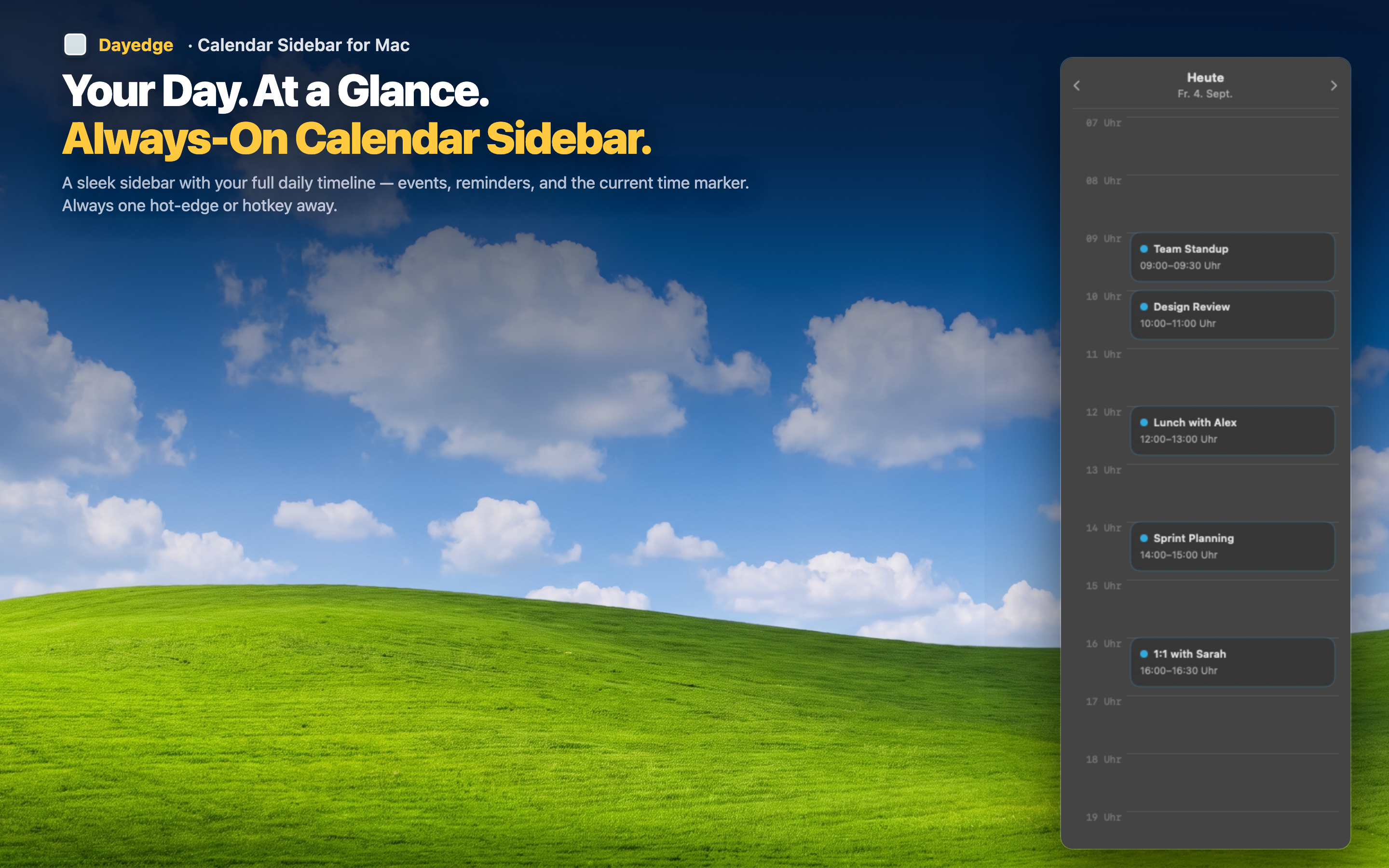
Dayedge shows your day as a persistent timeline at the screen edge. For events with video call links, it extracts the URL and surfaces a join button directly on the event. One click — you're in the call.
Zoom, Meet, and Teams
Dayedge recognizes meeting links from all three major video platforms. Whether your team uses Zoom, your client uses Google Meet, and your company all-hands is on Microsoft Teams — every link gets surfaced the same way. One consistent join experience across platforms.
Links visible before the meeting
Because the timeline is always on screen, you can see the join button minutes before the meeting starts. No notification to catch, no alert to dismiss. The meeting is right there in your peripheral vision with a join button ready to click.
No configuration needed
Dayedge reads from your macOS Calendar. If the event has a meeting link anywhere in its data — URL field, location, or notes — Dayedge finds it. There's nothing to set up, no accounts to connect, no integrations to configure.