Click the clock in your Mac's menu bar and you get a small calendar with today's events. It's a useful addition Apple made in recent macOS versions. But it has a fundamental limitation: it disappears the moment you interact with anything else. You can look at your schedule or you can work — not both at the same time.
For people with meeting-heavy days, that's not enough.
The menu bar calendar's limitations
The menu bar calendar is a popover, not a persistent element. It can't stay open while you type, code, or design. It shows a limited number of events in a small area, and scrolling through a busy day is cramped. There's no way to resize it, reposition it, or keep it anchored.
It also doesn't surface meeting links. You can see that you have a "Team Sync" at 2 PM, but joining the Zoom call still requires opening Calendar, finding the event, and extracting the link manually.
For quick date checks, the menu bar calendar works fine. For staying aware of a packed schedule throughout the day, it's a peek through a keyhole.
From popover to sidebar
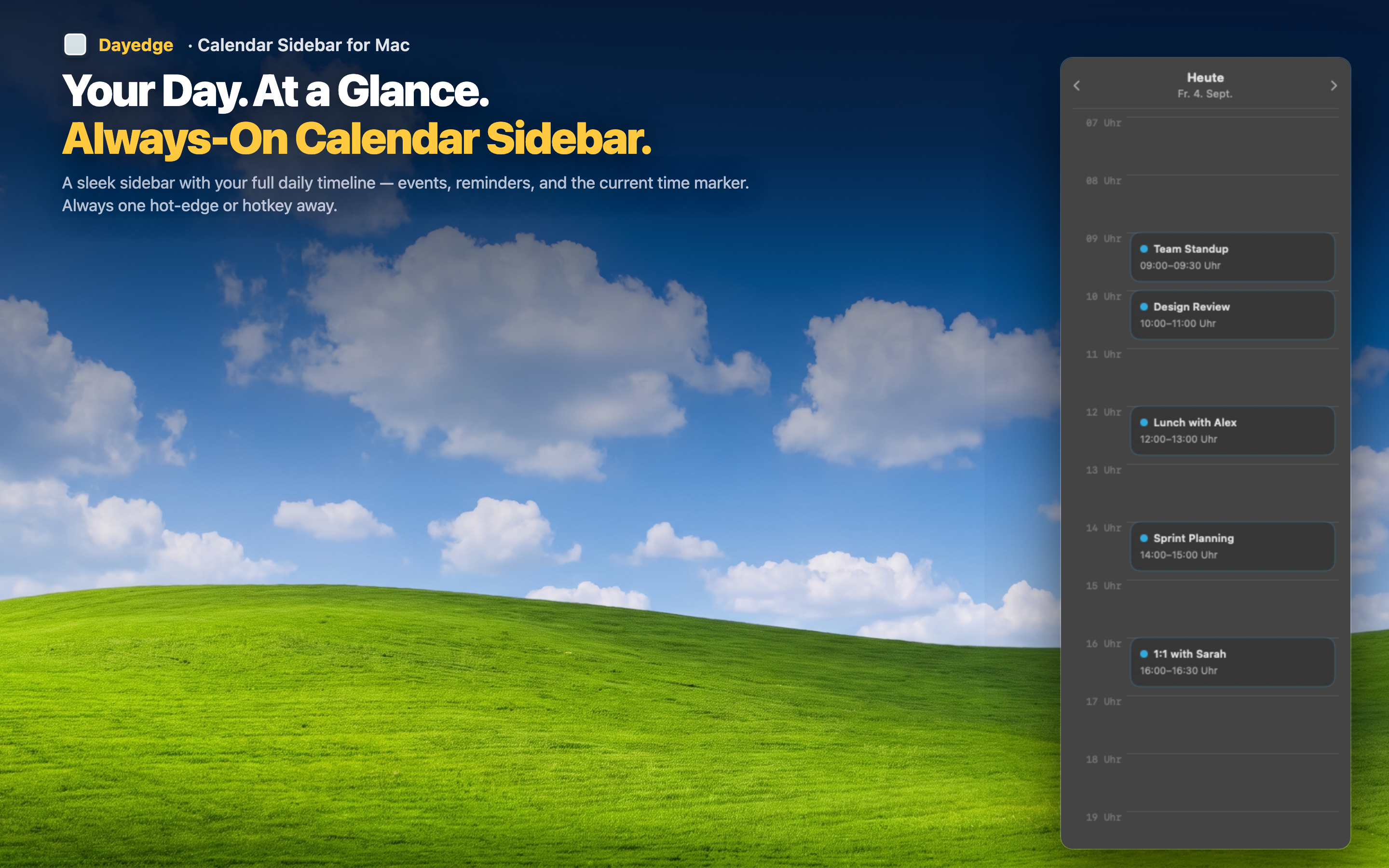
Dayedge replaces the "click, glance, close" pattern with a persistent sidebar at the screen edge. Your schedule is always visible — not behind a click, not in a popover that vanishes, but pinned to the edge of your display.
Always there, never in the way
The sidebar is narrow enough that it doesn't compete with your workspace. It shows a vertical timeline with event names, times, and durations. Unlike the menu bar popover, it stays visible while you work in other apps.
Meeting links surfaced automatically
Dayedge extracts Zoom, Google Meet, and Microsoft Teams links from your events and makes them one-click accessible right on the timeline. No opening the event, no copying URLs — just click to join.
Mini calendar built in
Need the month view the menu bar calendar provides? Dayedge includes a compact mini calendar for date navigation within the sidebar. Same functionality, persistent access.