You add a reminder — "submit report by 3 PM" — and feel a small sense of relief, like the task is now handled. But a reminder with a due time is only as reliable as the notification that fires when it's due, and notifications, as anyone who's missed one knows, aren't a guarantee. The reminder still exists in the app. You just have to remember to look for it, which somewhat defeats the purpose of setting a reminder in the first place.
Reminders live in their own silo
The Reminders app is separate from Calendar, separate from Notification Center's calendar widget, and only surfaces proactively through system notifications. If you're deep in a Focus session or missed the alert banner, the reminder sits quietly in a list you have to think to open. There's no ambient, always-visible display of pending reminders the way there might be for, say, a physical sticky note on your monitor.
For time-sensitive reminders especially, this creates the exact same reliability gap as calendar alerts: a single notification moment that's easy to miss.
Reminders alongside your calendar, always visible
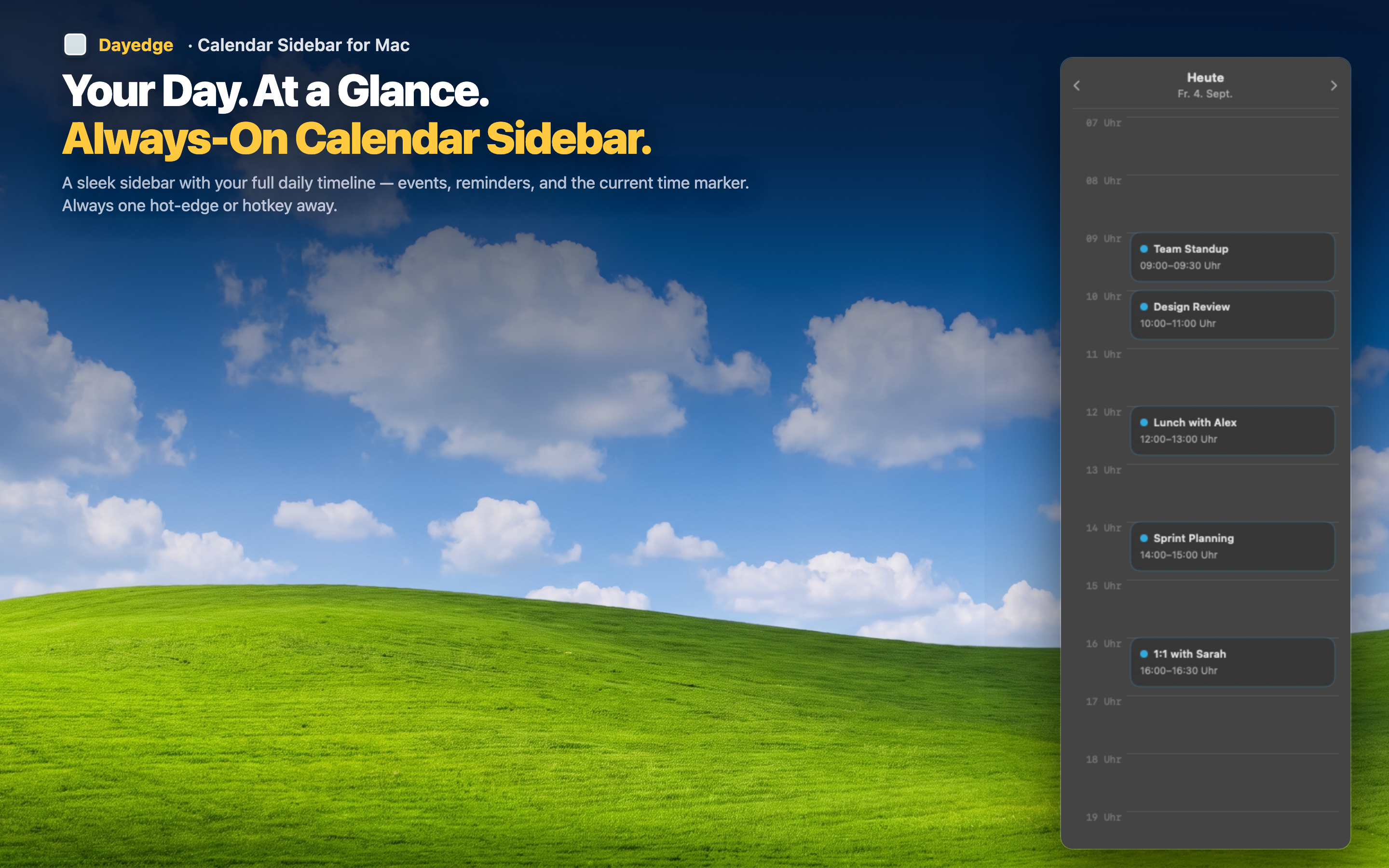
Dayedge reads from macOS Reminders in addition to Calendar, and displays both on the same persistent timeline pinned to the screen edge. Reminders with due times show up right alongside your meetings, visible continuously rather than through a single alert.
No separate app to check
Instead of opening Reminders to see what's pending, your due-time reminders appear directly on the same timeline as your calendar events — one place to look instead of two.
Visible well before the deadline
Because the timeline is continuously on screen, a reminder due at 3 PM is visible at 2:30, 2:45, and 2:59 — not just the single instant a notification banner appears and disappears.
Context next to your meetings
Seeing a reminder positioned between two meetings on the same timeline makes it obvious when you'll actually have time to handle it, rather than discovering the conflict only when the alert fires.