Almost nobody misses a meeting because they forgot to schedule it. They miss it because they were heads-down in something else and the notification came and went unnoticed — silenced, dismissed by muscle memory, or simply missed while wearing headphones. The event was on the calendar the whole time. It just wasn't visible when it mattered.
Notifications are a single moment in time. If you're not looking at your screen at that exact second, the alert can slip by entirely.
The problem with notification-based reminders
macOS calendar alerts fire once, sit in Notification Center, and get buried under the next dozen notifications from Slack, Mail, and everything else. If you're in a focus session or a full-screen app, you might not even see the banner appear. By the time you check, the meeting already started five minutes ago.
Snoozing helps, but only if you catch the alert in the first place. A silent, always-on view of your schedule solves the root problem instead of patching around it.
A timeline that's always in view
Dayedge keeps a vertical timeline of your day pinned to the screen edge, so upcoming meetings are visible well before any alert would fire. You see the meeting approaching — not a single notification you might miss.
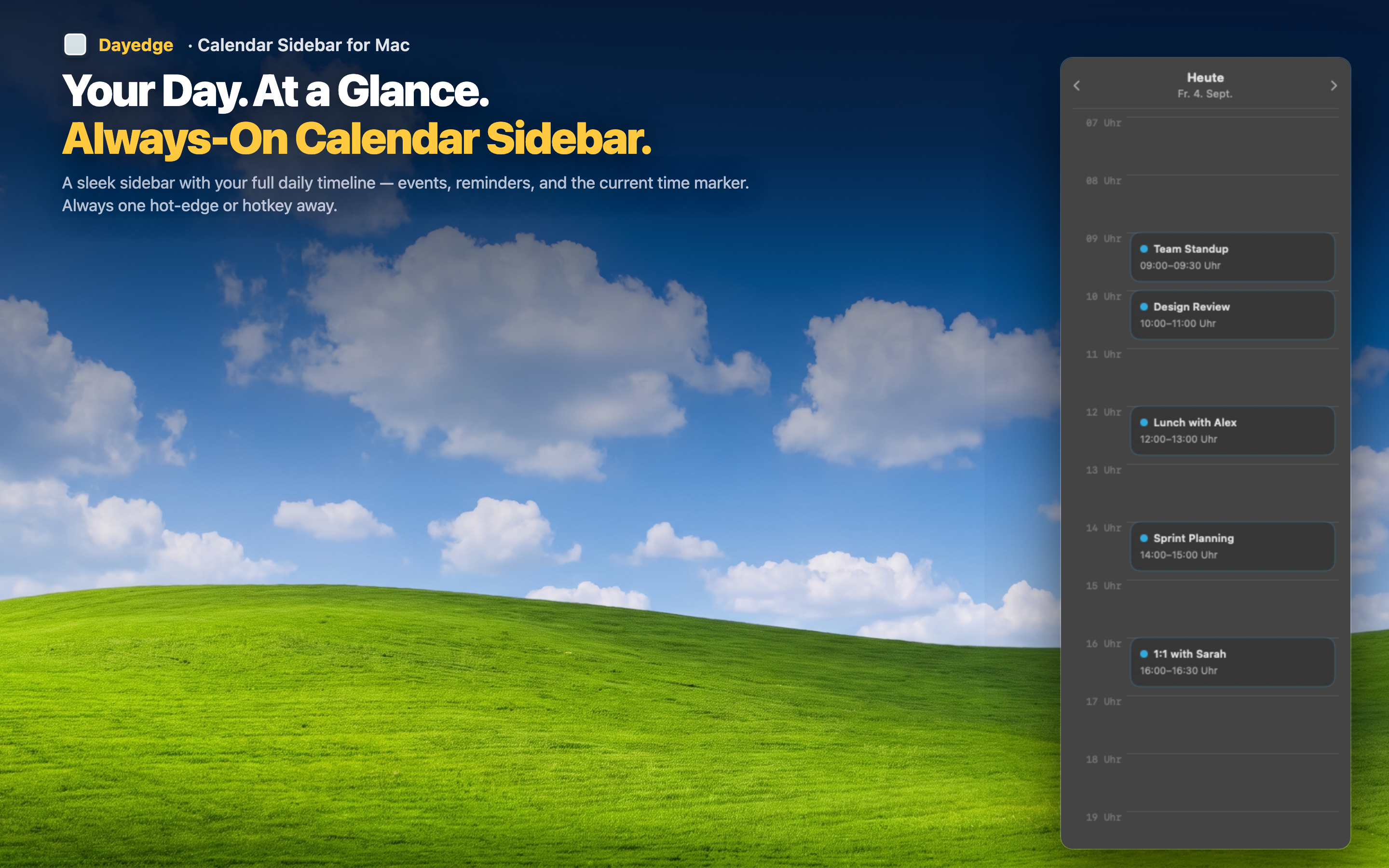
Continuous visibility beats a single alert
Because the timeline is on screen continuously, there's no single moment where a meeting can slip past you. You'll notice it in the ten minutes before it starts, not just at the one instant a notification decides to appear.
One-click join the moment you're ready
When you do notice the meeting approaching, the join button for Zoom, Google Meet, or Microsoft Teams is right there on the event. No scrambling to find the link once you realize the call is starting.
Works even during focus sessions
Full-screen apps and Do Not Disturb often suppress notifications entirely. The sidebar sits outside that system, staying visible at the screen edge regardless of focus mode, so your schedule awareness doesn't depend on notifications working correctly.