Open a calendar app in a floating window and it behaves like every other window on your Mac — it can be dragged, resized, minimized, or buried under whatever you click next. That's exactly the right behavior for most apps, but it's the wrong behavior for something you want to reference passively throughout the day. A window you have to actively manage isn't really "always visible" — it's "visible until you forget about it and something covers it."
What you actually want for a persistent schedule display is something that behaves less like a window and more like a fixture — always in the same place, immune to being minimized or buried.
Windows aren't built for permanence
macOS window management assumes you'll actively arrange things — Split View, Stage Manager, virtual desktops. All of that is great for managing multiple apps you're actively using, but it's friction for something you want passively glanceable at all times. A calendar window in Split View still takes up half your screen and can get bumped out of position when you switch spaces or open a new app in full screen.
A fixed position, not a movable window
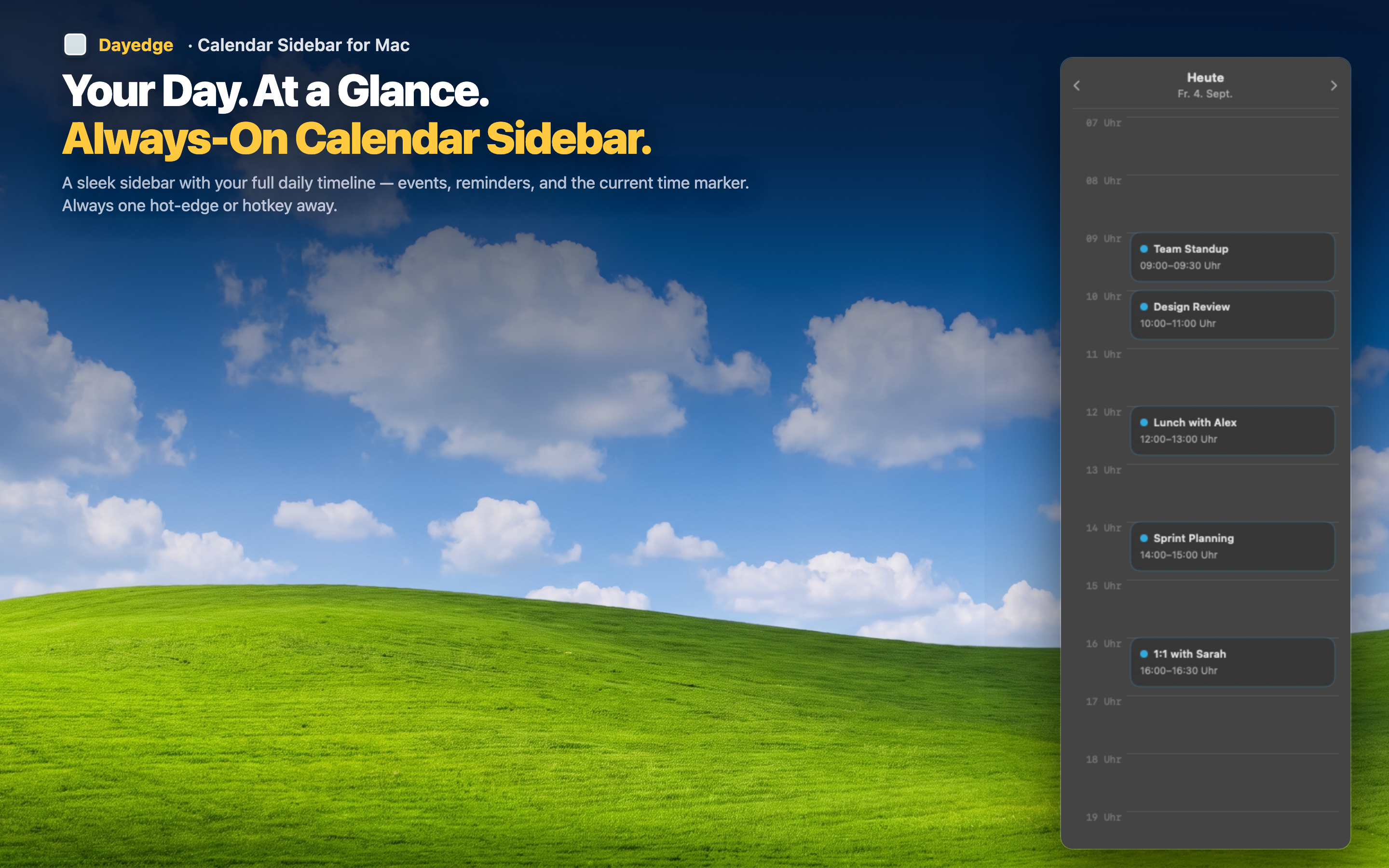
Dayedge pins its timeline to the screen edge rather than presenting it as a draggable window. It occupies a consistent position and width, similar to how the dock or menu bar behaves, so it's never accidentally buried or resized.
Never buried under other windows
Because it's edge-pinned rather than a standard window, opening new apps or switching between full-screen spaces doesn't cover or displace it. It stays exactly where you left it.
Consistent position builds habit
Knowing your schedule is always in the exact same spot means checking it becomes automatic — the same way you don't think about where the dock is, you'll stop thinking about where your timeline is.
Hide it completely if needed
For moments when you want zero visual footprint, hot edge activation lets the sidebar retreat off-screen until your cursor reaches the edge again — pinned when you want it, invisible when you don't.