You're about to present to your team, a client, or a room full of people. You open your laptop, connect to the projector, and the first thing everyone sees is your desktop — covered in files, screenshots, half-downloaded PDFs, and folders with names you'd rather keep private.
First impressions matter, and a messy desktop sets the wrong tone before you've said a word.
Why a clean desktop matters for presentations
Every time you exit your slideshow — to switch apps, open a demo, or show a browser tab — your desktop becomes visible. If it's cluttered, it distracts your audience. File names catch people's eyes. Folder labels raise questions. The visual noise competes with whatever point you're making.
Manually dragging files into a temporary folder before every presentation is tedious and error-prone. You might forget a file, or worse, lose track of where you put things. The Terminal hack to hide icons restarts Finder and disrupts your workflow. Neither option is practical when you present regularly.
One-click presentation mode with DeskCloak
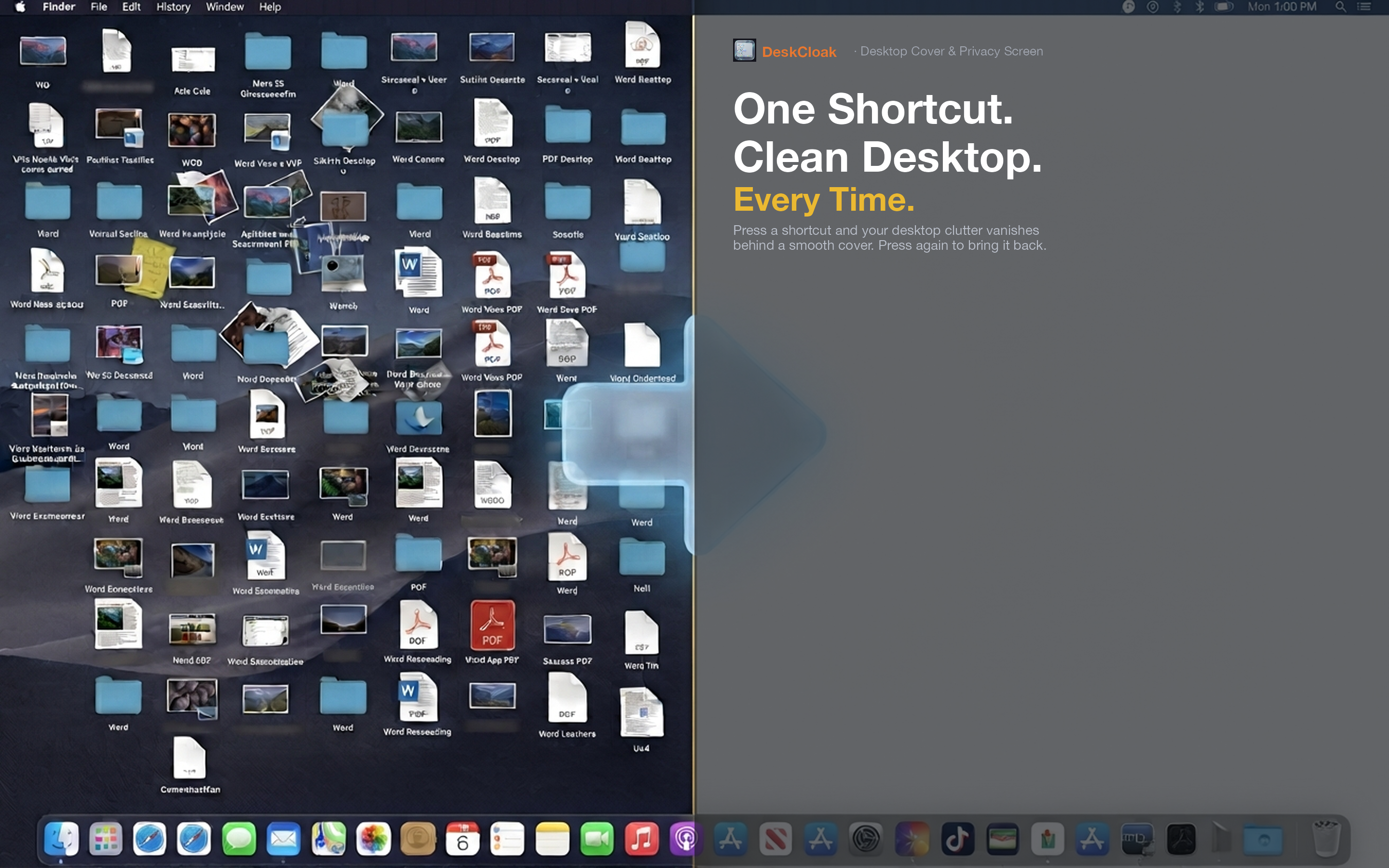
DeskCloak gives you a clean desktop with a single click or hotkey. It places an overlay — matching your wallpaper, a solid color, or a custom image — over all your desktop icons. Your windows, apps, and Dock work exactly as before. The mess is simply hidden.
Conference room presentations
Connect to the projector, hit your DeskCloak hotkey, and present with confidence. When you switch between Keynote, a browser demo, and a spreadsheet, the audience sees a clean desktop in between — not your file dump.
Sales demos and pitches
When you're demoing software to a prospect, every detail shapes their perception. A clean desktop signals that you're organized and professional. It's a small thing that removes a potential distraction during a high-stakes conversation.
Classroom and lecture settings
Teachers and lecturers project their screens constantly. Students notice everything. DeskCloak keeps the focus on the lesson material, not on whatever files happen to be on the instructor's desktop.