Hiding your desktop icons is one thing. Choosing exactly what replaces them is another. A solid color or a blur gets the job done, but sometimes you want more control — your company logo during a client demo, a specific photo for a calm work session, or branded artwork while you stream. That level of customization isn't something the built-in macOS tools offer at all.
Your wallpaper and your "clean desktop" don't have to be the same image
Normally, changing what your desktop looks like means changing your actual wallpaper in System Settings — a change that persists everywhere, all the time. If you want a special background just for a demo or a stream, you'd have to swap your wallpaper before the event and swap it back afterward, which is slow and easy to forget.
What's actually useful is having a separate "cover" image that only appears when you want it to, layered above your icons temporarily, while your everyday wallpaper stays untouched underneath.
Custom image mode in DeskCloak
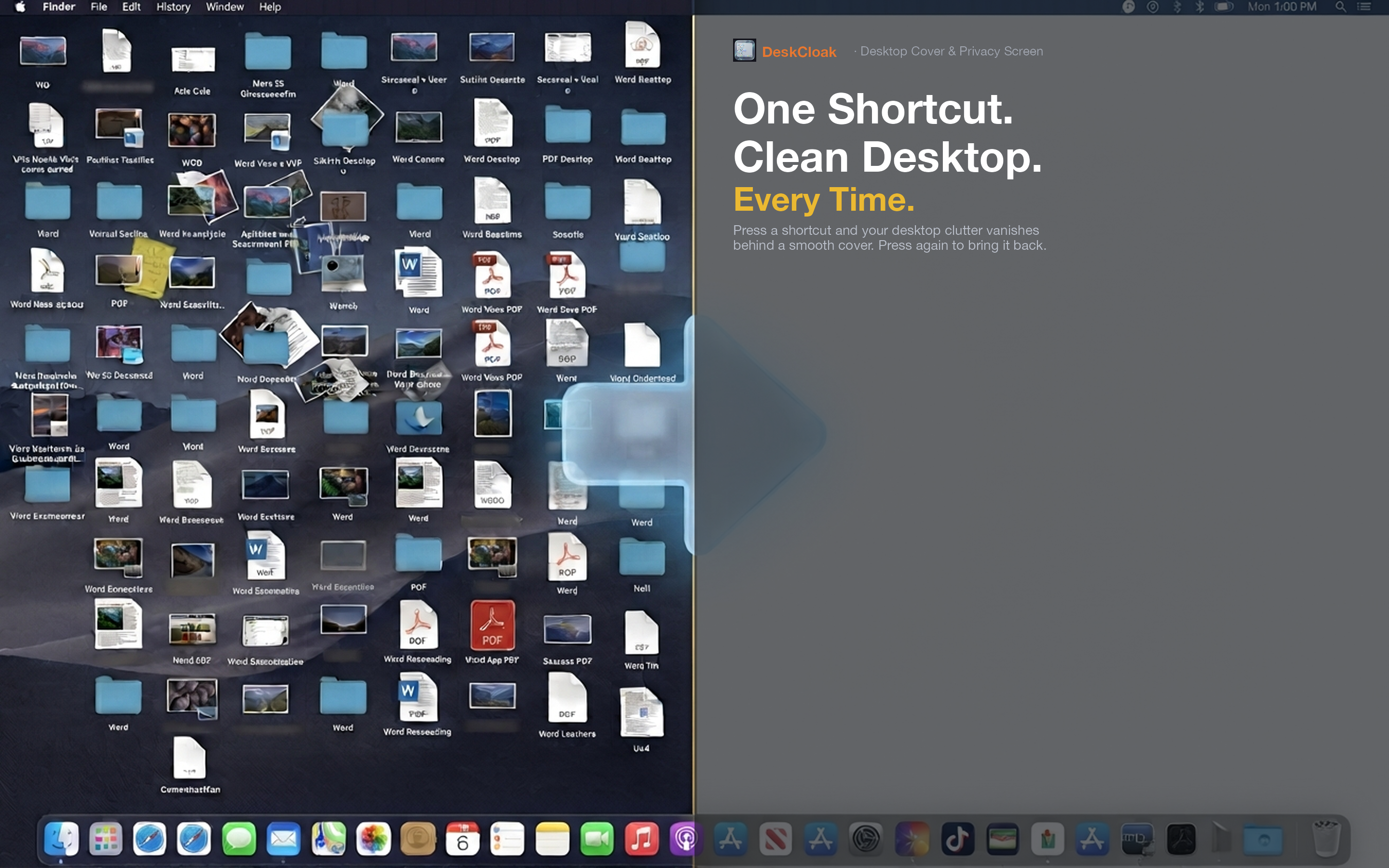
DeskCloak lets you set any image file as the overlay that covers your desktop. Pick a company logo, a piece of brand artwork, a favorite photo, or a plain gradient you designed yourself — whatever fits the moment. Toggle it on and off independently of your actual system wallpaper.
Branded client demos
Agencies and consultants can set their company logo or a branded background as the overlay for client-facing calls, giving demos a more polished, deliberate look than a plain wallpaper.
Streaming overlays
Streamers can use a custom image that matches their channel branding whenever their desktop is visible during a broadcast, keeping the visual identity consistent even in moments outside the main capture window.
Personal focus images
Some people prefer a specific calming image — a nature photo, a plain gradient, minimal art — reserved for deep work sessions, separate from the wallpaper they use the rest of the time. DeskCloak lets that be a one-click toggle rather than a full wallpaper change.