If you save contracts, financial statements, HR documents, or other clients' project files to your desktop — even temporarily — you're one accidental screen share away from a confidentiality issue. During a live demo, it's easy to forget exactly what's sitting on your desktop until someone asks you to switch apps or open Finder, and suddenly a sensitive file name is on full display.
Confidentiality risk isn't just about what you mean to show
Most privacy advice focuses on what you deliberately share — don't open the wrong tab, don't leave sensitive documents open in the background app. But desktop icons are a different kind of risk: they're passively visible any time your desktop is exposed, regardless of what you're actively doing. You don't have to open a confidential file for its name to be visible; it just has to be sitting there when your desktop shows through.
This is especially relevant for consultants, lawyers, accountants, healthcare-adjacent professionals, and anyone under an NDA — people for whom a visible file name alone (not even the content) could constitute a disclosure problem.
Remove the desktop as an attack surface
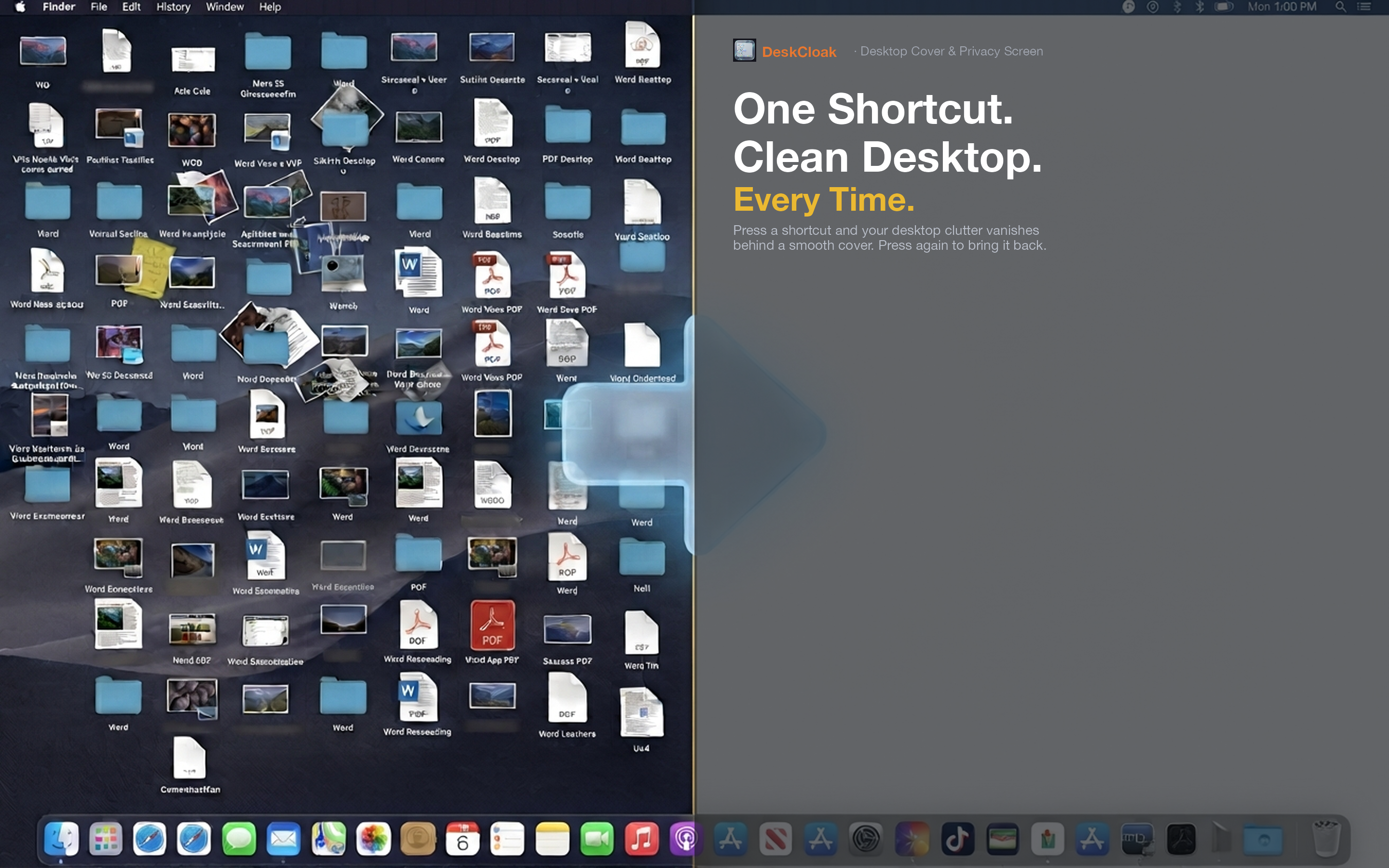
DeskCloak covers your entire desktop with a clean overlay before any demo or client walkthrough begins, so file names and folder labels are never exposed, no matter how the demo unfolds or which apps you end up switching between.
Legal and financial professionals
If your desktop routinely holds client-specific documents, activating DeskCloak before any external call removes the risk entirely rather than relying on remembering to move files beforehand.
Consultants working with multiple clients
When Client A shouldn't see any hint of Client B's project, a covered desktop guarantees separation. There's no risk of an autocomplete-style slip where a filename from one project becomes visible during a call with another.
Automatic protection during video calls
Set your conferencing app as a trigger app in DeskCloak so the overlay activates the moment a call starts, without requiring you to remember it under pressure. It lifts automatically once the call ends.