Teachers and lecturers project their screens more than almost any other profession — lesson slides, browser tabs for research, PDFs, grading spreadsheets. Between all of that switching, the desktop shows through constantly, and a room full of students has plenty of time to notice what's sitting there. Students are famously observant of anything that isn't the actual lesson.
The classroom adds its own pressure
Unlike a one-on-one client call, a classroom is a large, distractible audience. A messy desktop doesn't just look unprofessional — it actively pulls attention away from the material. A file named after another class, a personal folder, or a stray screenshot becomes more interesting to students than the lesson itself, at least for a few disruptive seconds.
Many teachers deal with this by keeping a strict "clean desktop" discipline, manually tidying before every class. But between lesson planning, grading, and everything else on a teacher's plate, remembering to clean the desktop before each period is one more task competing for limited time and attention.
One toggle before class starts
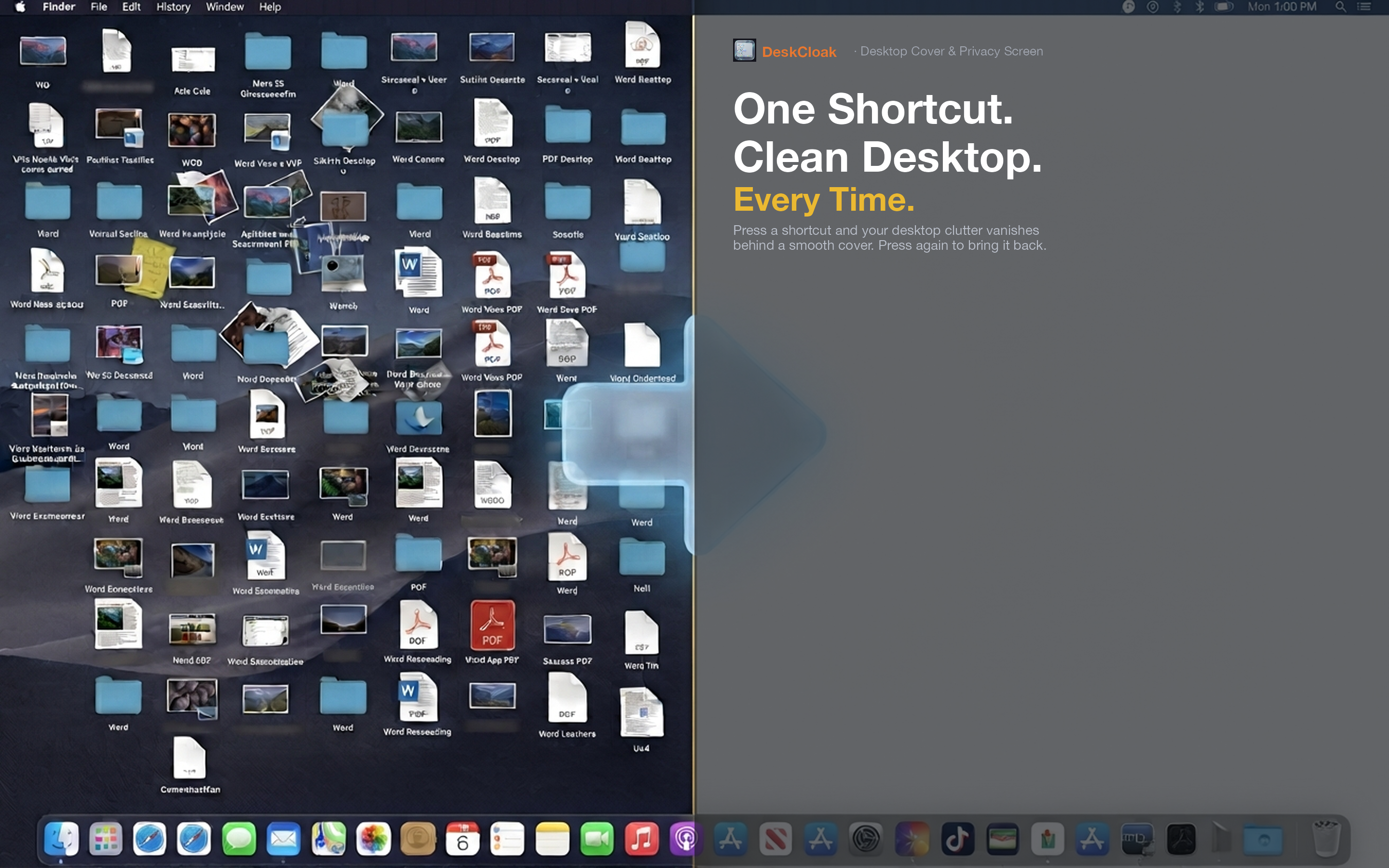
DeskCloak gives teachers a one-click way to present a clean desktop regardless of what's actually saved there. Toggle it on before connecting to the projector, and every transition between slides, browser windows, and apps shows a calm background instead of classroom-irrelevant files.
Lecture and seminar settings
University lecturers switching between slides, code editors, and research papers benefit the same way — a clean desktop background keeps student attention on the content, not on incidental clutter.
Shared classroom computers
On shared devices used by multiple teachers, DeskCloak offers a quick way to present a clean screen without needing to know or clean up what a previous user left on the desktop.
Remote and hybrid teaching
For teachers running virtual classes over Zoom or Google Meet, the same desktop exposure risk applies. Setting your video conferencing app as a trigger app means the overlay activates automatically for every online class, live or recorded.