The best way to make sure you never forget something is to stop relying on remembering it. That's the logic behind automating desktop cleanup: instead of hoping you'll toggle a hotkey before every Zoom call or recording session, you tie the action to something that already happens automatically — opening the relevant app.
Manual habits break under pressure
Even people who are diligent about cleaning their desktop before calls slip up occasionally — a meeting starts early, a call comes in unexpectedly, or you're simply focused on something else and forget the extra step. The cost of forgetting even once is a moment of exposed clutter or, worse, a confidential file name visible to the wrong person. A habit that depends on memory alone will eventually fail.
macOS doesn't offer native automation for this specific scenario. You could build a Shortcuts.app automation triggered by app launch, but it would still rely on the Terminal-based Finder toggle, with all its restart and disruption downsides.
App triggers that just work
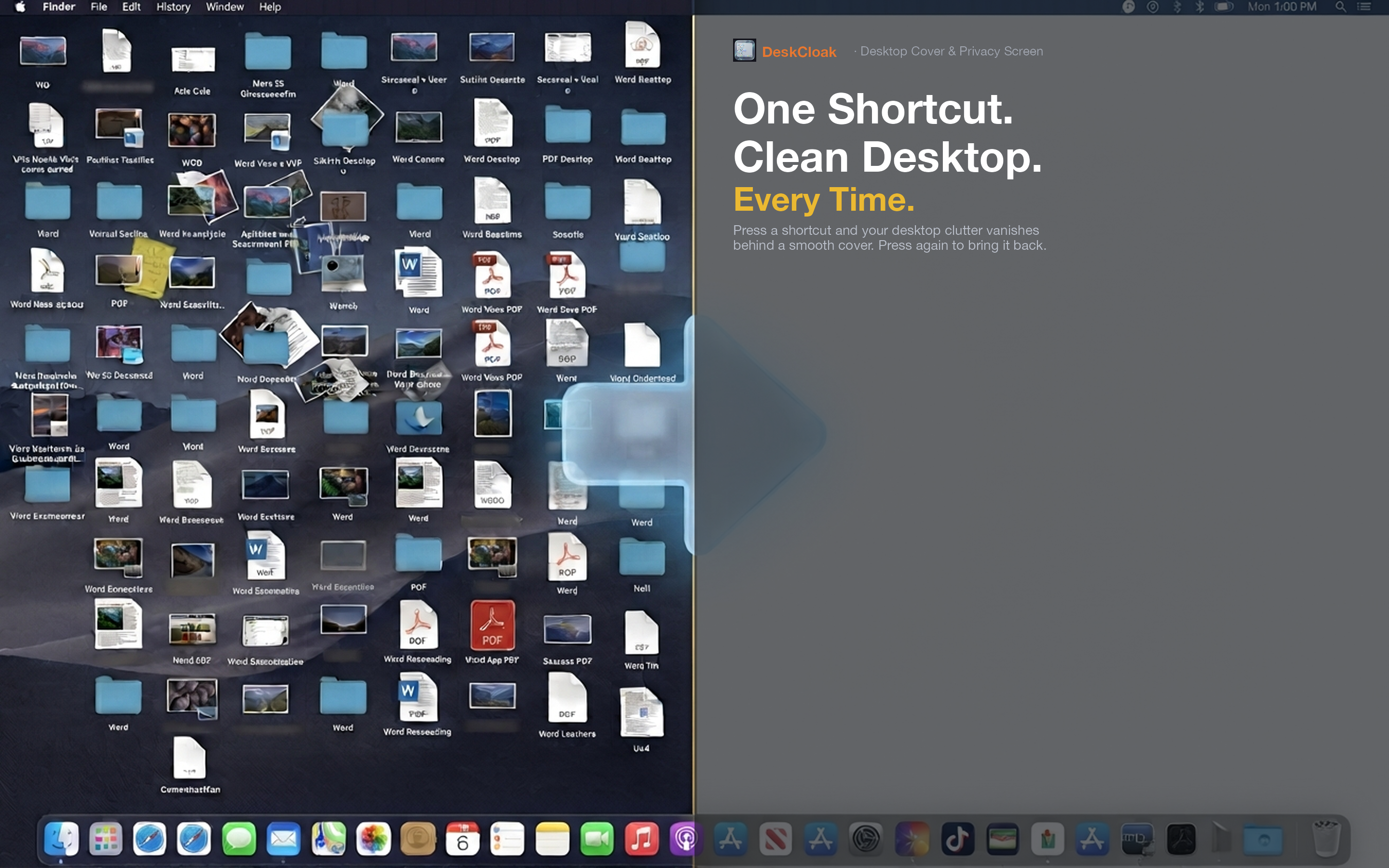
DeskCloak includes app triggers: a list of apps you designate, each of which automatically activates the desktop overlay the moment it launches, and lifts the overlay when the app quits. Set it up once and the automation runs silently in the background forever after.
Conferencing apps
Add Zoom, Microsoft Teams, Google Meet, or FaceTime as trigger apps so your desktop is automatically covered for every call, regardless of who scheduled it or how much notice you had.
Recording and streaming software
Set OBS, QuickTime, ScreenFlow, or your streaming software of choice as triggers so the overlay is always active whenever you're capturing your screen, without needing to remember it as a separate pre-recording step.
Multiple triggers, one setup
You're not limited to a single app. Add every relevant conferencing, recording, and presentation tool you use, and DeskCloak activates automatically no matter which one you happen to open that day.