You join a screen share and suddenly realize your entire desktop is on display. Client proposals, personal photos, that folder labeled "tax stuff" — all visible to your coworkers or clients. You scramble to close windows and hope nobody noticed the mess.
This happens constantly. Screen sharing on Mac broadcasts everything, and most people forget to clean up before they present.
macOS doesn't help with this
macOS has no built-in "hide desktop icons" toggle. The closest workaround is a Terminal command:
defaults write com.apple.finder CreateDesktop -bool false; killall Finder
This kills all desktop icons, but it also restarts Finder, which disrupts any open file windows. It's not something you can do mid-call. And when you want your icons back, you need to run another command and restart Finder again. It's clunky for something that should take one click.
Some people create a second macOS desktop space with nothing on it, but switching spaces during screen sharing often confuses the audience and can break the shared view in some conferencing apps.
Cover your desktop instantly with DeskCloak
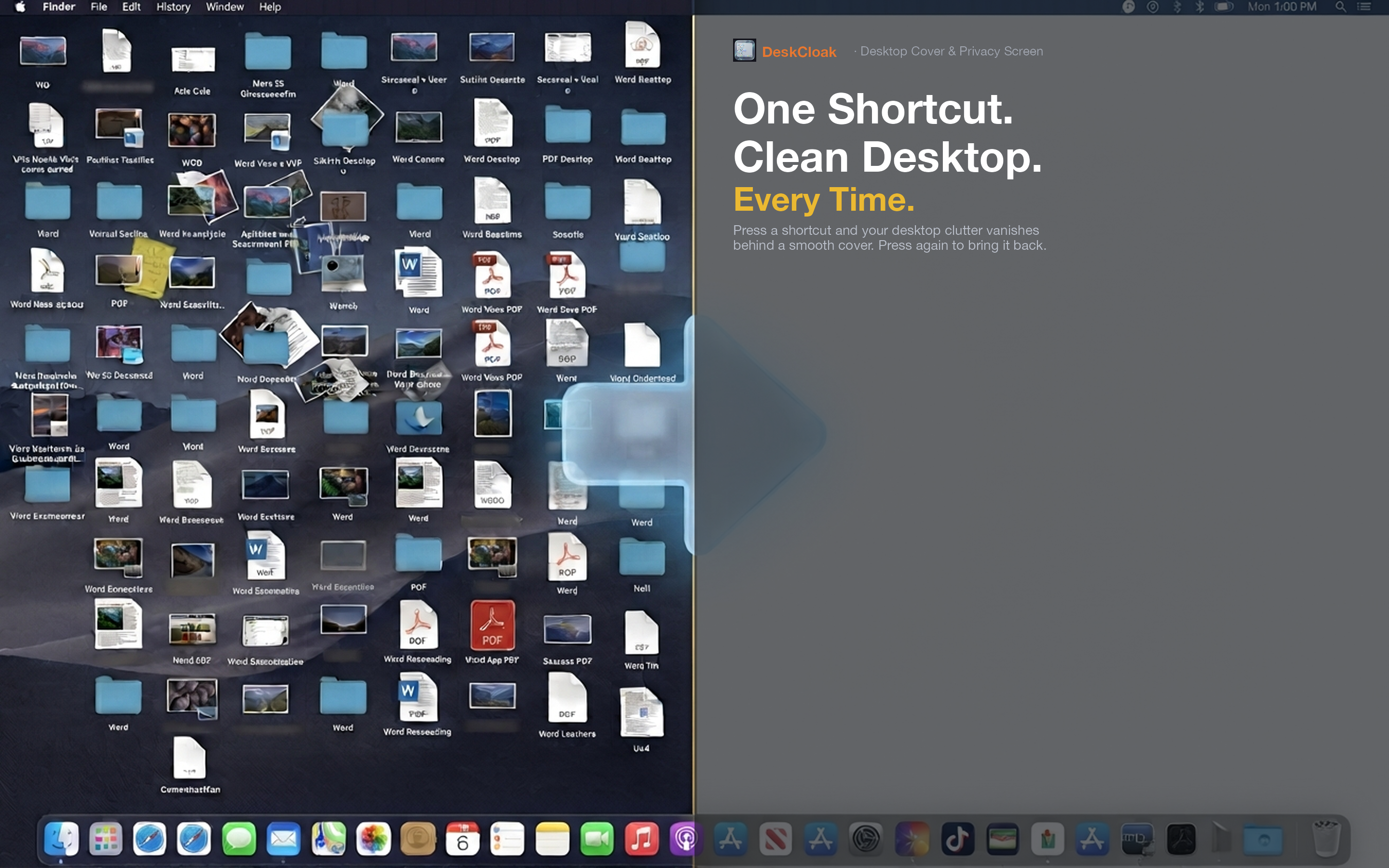
DeskCloak places a clean overlay on top of your desktop icons. The overlay sits above your icons but below your windows, so everything you're actually working in stays visible and functional. One click or a global hotkey toggles it on and off.
Client calls and demos
Before sharing your screen with a client, hit the hotkey. Your desktop shows a clean wallpaper — no file clutter, no distracting folder names. You look organized and professional. When the call ends, toggle it off and everything is right where you left it.
Team standups and pair programming
Daily standups and pair programming sessions mean frequent screen sharing. With DeskCloak, you never have to think about what's on your desktop. Set it to auto-activate when your conferencing app launches and forget about it entirely.
Multi-monitor setups
If you share one monitor while working on another, DeskCloak covers all displays simultaneously. No stray icons visible on any screen.