Hocus Focus and similar Mac utilities are built to manage window clutter — automatically hiding or minimizing inactive app windows so your screen isn't overwhelmed with a dozen open apps at once. They're genuinely useful for people juggling many windows throughout the day. But they don't touch your desktop icons at all, because that's simply not the problem they were designed to solve.
Window management and desktop clutter are separate problems
It's easy to conflate the two because both are about visual clutter on a Mac, but they operate on completely different layers. Hocus Focus and tools like it work on the window layer — the apps you have open. Your desktop icons live on a layer beneath all of that, unaffected by how many windows are hidden or minimized. Even with every window tucked away, your desktop icons remain fully visible the moment nothing is covering them.
If you searched for a "Hocus Focus alternative" hoping to solve desktop icon clutter specifically, you're actually looking for a different category of tool — one aimed at the desktop layer, not the window layer.
A tool built for the desktop layer specifically
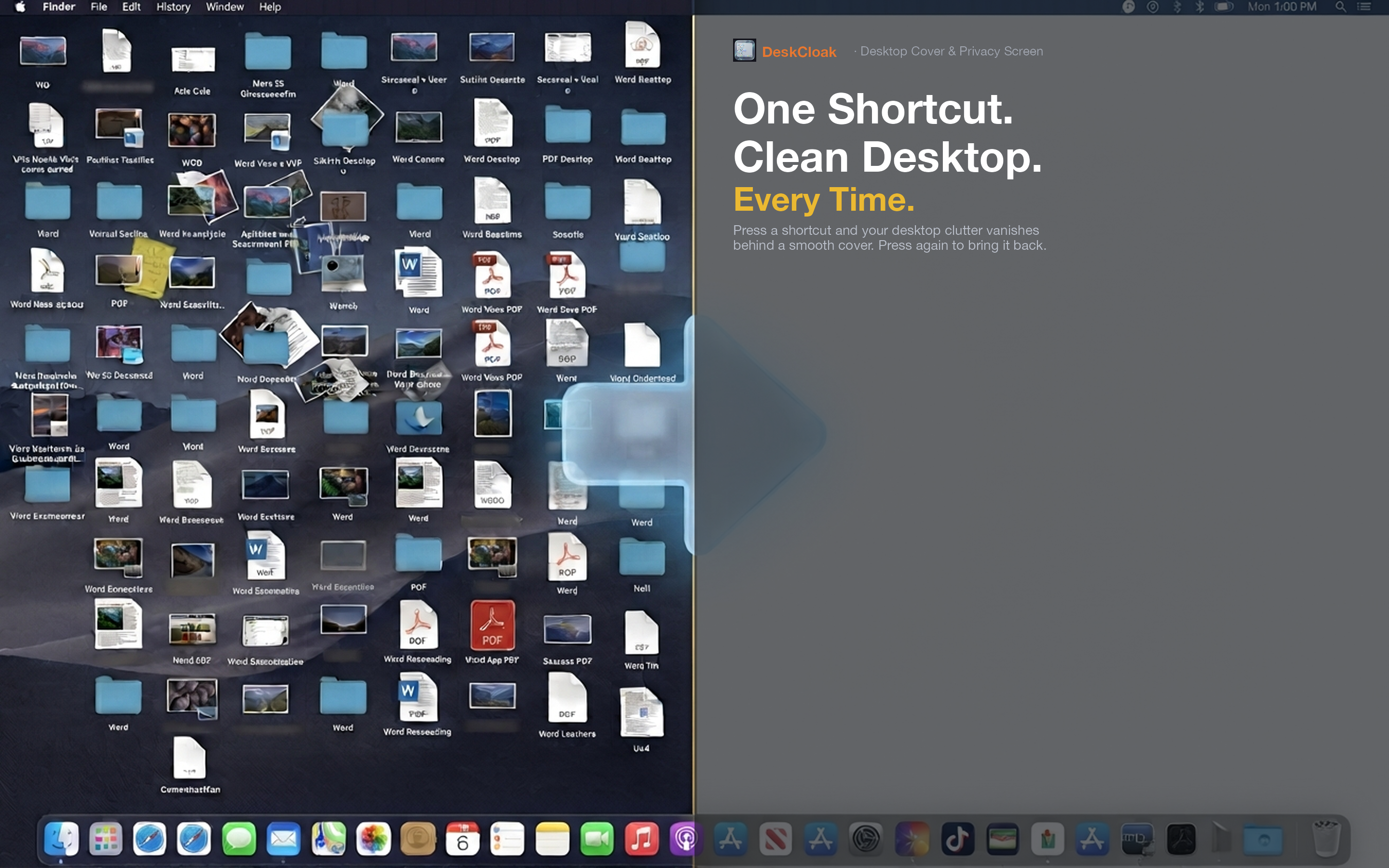
DeskCloak addresses exactly the layer that window managers don't: it places an overlay above your desktop icons and below your open windows, hiding the icon clutter itself rather than managing which windows are visible.
Complementary, not competing
If you already use Hocus Focus or a similar window manager, DeskCloak fits alongside it rather than replacing it. One handles which app windows are visible on screen; the other handles what's visible underneath all of them.
A single hotkey for the desktop layer
Just like a window manager toggles window visibility with a shortcut, DeskCloak assigns a global hotkey to toggle desktop icon visibility — instantly, without restarting Finder or disrupting anything else running.
Multiple background styles
Where window managers simply hide or show windows, DeskCloak gives you control over what replaces your icons: a wallpaper mirror, solid color, gaussian blur, or custom image, depending on the look you want for that moment.