Most distraction-free setups on Mac focus on notifications, browser tabs, and Slack pings. Do Not Disturb, website blockers, and full-screen mode all address the same category of interruption: things that pull your attention away mid-task. What they don't address is the passive visual noise of your own desktop — the icons, files, and folders sitting behind every window you open.
Passive clutter is still a distraction
You don't need to actively click on a desktop file for it to register. Every time you resize a window, close an app, or glance at an empty area of your screen, your desktop is briefly or fully visible, and your brain processes what's there — even if only for a fraction of a second. Over a full workday, that adds up to hundreds of tiny visual interruptions you never consciously notice but that chip away at sustained focus.
This is why a genuinely distraction-free setup needs to include the desktop itself, not just the notification layer. A clean visual environment supports focus in the same way a tidy physical desk does — even if you're not actively looking at either one most of the time.
Add the desktop to your focus routine
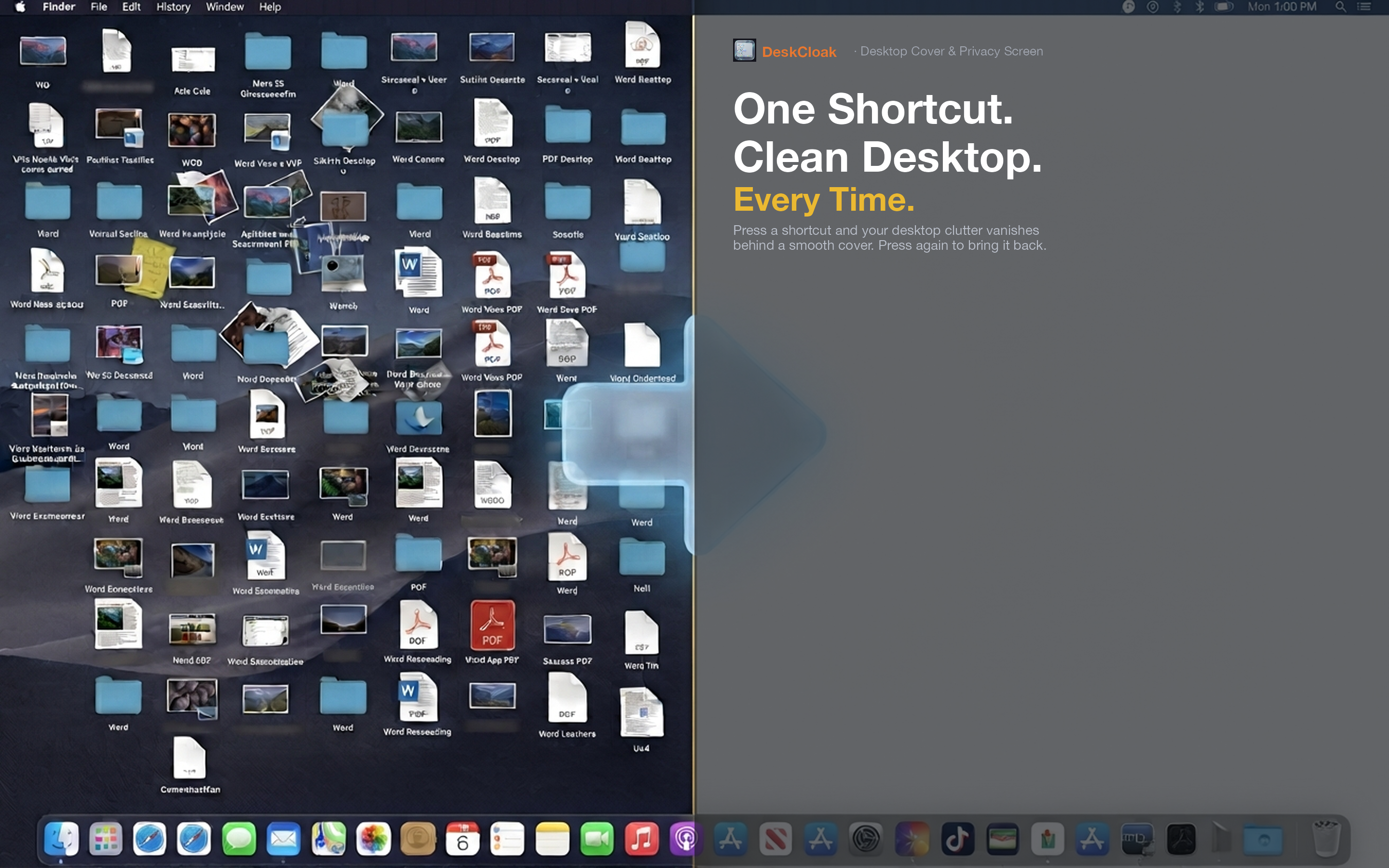
DeskCloak covers desktop clutter for the duration of a focus session, the same way Do Not Disturb covers notifications. Toggle it on when you start deep work, and every glance at your desktop shows a calm, uniform background instead of a scattered file collection.
Pair with focus apps
DeskCloak works well alongside website blockers and Focus modes in macOS. Together they cover the two main categories of digital distraction: things that actively demand attention, and things that passively clutter your visual field.
A visual cue for "work mode"
Some people use the overlay as a mental trigger — when the desktop is covered, it's a signal that a focus block has started. It works similarly to putting on headphones as a cue to concentrate.
No cleanup required
You don't have to actually tidy your desktop to get the focus benefit. The files stay exactly where they are; they're just not visually competing for your attention during the session.