You keep files on your desktop because they're active — documents you're editing, assets for a project, references you need throughout the day. Moving them into a folder to "hide" them doesn't make sense because then you lose the quick access that made the desktop useful in the first place.
But when someone sees your screen — in a meeting, a screen recording, or over your shoulder — all those working files look like disorganization. You need a way to hide them temporarily without changing where they are.
Why "just organize your desktop" isn't the answer
The advice to keep a clean desktop ignores how people actually work. The desktop is the most accessible location on a Mac. It's where screenshots land by default. It's where drag-and-drop operations often end up. It's the quickest place to save a file when you're in a hurry.
For many workflows, a "messy" desktop is actually a productive desktop — files are there because you're using them. The problem isn't organization. The problem is visibility at the wrong moment.
macOS offers no native way to temporarily hide desktop contents without either moving them or killing the Finder desktop process entirely. Stacks reorganize but don't hide. The Terminal command is a sledgehammer when you need a dimmer switch.
Visual hiding with DeskCloak
DeskCloak hides your desktop files visually without touching the file system. An overlay covers your icons — they're still on your desktop, still accessible through Finder, still in the same position. They're just not visible on screen.
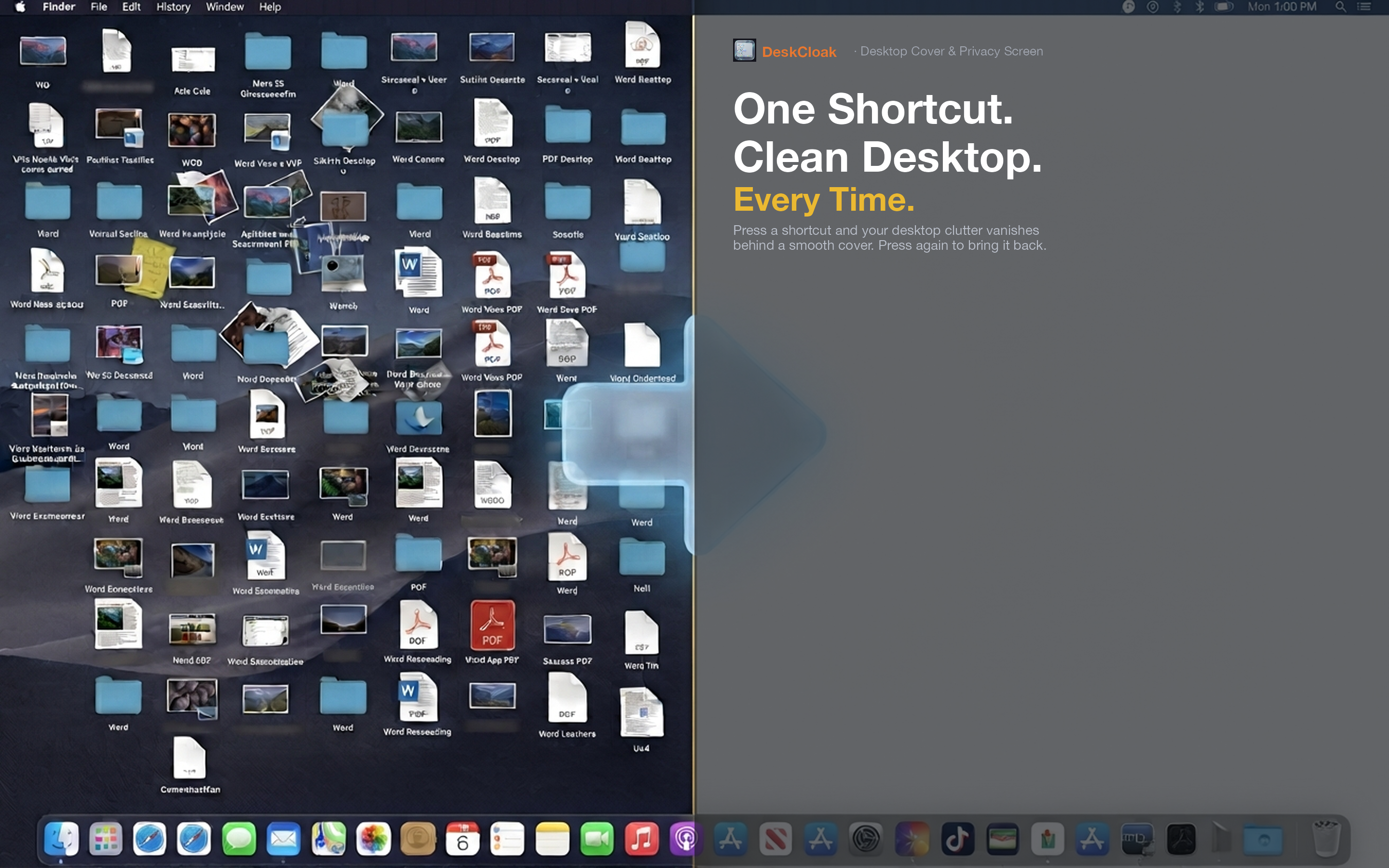
Files stay in place
Toggle the overlay off and every icon is exactly where you left it. No files moved to a temporary folder, no dragging things back to the desktop, no forgetting where you put something. Your spatial memory of where files are on your desktop stays intact.
Finder still works
Even with the overlay active, you can open Finder, navigate to your Desktop folder, and access any file. The overlay only affects what's visible on the screen surface — it doesn't block file access through other means.
Drag and drop continues
Files saved to the desktop while the overlay is active still land on the desktop. They're just hidden behind the overlay until you toggle it off. Your workflow doesn't change at all — only the visual presentation does.