Every time you move a window or glance at your desktop, your brain processes what it sees — unfinished reports, random screenshots, files you saved weeks ago and never dealt with. Each one is a tiny mental interrupt, a reminder of something you haven't done. It's the digital equivalent of working at a cluttered physical desk.
You might not realize it's affecting you, but research on visual clutter consistently shows that a messy environment reduces the ability to focus and increases stress. Your Mac desktop is no different.
The focus cost of desktop clutter
A desktop covered in icons creates what psychologists call "visual noise." Even when you're focused on an app in the foreground, every app switch, every window resize, every transition exposes the clutter. Your brain registers it whether you consciously look at it or not.
This is why many productivity systems recommend a clean physical workspace. The same principle applies to your digital workspace. But while you can sweep your physical desk into a drawer, macOS doesn't give you an equivalent for your desktop icons.
You could delete files, but many of them are there for a reason. You could organize them into folders, but that takes time you'd rather spend on actual work. And the clutter builds back up within days anyway because the desktop is where new files naturally land.
Cover the clutter, find your focus
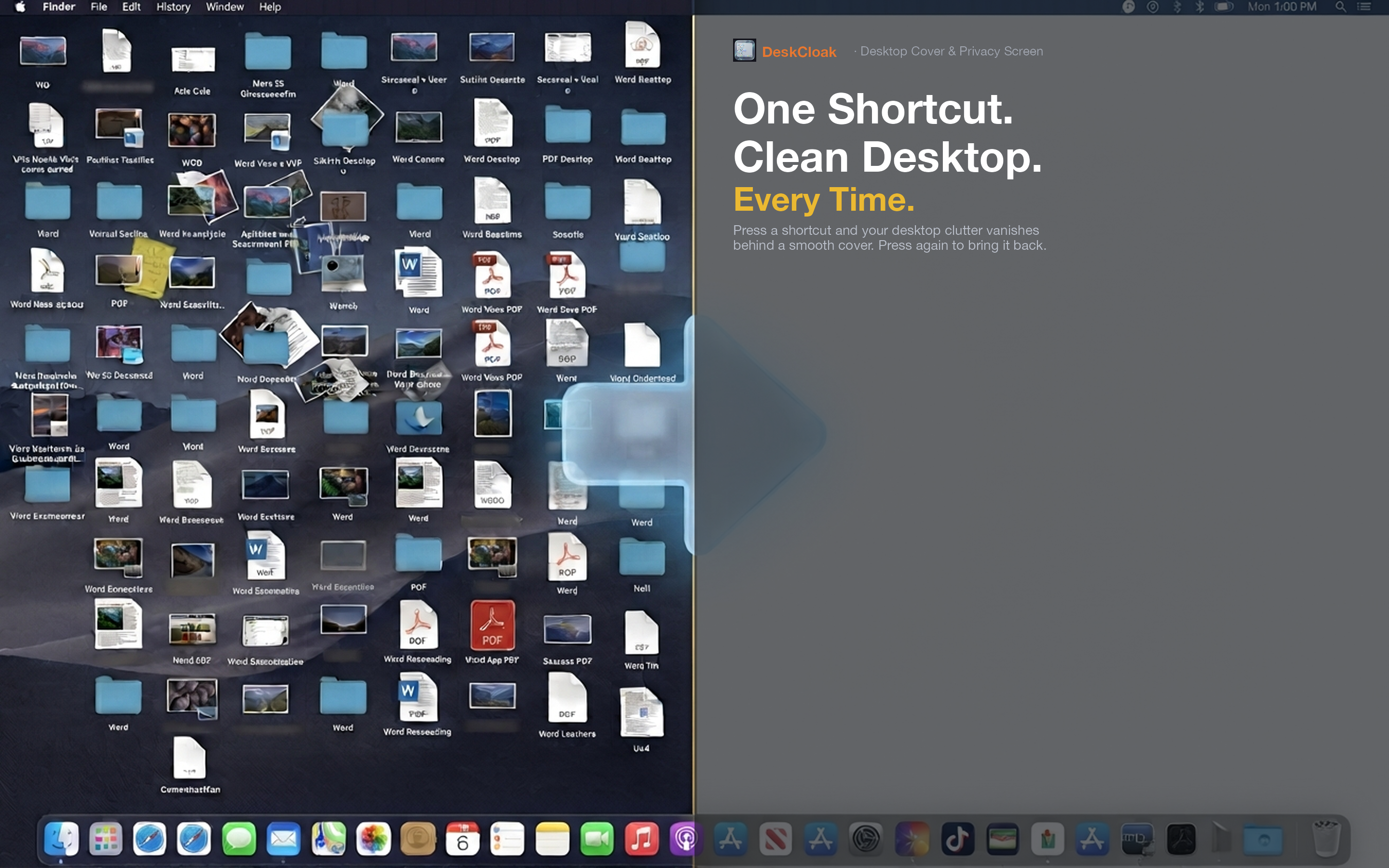
DeskCloak eliminates visual desktop clutter without requiring you to organize, delete, or move anything. Activate the overlay and your desktop shows a clean surface — wallpaper, solid color, blur, or a custom image. The files are still there for when you need them. They're just not demanding your attention.
Deep work sessions
When you need to concentrate — writing, coding, designing — toggle DeskCloak on. Every time you switch apps or move a window, you see a clean desktop instead of a reminder of twenty other things. It's a small change that removes a persistent source of distraction.
End-of-day reset
At the end of a long day, your desktop is usually at its messiest. Instead of spending ten minutes cleaning up, toggle DeskCloak on. Start the next morning with a visually clean workspace. Deal with the actual files when you have the energy for it.
Pair it with other focus tools
DeskCloak complements other focus strategies — Do Not Disturb, website blockers, full-screen mode. While those tools handle notifications and app distractions, DeskCloak handles the persistent visual noise of desktop clutter. Together, they create a genuinely distraction-free environment.