Someone on a call says "can you share your screen?" and your stomach drops. Your desktop is a disaster — screenshots from three days ago, a dozen PDFs, random images, and folders with names you definitely don't want your manager to see. You stall for a few seconds, frantically minimizing windows and hoping the mess isn't too bad.
We've all been there. And the worst part is that it keeps happening because there's no quick, reliable way to hide desktop clutter on the fly.
The scramble-and-pray method
Here's what most people do when caught off guard:
- Minimize all windows to check the damage (which makes it worse — now the whole desktop is visible)
- Quickly drag the most embarrassing files off-screen or into a folder
- Share a single window instead of the whole screen, limiting what you can show
- Hope nobody noticed the file called "job_search_2026.pdf"
None of this is a real solution. You're reacting in the moment instead of having a system in place. And sharing a single window restricts you — you can't easily switch between apps, open Finder, or show anything that requires navigating outside that one window.
One hotkey, clean desktop
DeskCloak gives you a panic button that actually works. Press your assigned hotkey and your desktop is instantly covered with a clean overlay. Takes less than a second. No files moved, no Finder restarted, no apps disrupted.
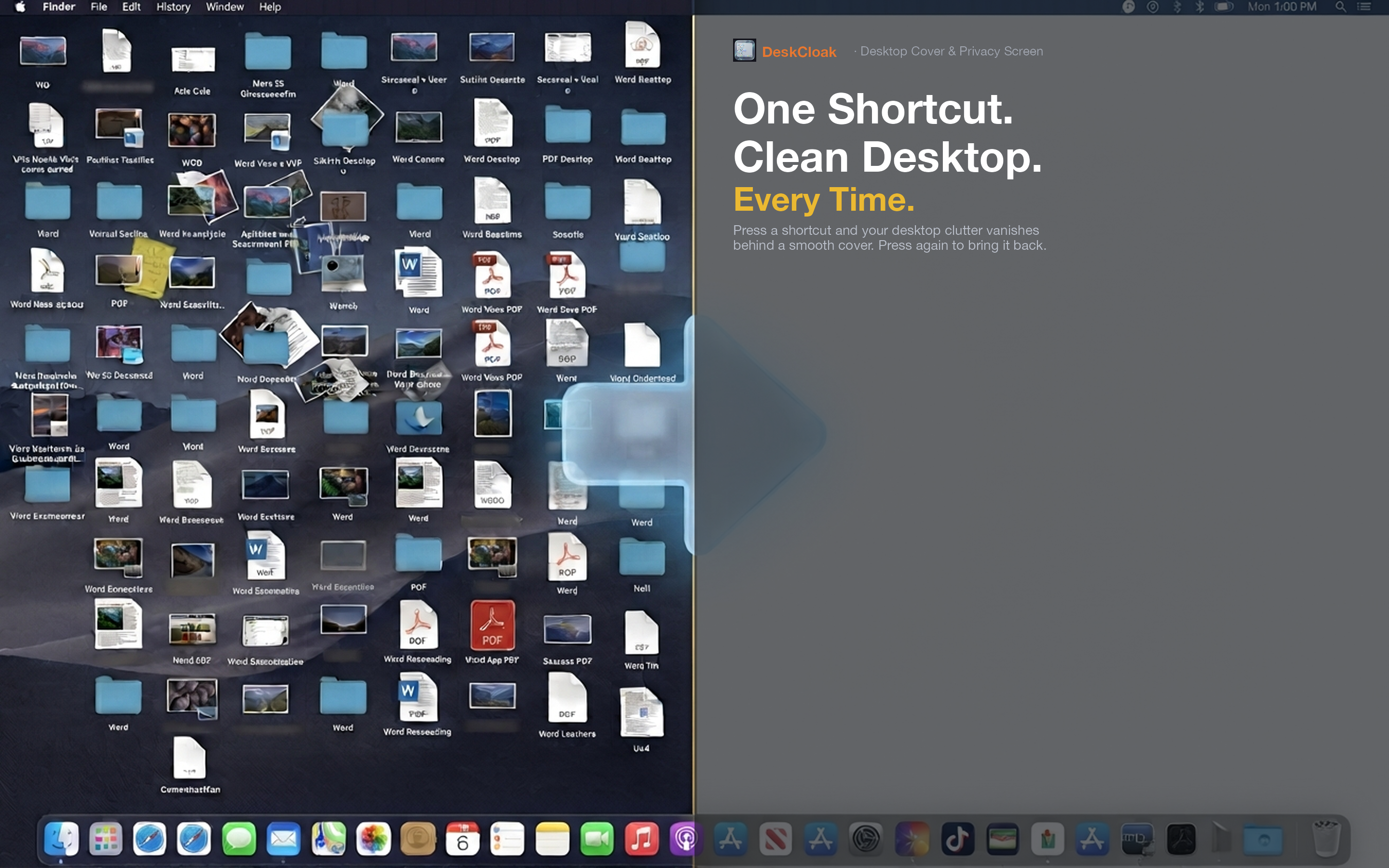
The "oh no" moment
Someone asks you to share your screen. You press your hotkey before clicking "Share." That's it. Your desktop looks pristine. You share your whole screen with confidence, switch between apps freely, and never worry about what's lurking behind your windows.
The proactive approach
Even better: set DeskCloak to auto-activate when your video conferencing app launches. Zoom starts, desktop is covered. You don't even need the hotkey. The overlay lifts when the meeting app closes.
The always-on option
Some people just leave DeskCloak on all day. The desktop is covered, the workspace feels cleaner, and there's never a risk of accidental exposure during an impromptu screen share. Toggle it off only when you need to grab a file from the desktop.