Every app launcher on macOS asks for something. Spotlight asks you to type. Launchpad asks for your whole screen. The Dock asks for permanent real estate at the bottom of your display, whether you're using it in that moment or not. None of them just sit quietly until you actually need to open something.
The menu bar, on the other hand, is already there. It never covers your work, never resizes, never demands attention. It's the one part of macOS that's always visible and never in the way — which makes it a natural home for a launcher, if only something used it that way.
The menu bar is underused as a launch point
Apple reserves the menu bar for status icons — Wi-Fi, battery, volume, background utilities. Almost nothing there is built for actively opening apps. That's a missed opportunity, because the menu bar has exactly the properties a good launcher needs: always visible, always in the same place, zero screen footprint until clicked.
Third-party menu bar apps exist, but most are single-purpose (a clipboard manager, a Wi-Fi switcher). Few are built specifically to hold and launch your everyday apps.
A launcher built for the menu bar
Jetty is an app launcher designed around the menu bar instead of around the Dock or a search box. Click the menu bar icon and a panel drops down showing the apps you've organized into it. Click an app, it launches, the panel closes. No typing, no full-screen takeover, no permanent Dock space.
Zero footprint when idle
Unlike the Dock, Jetty doesn't occupy screen space when you're not using it. It's a single small icon in the menu bar. Click it, get your apps. Click away, it disappears.
Multiple panels, one icon
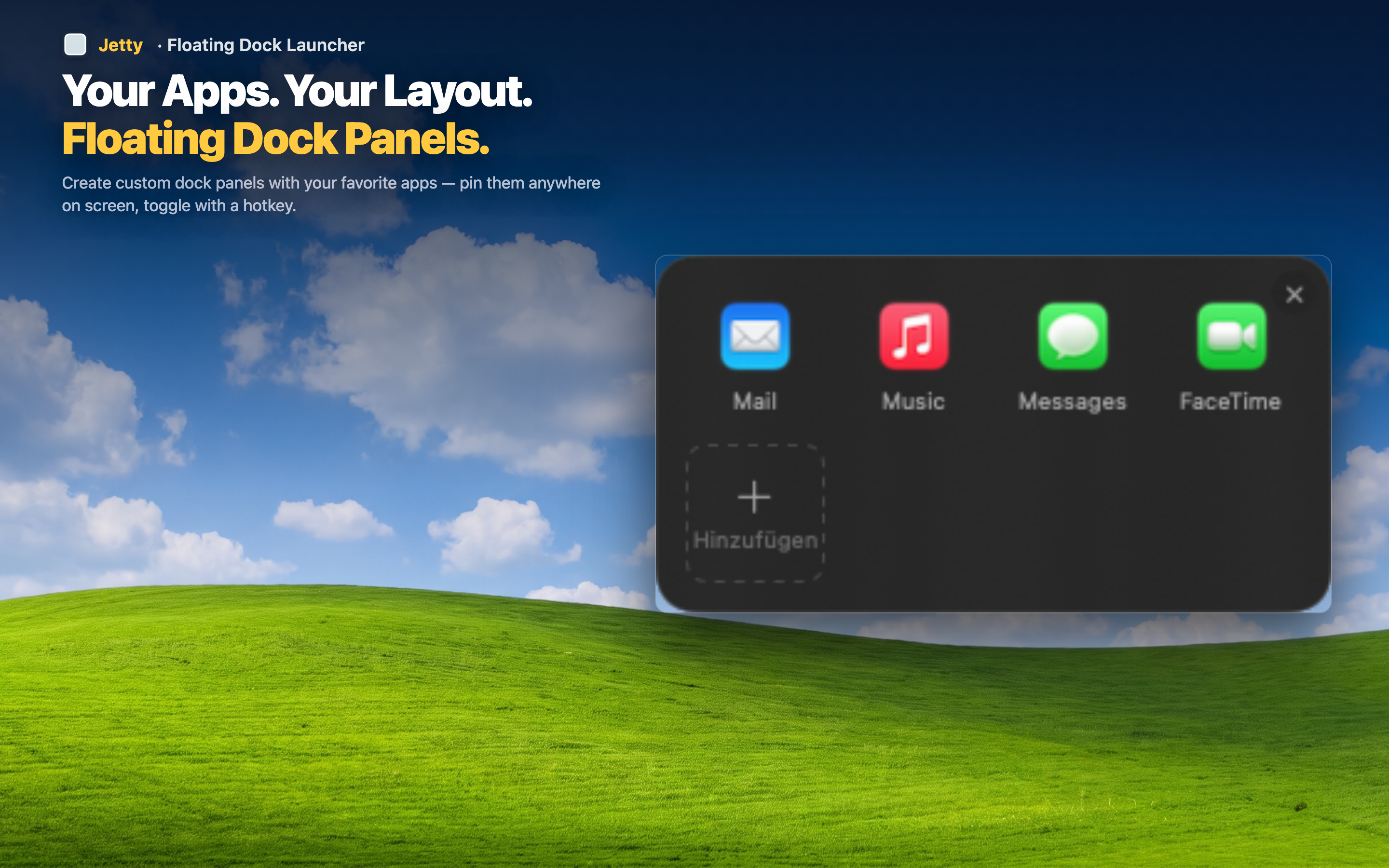
You're not limited to one flat list. Set up several named panels — one icon in the menu bar, but a full set of organized launch groups behind it, each holding whichever apps, folders, or files you decide belong together.
Works the same on every Mac
Whether you're on a 13" MacBook Air or a 32" external display, the menu bar sits in the same spot. Your launcher setup travels with you without needing to be rearranged for different screen sizes.