"App organizer for Mac" turns up a lot of results, but most of them solve a narrower problem than you'd expect. Some are file organizers that happen to touch apps. Some are uninstall utilities. A few are genuine launchers, but built around search rather than organization. If what you actually want is a way to group your apps into categories you define, the options thin out fast.
What "organizing apps" usually means on macOS
Out of the box, macOS gives you three ways to arrange apps: the Applications folder (alphabetical, no grouping), Launchpad (a grid you can drag into folders, but the folders are shallow and easy to lose track of), and the Dock (a flat strip with no categories at all). None of these let you build a structure that matches how you actually think about your work — by project, by client, by type of task.
Third-party folder-based tools can tidy your Applications folder, but that doesn't change how you launch things day to day. Organizing files isn't the same as organizing access.
An organizer built around panels
Jetty approaches this as a launching problem, not a filing problem. You create named panels in the menu bar — as many as you need — and drag apps, folders, and files into whichever panel they belong to. The organization lives in how you group things, not in where the files sit on disk.
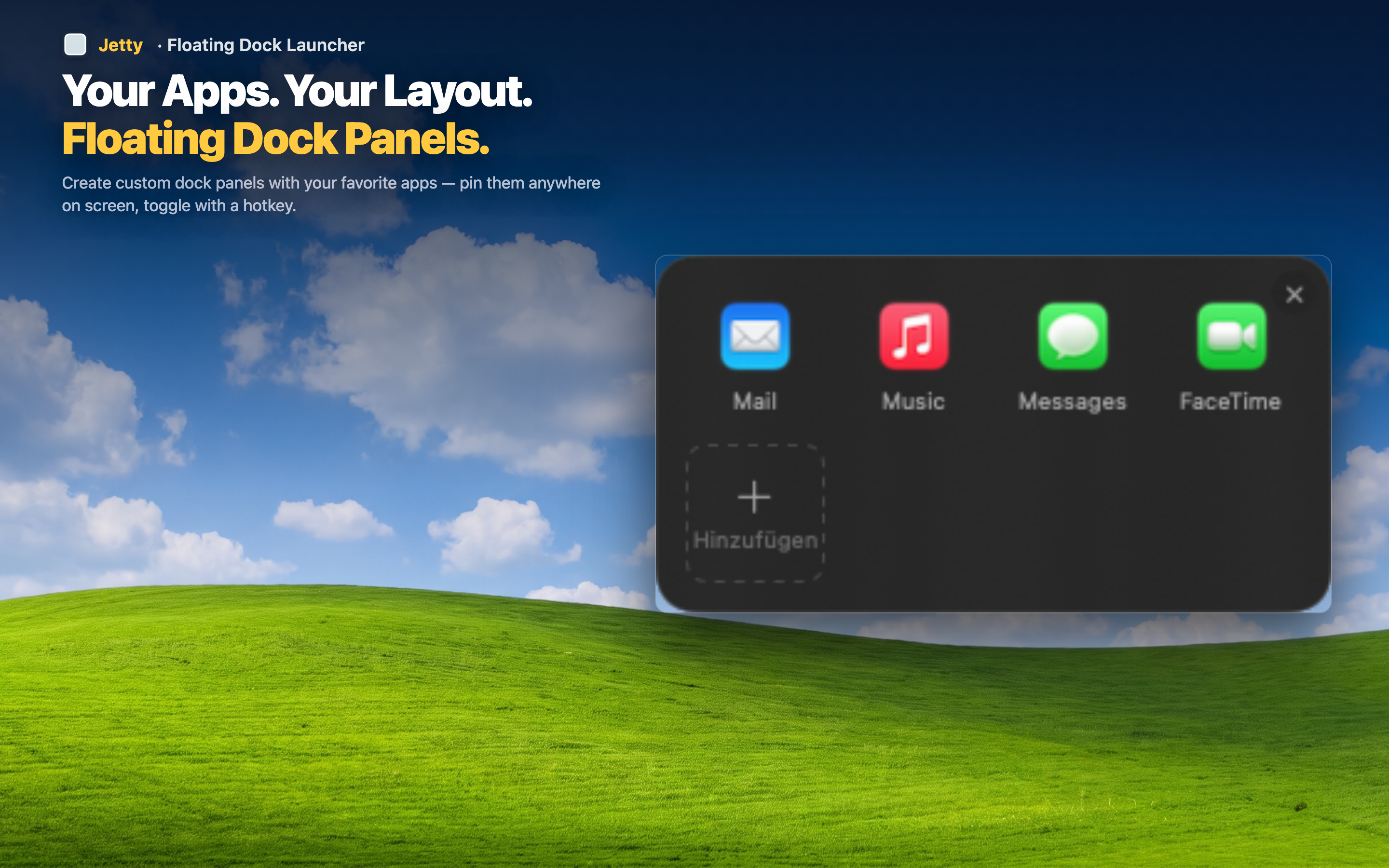
Categories you define, not ones macOS assumes
There's no default taxonomy to fight against. If "Writing," "Client A," and "Late Night Tools" makes sense to you, that's a valid set of panels. The organizer adapts to your mental model instead of forcing you into a generic one.
Mixed content, not just apps
A true organizer should handle more than application icons. Jetty panels accept folders and individual files alongside apps, so a project's tools and its working files can sit together.
Stays organized without upkeep
Once a panel is set up, it doesn't drift. New apps go into the panel you choose, when you choose. There's no automatic re-sorting or resetting to alphabetical order the way Launchpad folders sometimes behave.