You carefully arrange your Dock — most-used apps on the left, occasional ones on the right. Then you open an app that isn't pinned, and it appears in the middle of your carefully ordered layout while you're using it, then vanishes when you quit. Pinned icons stay put, but the mix of running and non-running apps means the Dock never quite looks the way you left it.
It's a small annoyance individually, but it means you can never fully rely on muscle memory — the position of an icon depends on what else happens to be open at that moment.
Why the Dock behaves this way
The Dock mixes two different things in one row: apps you've deliberately pinned, and apps that are currently running but not pinned. The second group appears and disappears based on what's open, shifting the position of everything to its right. There's no setting to fully separate "my fixed shortcuts" from "whatever happens to be running right now" — they share the same strip by design.
A layout that never shifts
Jetty keeps your app shortcuts in menu bar panels that are completely separate from what's currently running. An app's position in a panel doesn't change based on whether it's open, minimized, or quit. What you place where is what stays there.
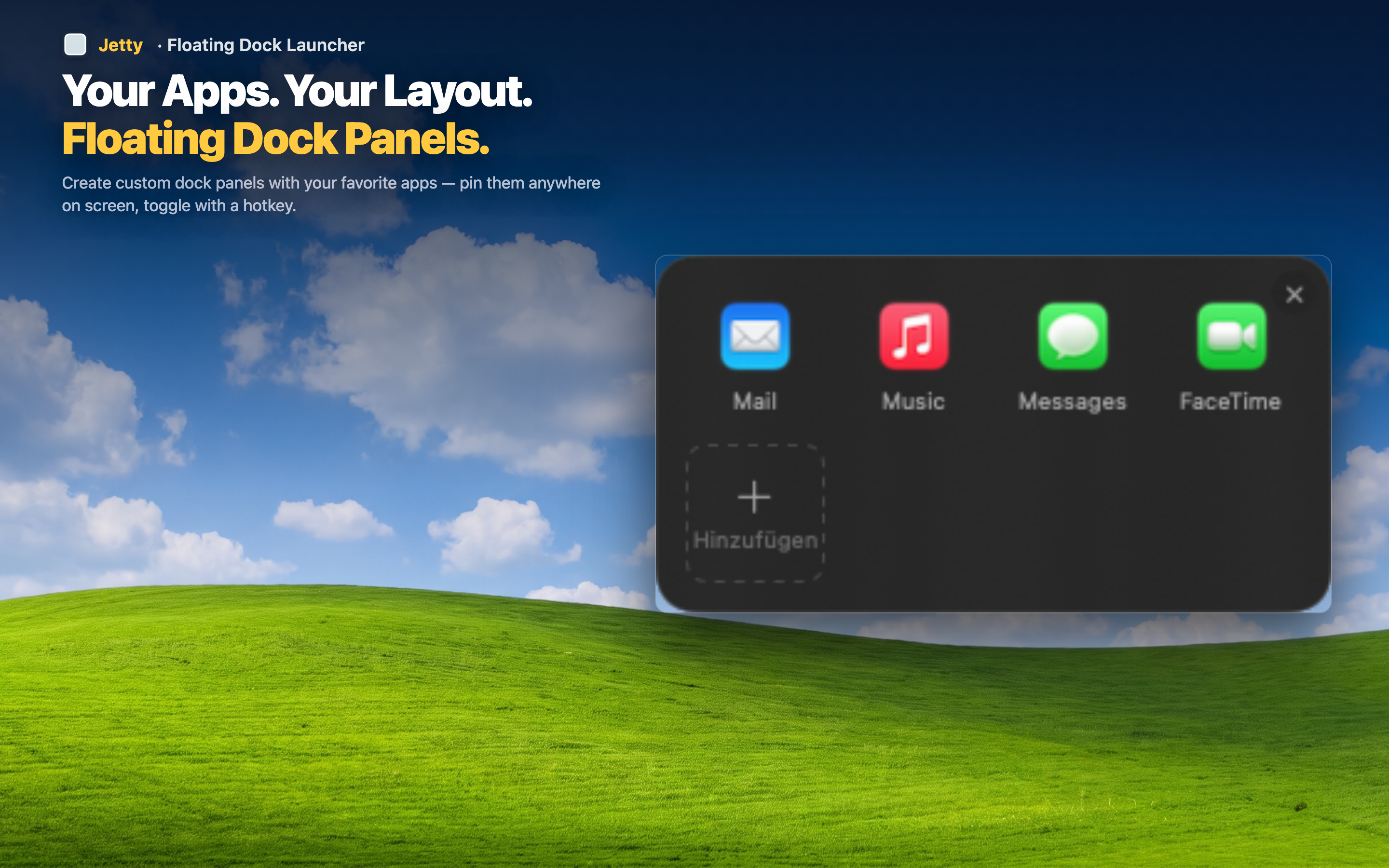
Position independent of app state
Whether an app is running, closed, or minimized has no effect on where it sits in a Jetty panel. The layout you build is the layout you keep, every single time you open the panel.
Real muscle memory
Because nothing shifts, you can learn the exact position of every app in every panel and click without even fully looking. That kind of reliable spatial memory is impossible to build on a Dock that rearranges itself.