The Dock and a menu bar launcher solve the same basic problem — getting to your apps quickly — but they take opposite approaches to screen space, organization, and how they scale as your app collection grows. If you're trying to decide whether to stick with the Dock or move to a menu bar-based setup, the differences are worth laying out plainly.
Where they differ
Screen space. The Dock occupies a fixed strip of your screen at all times (or delays access if auto-hidden). A menu bar launcher takes up one small icon and expands only when clicked, then collapses back to nothing.
Organization. The Dock is a single flat row — no categories. A well-built menu bar launcher can offer multiple named groups, letting you separate apps by project, client, or type of work instead of piling everything into one line.
Scaling. As you add more apps, the Dock either shrinks icons to fit or grows wider, both of which make individual icons harder to distinguish. A panel-based menu bar launcher scales by adding more panels, not by shrinking what's already there.
Visibility. The Dock is always partially visible, which some people like as a passive reminder of what's installed. A menu bar launcher stays out of sight until summoned, which others prefer for a cleaner desktop.
How Jetty fits into the comparison
Jetty is a menu bar launcher built specifically to address the Dock's organization and scaling limits, without asking you to give up the Dock entirely if you don't want to.
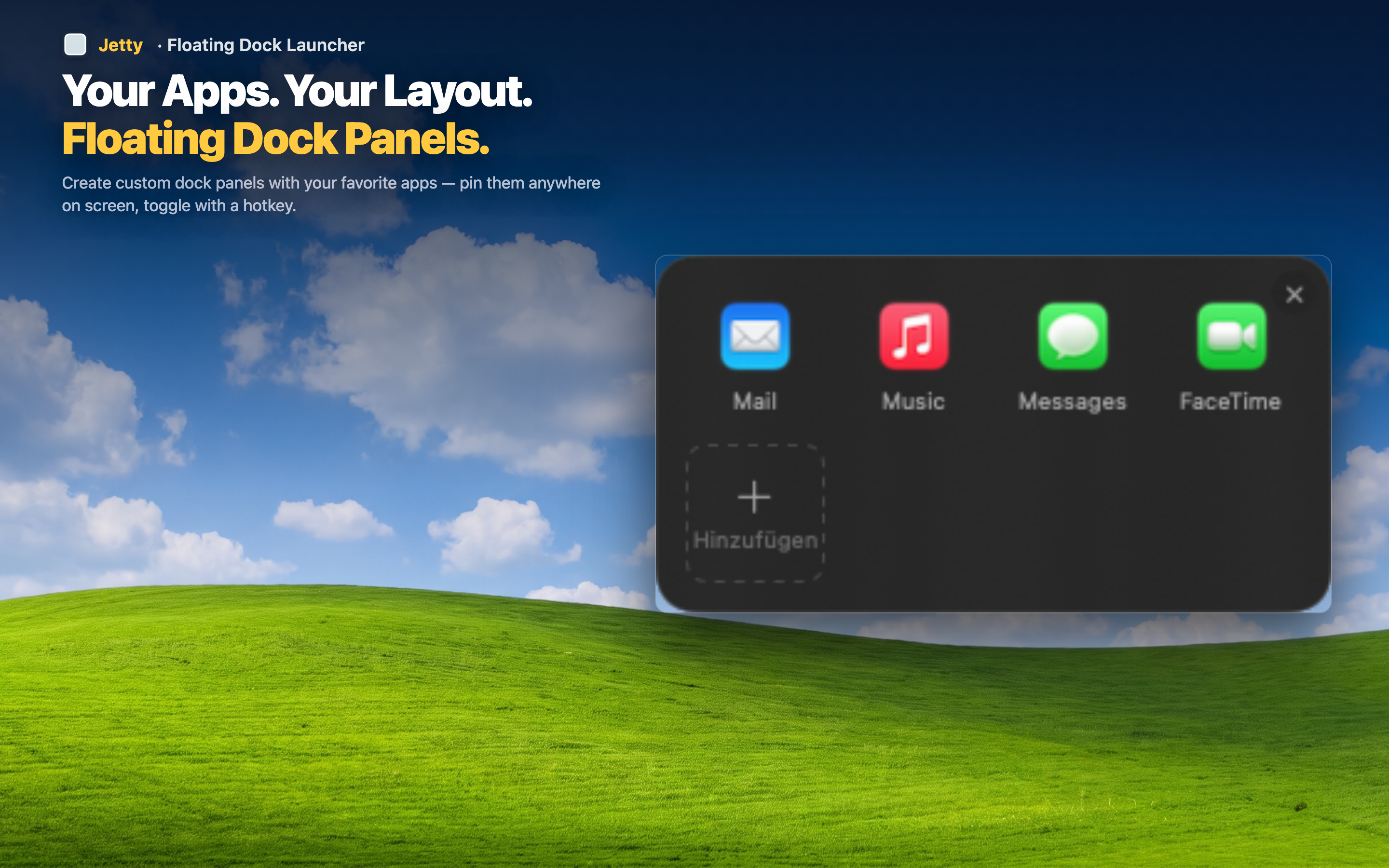
Not mutually exclusive
You can keep a minimal Dock with a handful of essentials — Finder, a browser — and move everything else into Jetty panels. Most people end up running both, each doing what it's better at.
Choose based on how many apps you use
If you only use six or seven apps regularly, the Dock alone might be enough. If you're managing 20, 30, or more across different projects, a panel-based menu bar launcher scales in a way the Dock structurally can't.