At some point you went into System Settings and turned on "Automatically hide and show the Dock." It seemed like a good idea — more vertical space, a cleaner screen. But now, every time you want to open an app, you have to remember to move your cursor all the way to the bottom edge, pause, and wait for the Dock to slide up before you can click anything. If you move too fast or click too early, nothing happens and you have to try again.
The screen space is nice. The friction every single time you want to launch something is not.
Why this trade-off exists
Auto-hide is an all-or-nothing setting. There's no middle ground where the Dock is smart about when to appear — it's either always there, taking up space, or always hidden, requiring a hover-and-wait gesture no matter how quickly you need an app. macOS doesn't offer a faster in-between option built in.
Keep the Dock hidden, launch instantly anyway
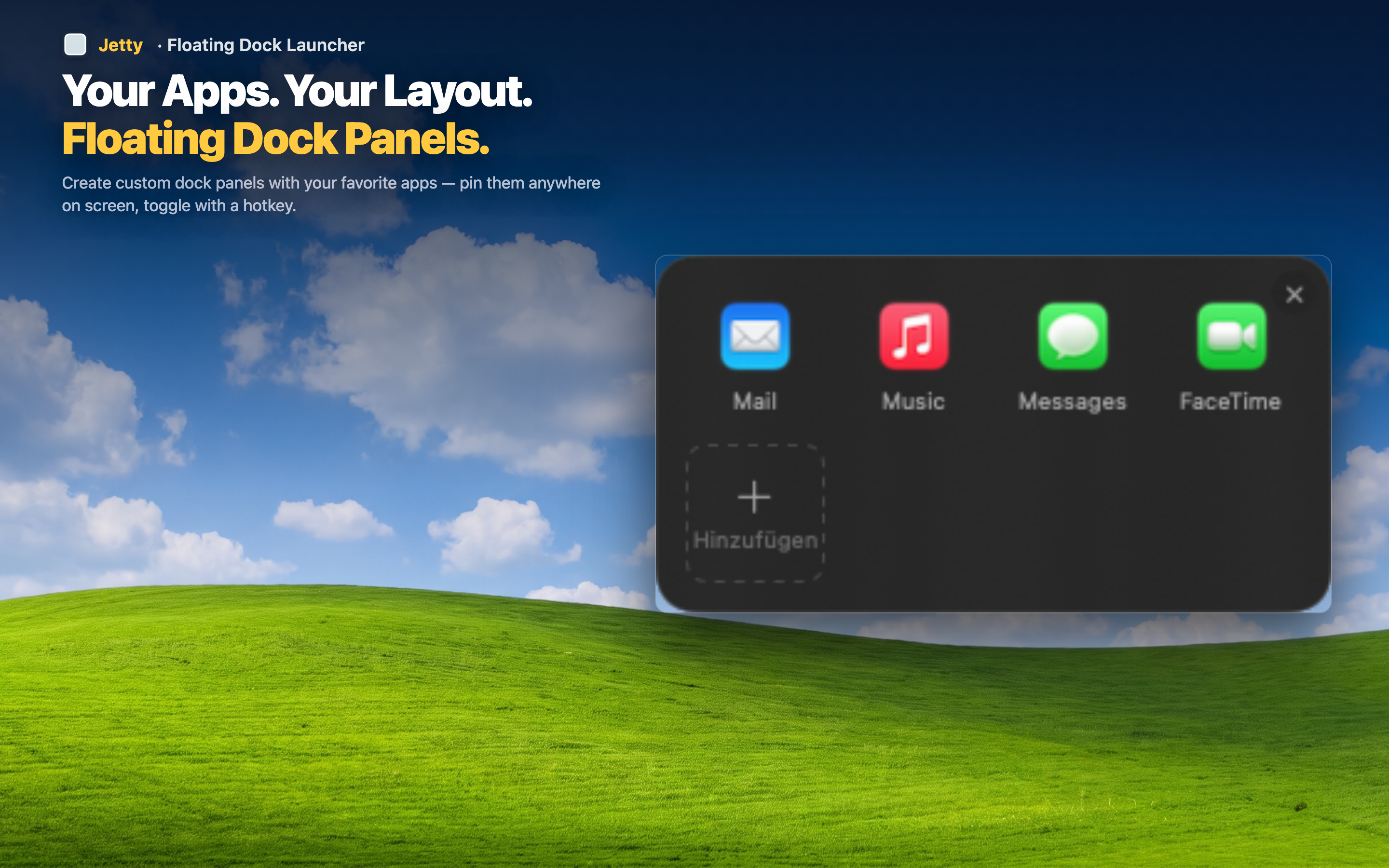
Jetty solves this by moving your app shortcuts somewhere that's always visible without taking up screen space: the menu bar. You can leave Dock auto-hide switched on permanently, because you no longer need the Dock to launch anything. Click the Jetty icon, your apps appear instantly — no hover, no wait, no failed attempts.
No more hover-and-wait
The menu bar doesn't hide or animate. It's simply there, all the time, at zero cost to your screen space. Clicking it is immediate — no delay to account for.
Full screen space, permanently
With the Dock hidden for good and Jetty handling your launches, you keep the vertical space auto-hide was supposed to give you, without the tax of a slow reveal every time you need an app.
Works the same with the Dock visible too
If you decide to turn the Dock back on later, Jetty still works exactly the same. It's not dependent on your Dock settings either way.