Raycast and Alfred are genuinely impressive pieces of software — clipboard history, custom workflows, calculator functions, window management, third-party extensions for dozens of services. Power users build entire productivity systems around them. But if your actual goal is simpler — "I want to open my apps faster, organized by how I use them" — that whole feature set is mostly overhead you'll never touch.
Installing a tool like this to solve a launching problem can mean spending more time configuring workflows and learning keyboard shortcuts than you save on the launching itself.
The complexity tax of an all-in-one tool
Keyboard launchers are built around typing commands and remembering syntax — a specific prefix for calculations, another for clipboard history, another for a custom workflow. That's valuable if you use most of it. If you only ever use it to open apps, you're carrying the mental overhead of a much bigger tool for a much smaller task.
A launcher that does one thing
Jetty is deliberately narrow in scope: it organizes and launches your apps, folders, and files from the menu bar. No command syntax, no extension marketplace, no settings panel to configure before it's useful. You drag apps into panels and click them to open. That's the entire learning curve.
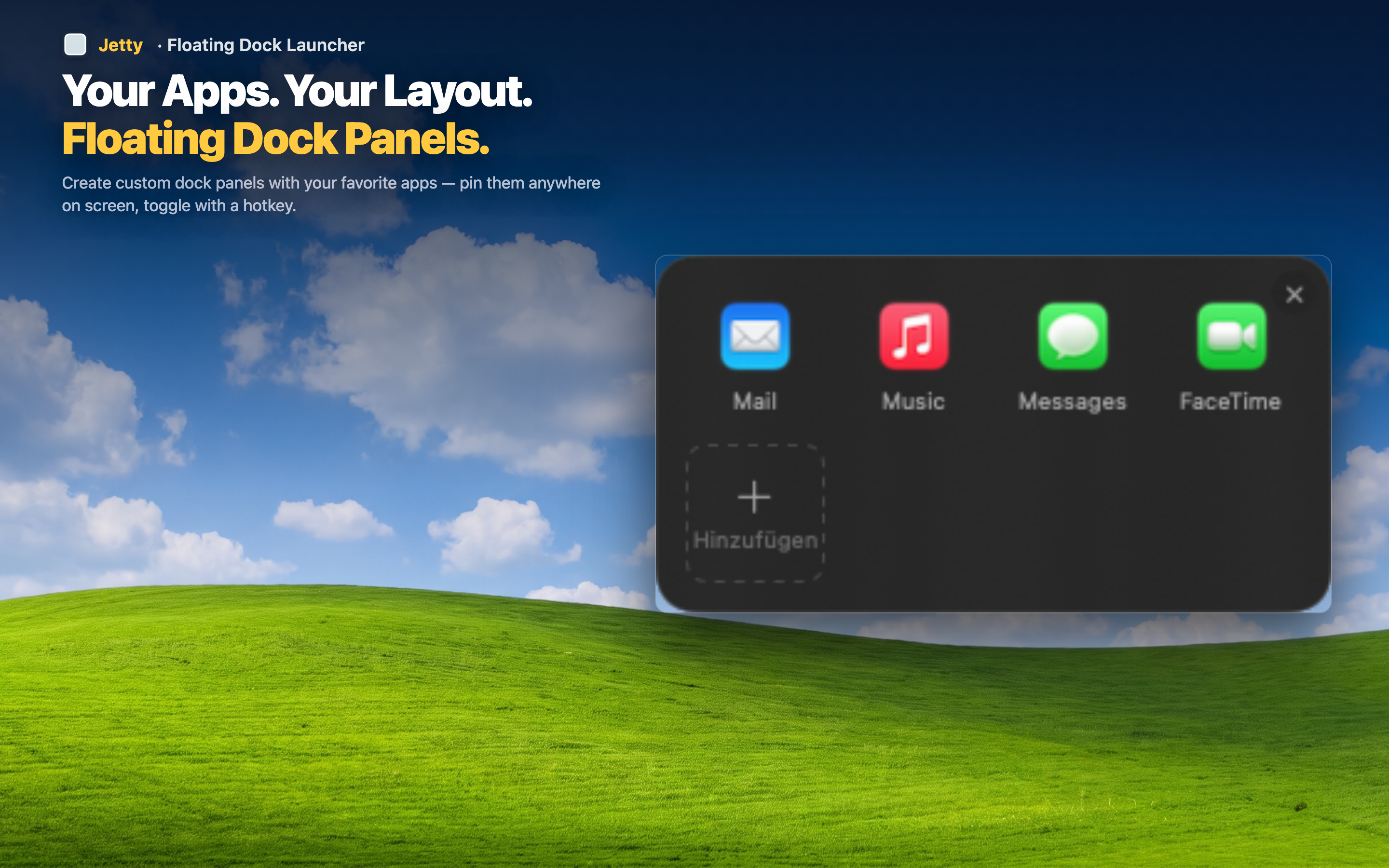
Visual, not command-based
Instead of typing and remembering names, you click on icons you've organized into groups. It's a launcher for people who think visually, not in query syntax.
No setup rabbit hole
There's no workflow store to browse, no extensions to evaluate, no plugin compatibility to worry about. Open it, drag your apps in, done.
Complements a keyboard launcher if you already have one
If you already use Raycast or Alfred for other things (clipboard history, calculations), you can still keep it around for that and use Jetty specifically for organized, visual app launching. The two aren't mutually exclusive.