It's a common habit: an app doesn't fit comfortably in the Dock, or you just want a quick shortcut, so you drag an alias onto the desktop. Do that a few dozen times over a couple of years and your desktop background disappears behind a grid of icons — some apps, some folders, some files you meant to deal with eventually. Finding anything means visually scanning a cluttered grid, and every new window you open covers part of it.
Desktop icons also don't survive well with Stage Manager or a clean-desktop habit — they're either hidden behind your windows or you've turned off desktop icons entirely and lost access to whatever was on there.
The desktop wasn't built to be a launcher
Desktop icons are a leftover convenience, not an organized system. There's no folder structure enforced, no grouping beyond however you've dragged things around, and no protection from windows covering them the moment you open an app. It's the least structured place on your Mac to keep quick-access shortcuts, yet it's where a lot of people end up keeping them by default.
Move desktop shortcuts into organized panels
Jetty gives those scattered aliases a proper home. Drag the apps, folders, and files currently cluttering your desktop into named menu bar panels instead. You get the same one-click access, minus the visual mess and the risk of losing shortcuts behind open windows.
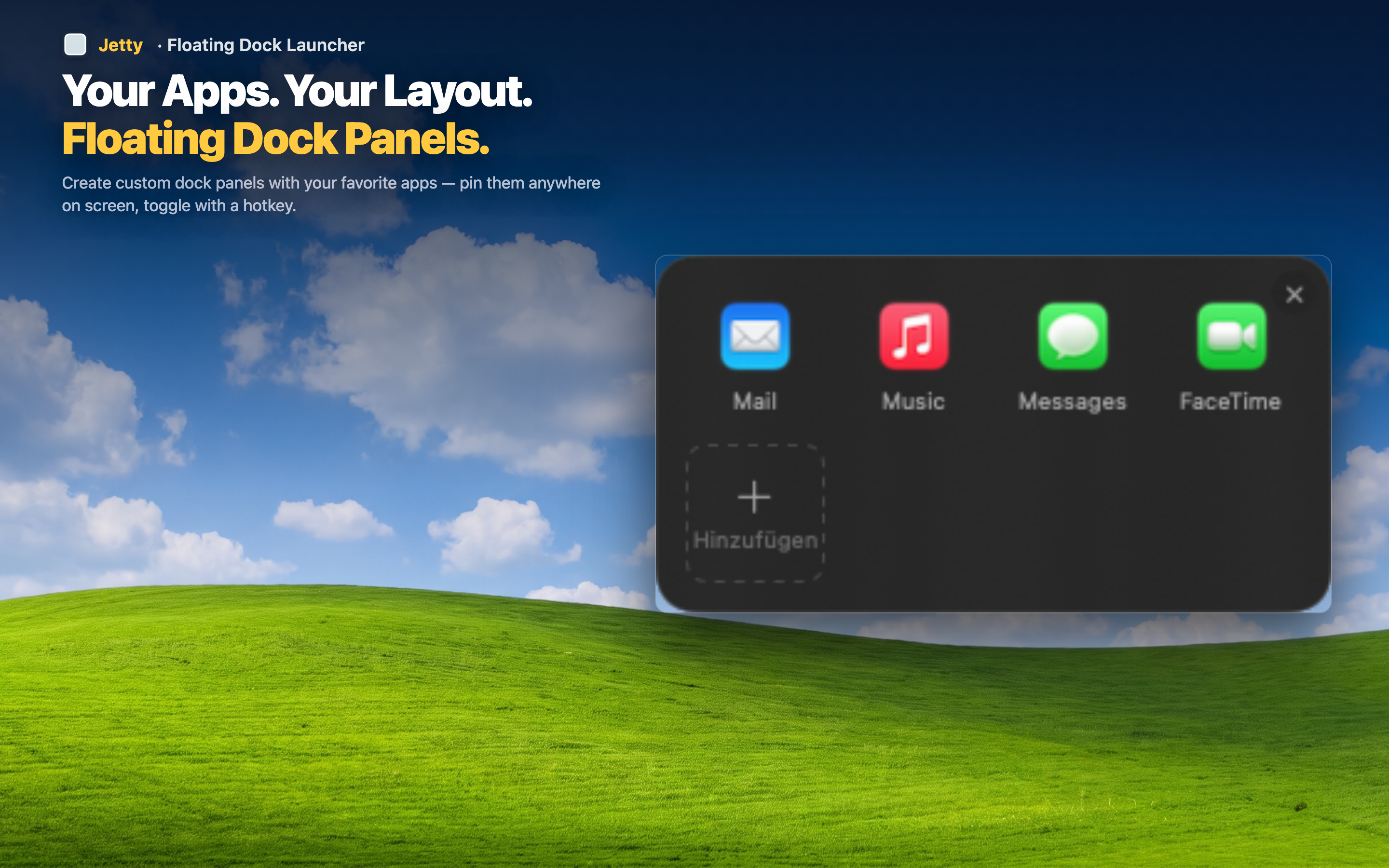
A clean desktop without losing access
Once your shortcuts live in Jetty panels, you can clear your desktop entirely — turn off desktop icons in Finder settings, use a clean wallpaper, whatever you prefer — without giving up quick access to anything.
Never hidden behind windows
Menu bar panels are accessible no matter how many windows are open or how they're arranged. Desktop icons, by contrast, disappear the moment something covers them.
Grouped instead of scattered
Rather than one undifferentiated grid, your shortcuts are sorted into panels that reflect actual categories — project folders with their apps, reference files with the tools that use them.