Productivity advice tends to focus on the same handful of categories: task managers, note-taking apps, calendar tools, time trackers. App launching almost never makes the list, despite being one of the most repeated actions on any Mac — you probably open apps far more often than you create a task or write a note. A faster, more organized way to launch apps is a productivity upgrade that's easy to overlook simply because it isn't flashy.
Why app launching deserves attention
Small, frequent frictions add up more than occasional big ones. Losing three or four seconds hunting for an app in a cluttered Dock or scrolling through Launchpad might not feel significant in the moment, but multiplied across 50-100 app launches a day, it becomes a meaningful chunk of wasted attention and time — not to mention the mental context-switch of remembering where something lives.
Where a dedicated launcher fits in
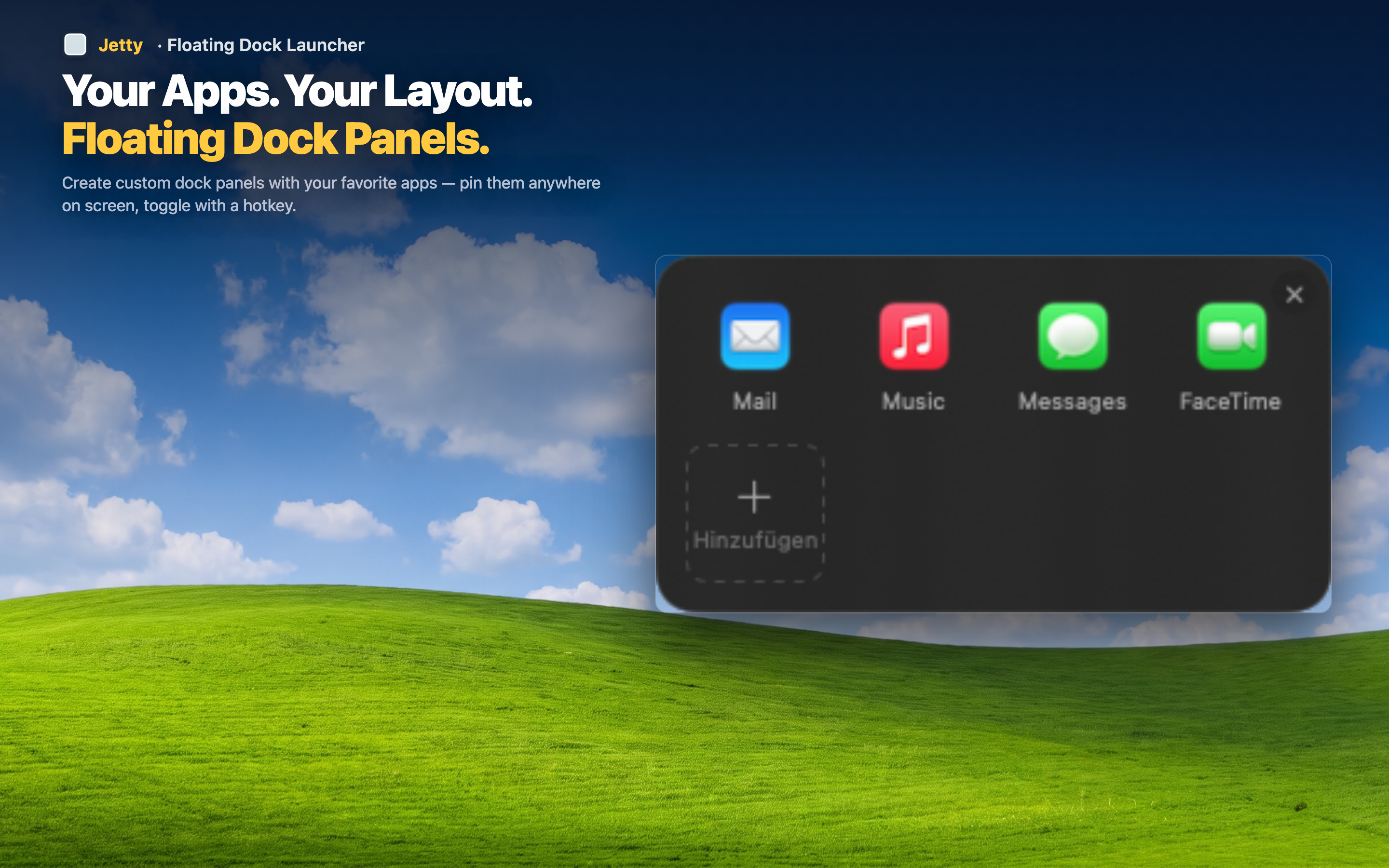
Jetty addresses this specific category directly. It's a menu bar app that organizes your apps, folders, and files into named panels, so launching anything is a fast, predictable, two-click action instead of a search or a hunt through a cluttered Dock.
Pairs well with task and note tools
A launcher doesn't compete with your task manager or notes app — it complements them. Put your productivity stack (task manager, notes, calendar) in one panel so the tools that run your day are as fast to reach as the work itself.
Reduces context-switch overhead
Every time you have to think about where an app lives, you spend a sliver of attention that isn't going toward your actual work. Organized, predictable launching removes that overhead almost entirely.
Scales with your toolset
As you add more productivity apps over time — a new time tracker, a new communication tool — a panel-based launcher absorbs them without becoming any harder to use, unlike a Dock that gets more cluttered with every addition.