Some files get opened constantly — a running project spreadsheet, a client brief, a document you're actively editing for days at a time. Each time, you either navigate through Finder to find it, dig through an individual app's "Recent Files" menu (which only covers that one app), or hope it's still in a recently-used list that hasn't scrolled off. None of these are especially fast, and none of them work consistently across different apps and file types.
macOS does have an "Apple menu > Recent Items" list, but it mixes apps, documents, and servers in one place, gets cluttered fast, and clears out items you still need the moment your recent activity pushes them off the list.
Recent-files lists aren't built for repeated access
Apple's Recent Items and each app's internal recent-files menu are both designed around recency, not intent. A file you open constantly can get pushed off the list by a dozen other things you opened once and don't care about. There's no way to pin a specific file permanently to a quick-access spot without leaving the file itself somewhere accessible.
Pin files where they won't get pushed out
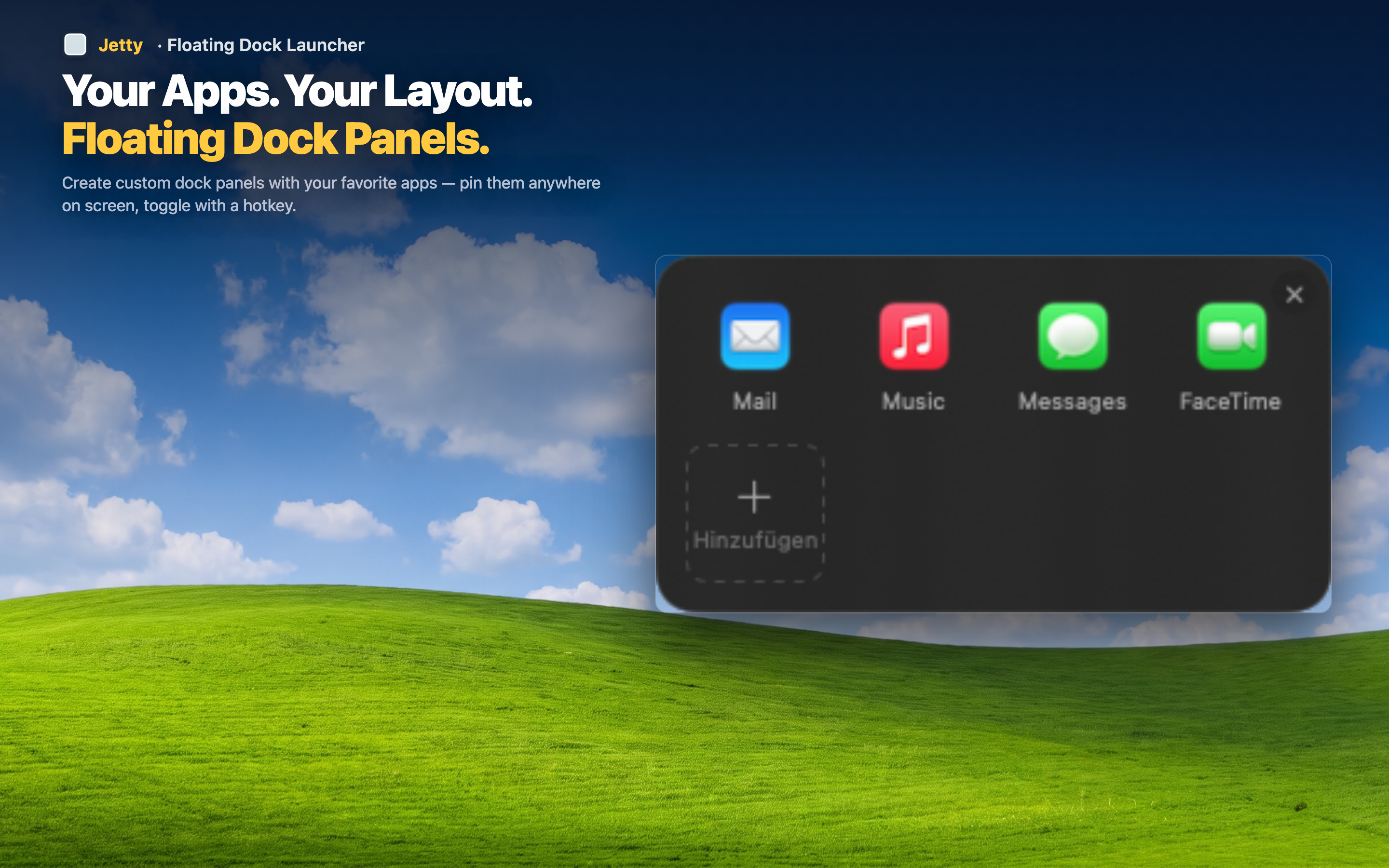
Jetty lets you drag any file directly into a menu bar panel, where it stays put regardless of what else you open afterward. Unlike a recency-based list, a file in a Jetty panel doesn't get bumped off by unrelated activity — it's there until you remove it.
One click instead of a Finder trip
A file that used to require opening Finder, navigating folders, and double-clicking now opens with a single click from the menu bar — no matter which app it belongs to.
Grouped with the apps that use them
Put an actively-edited spreadsheet in the same panel as the app you edit it with, or a reference PDF alongside the design tool you consult it while using. Files and their related apps stay together.
Not limited to one app's memory
Since Jetty tracks files you've deliberately added rather than relying on any single app's recent list, it works the same way regardless of which application owns the file.