Spotlight is great for finding obscure files or doing quick calculations. But for launching the same 15 apps you use every day, pressing Cmd+Space, typing a name, waiting for results, and pressing Enter is slower than it needs to be. It's a search tool, not a launcher — and for routine tasks, search adds friction.
You shouldn't have to type "Figma" for the hundredth time this week just to open it.
Why Spotlight isn't ideal for daily launching
Spotlight indexes your entire system. When you type "No," it might suggest Notes, Notion, Nova, a file called "November report," or a contact named Noah — before it shows the app you wanted. The ranking changes based on recency and relevance, so the same query doesn't always produce the same result. For apps you open reflexively, this unpredictability slows you down.
The Dock solves this for a handful of apps, but as discussed elsewhere, it doesn't scale. Launchpad shows everything alphabetically with no grouping. Neither gives you fast, organized, visual access to your working set of apps.
Visual launching from the menu bar
Jetty puts your most-used apps in organized panels accessible from the menu bar. No typing, no searching, no scrolling through alphabetical grids. Click the menu bar icon, see your panels, click the app. Two clicks, zero keystrokes.
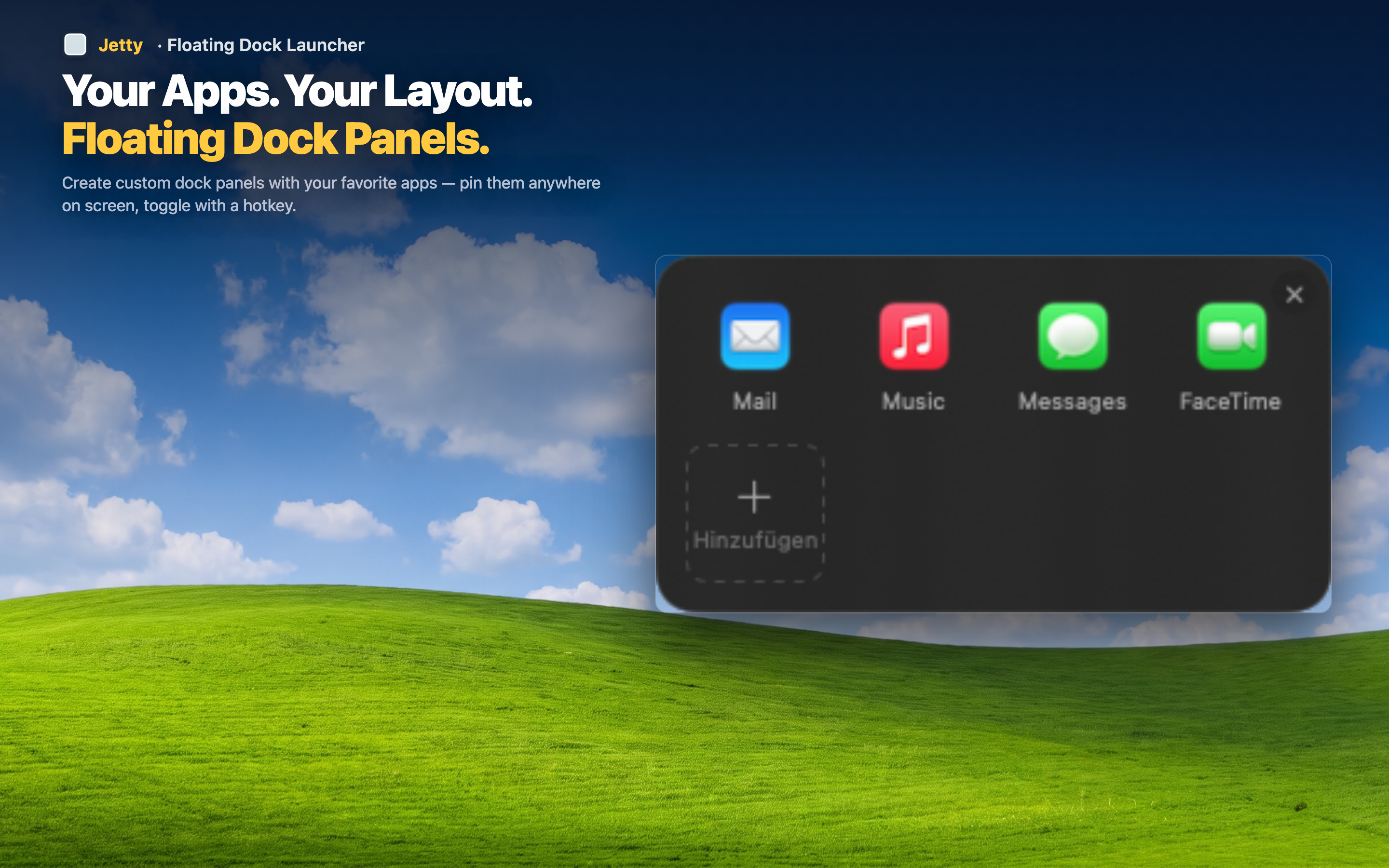
Muscle memory over search
Because your panels stay in the same order and your apps stay in the same position within each panel, you build spatial memory. After a day or two, launching any app becomes automatic — you know exactly where it is without reading labels.
Faster than keyboard launchers for visual thinkers
Not everyone thinks in text. If you're the kind of person who remembers an app by its icon rather than its name, a visual grid beats a text search every time. Jetty gives you that grid, organized your way.