The macOS Dock has looked and worked roughly the same since OS X. It's a single horizontal (or vertical) strip of icons with limited organization options. For some people it's fine. But if you use dozens of apps, work across multiple projects, or just want more control over how you launch things, the Dock starts to feel like a limitation rather than a feature.
What's wrong with the Dock
The core issues are structural:
- Flat list — no grouping, no categories, no hierarchy
- Fixed position — always visible (taking screen space) or auto-hidden (adding delay)
- Scales poorly — more apps means smaller icons or a wider Dock
- No context — the same Dock whether you're coding, designing, or writing
These aren't bugs — they're design choices. The Dock is meant to be simple. But simple and limited are different things.
Common alternatives
Spotlight / Raycast / Alfred — keyboard-driven launchers. Excellent if you think in text and remember app names. Less useful for visual thinkers or when you want to see your options at a glance.
Launchpad — a full-screen grid of every installed app. Good for discovery, poor for daily launching. Too many icons, no meaningful organization, and it takes over your entire screen.
Stacks in the Dock — you can add folders to the Dock's right side that expand into grids or lists. But they're limited to folders, not arbitrary app groupings, and the fan/grid view is clunky.
Panel-based launching with Jetty
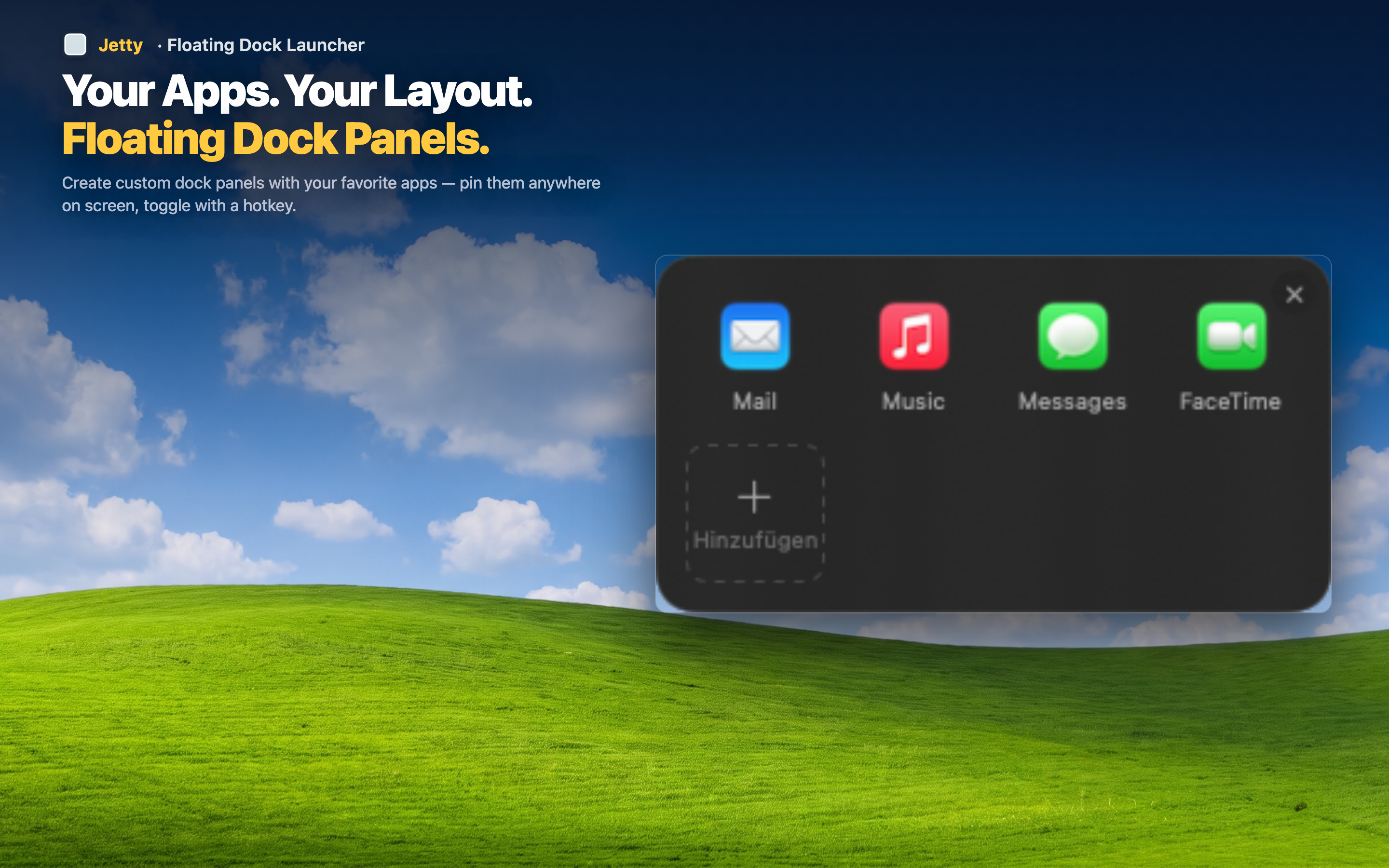
Jetty takes a different approach. Instead of one list or one search bar, it gives you multiple named panels in the menu bar. Each panel holds a curated set of apps, folders, and files that you organize by drag and drop.
Visual but organized
Unlike Spotlight, you see icons — no typing required. Unlike the Dock, they're grouped by meaning. Unlike Launchpad, you only see what you've chosen to include.
Complements rather than replaces
You don't have to give up the Dock entirely. Many people keep a minimal Dock (Finder, a browser, maybe a few daily essentials) and put everything else in Jetty panels. The two work well together.