You're deep in a design session — Figma, a browser with references, maybe a color tool. Then a message comes in and you need to jump to email, Slack, and a project management tool. Twenty minutes later you're back to design, but your screen is a mess of windows and you can't remember which Figma file was active. Sound familiar?
The problem isn't the apps. It's that macOS doesn't understand that certain apps belong together.
What macOS offers (and why it falls short)
Cmd+Tab shows every open app in a single row, sorted by recency. It doesn't distinguish between your design tools and your communication tools. They're all mixed together.
Mission Control / Spaces lets you spread windows across virtual desktops. This helps with window management, but it doesn't help with launching. If you haven't opened your design apps yet, Spaces can't help you find them.
Stage Manager groups windows, but the groups are automatic and often wrong. It decides what belongs together based on recency, not your intent.
Named groups you define
Jetty gives you named panels that act as app groups. You define what belongs together, and those groups persist. Switching between them is a click in the menu bar — not a hunt through Cmd+Tab or a swipe across Spaces.
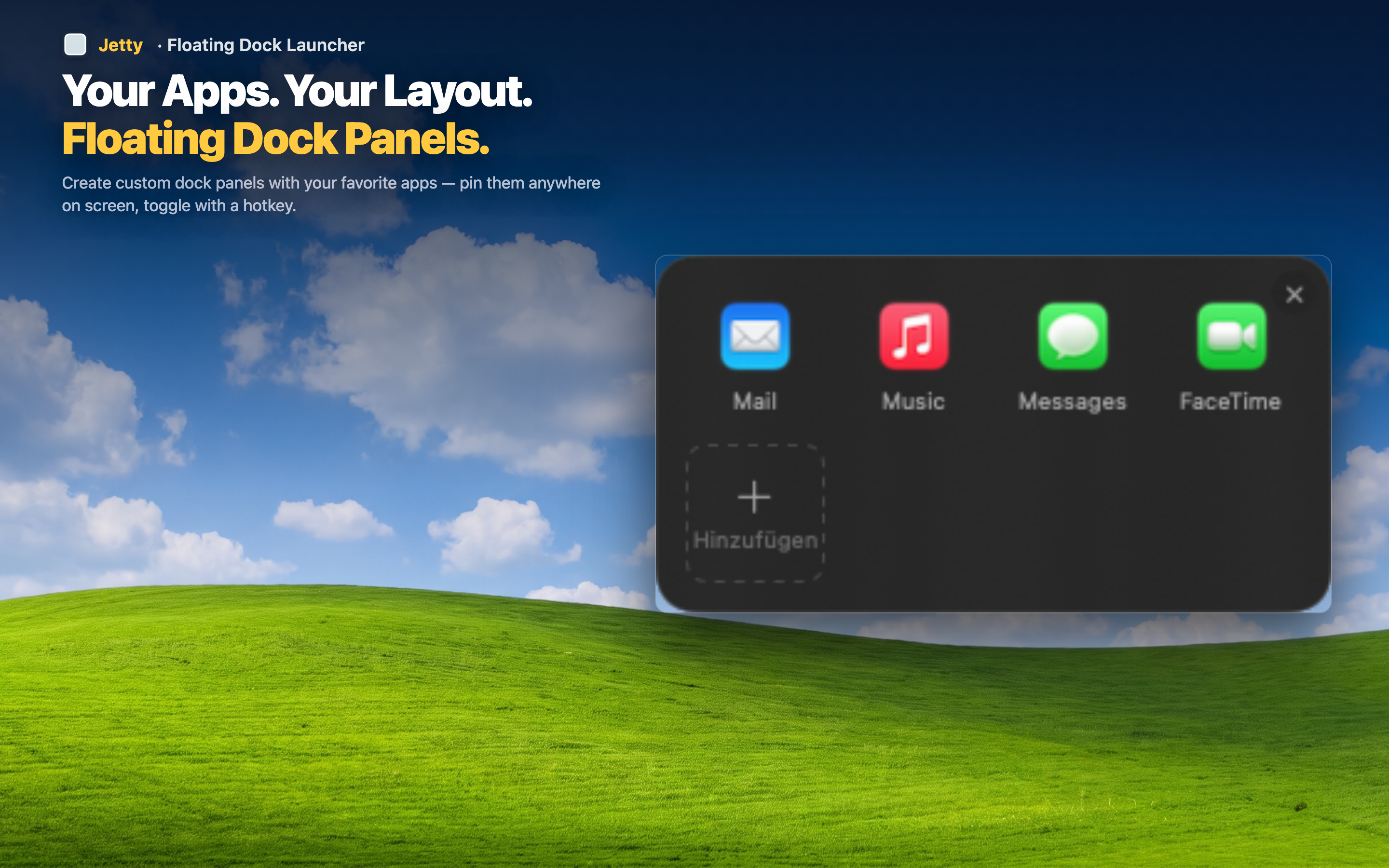
Context switching made explicit
When you switch from "Design" to "Comms," you see exactly the apps that belong to that context. No scanning through 15 Cmd+Tab icons to find Slack. No swiping between Spaces trying to remember which desktop has what.
Launch entire workflows
Panels aren't just for apps that are already open. Click any app in a panel and it launches if it's not running. A panel becomes a one-click launchpad for an entire workflow — open your "Dev" panel and launch VS Code, Terminal, and a browser in quick succession.
Stable across restarts
Your panels and their contents persist. Restart your Mac, and your groups are exactly where you left them. No reconfiguration, no re-dragging icons.