Every morning you open Finder, navigate to your project folder, then open a specific spreadsheet, then navigate to another folder for reference files. Or you dig through your Documents directory for that one PDF you need every day. Finder is fine for browsing, but for items you access repeatedly, the navigation path is wasted time.
macOS lets you put folders in the Dock's right side, and you can add files to Finder's sidebar. But neither is a clean, organized quick-access solution for a mix of apps, folders, and files together.
The limitations of Dock folders and Finder sidebar
Dock folders expand into a fan or grid view that shows every item inside the folder — not just the ones you care about. You can't mix apps and files in the same Dock folder. And the grid view is unpredictable when folders contain many items.
Finder sidebar only works when Finder is active. If you're in another app and need to open a specific folder, you first have to switch to Finder (or open a new Finder window), then click the sidebar item. It's an extra step every time.
Desktop aliases work but clutter your desktop. And if you keep a clean desktop (or use Stage Manager), they're hidden behind your windows anyway.
Mix apps, folders, and files in one place
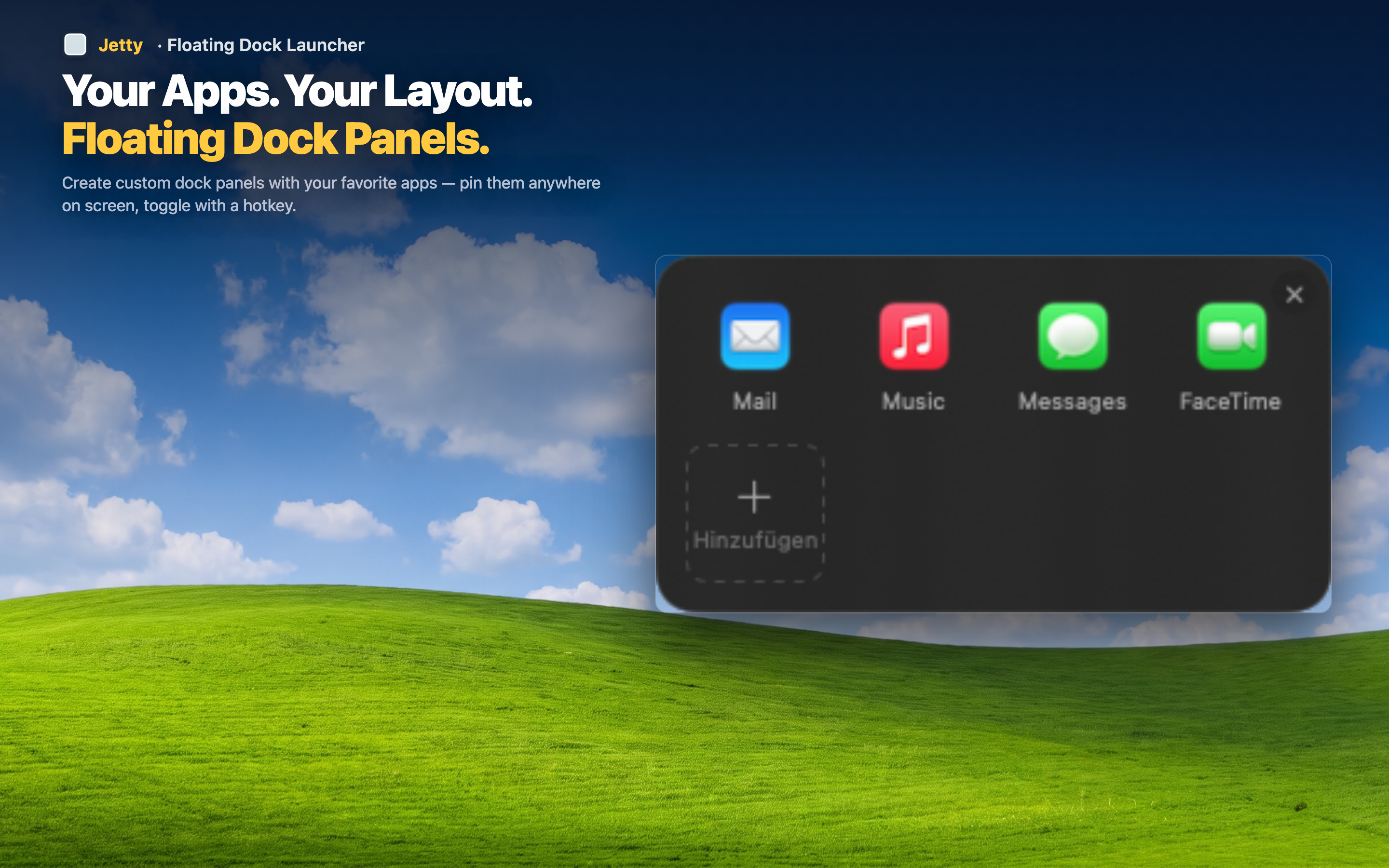
Jetty lets you drag apps, folders, and individual files into the same panel. A single "Morning Routine" panel might contain your email app, your project folder, the daily report spreadsheet, and a reference PDF. Everything you need to start your day, accessible from the menu bar in one click.
Project folders alongside their tools
Put your "Client X" folder right next to Figma and Slack in a client panel. When you're working on that client's project, everything is together — the tools and the files.
Quick access to deep files
That spreadsheet buried five levels deep in your Documents folder? Drag it into a Jetty panel once. From then on it's one menu bar click away, no Finder navigation required.
Always available
Unlike Finder sidebar items, Jetty panels work from any app. You don't have to switch contexts to access a file — just click the menu bar icon.