Stage Manager is genuinely useful for keeping open windows tidy — recent apps line up on the side, your active window takes center stage, and switching between a handful of groups feels cleaner than a desktop full of overlapping windows. But it only manages what's already running. The moment you need to open an app you haven't launched yet, Stage Manager has nothing to offer, and you're back to the Dock, Spotlight, or Launchpad.
A lot of people turn on Stage Manager expecting it to solve their whole "too many apps" problem, then realize it only solves half of it — the window management half, not the launching half.
Stage Manager organizes state, not access
Stage Manager's groupings are based on recency and what you've had open together, not on a structure you define ahead of time. It can't show you an app you haven't opened yet, and its automatic grouping doesn't always match how you'd categorize your own workflows.
Pair it with a dedicated launcher
Jetty fills the gap Stage Manager leaves. While Stage Manager organizes your open windows, Jetty organizes your launch points — named panels of apps, folders, and files that are ready to open, whether or not they're currently running.
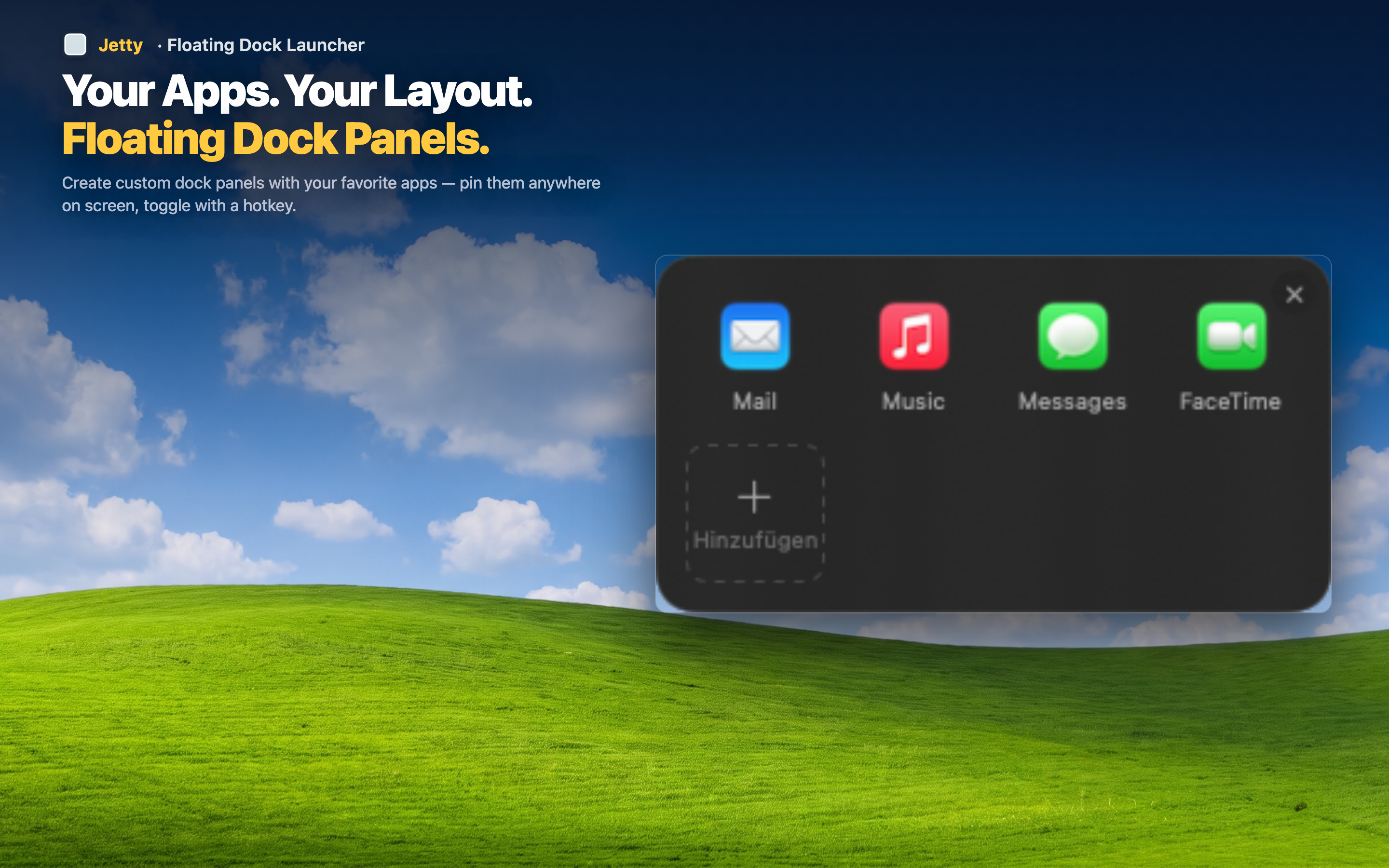
Launch first, let Stage Manager organize after
Use a Jetty panel to open the apps for a given task, then let Stage Manager arrange the resulting windows as you work. The two tools operate at different stages of the same workflow.
Your own groups, not automatic ones
Where Stage Manager infers groupings from recent activity, Jetty panels are entirely under your control. You decide what belongs together, and that structure doesn't change based on what you happened to open last.
Covers the apps you haven't opened yet
Jetty panels list apps whether they're running or not, so you always have a path to launch something new — something Stage Manager, by design, can't help with.