Think about the first five minutes of your workday. You probably open the same apps in roughly the same sequence — email, a messaging app, your main work tool, maybe a calendar. It's not a hard task, but it's a repeated one, performed manually, every single day, with no way to shortcut it beyond doing it faster.
macOS doesn't offer a native way to launch a defined group of apps together. You either open each one individually, or you set up a shell script and a keyboard shortcut — which is more setup than most people are willing to do for something this routine.
No native concept of a "launch group"
Apple's tools are built around individual apps, not app sets. The Dock, Spotlight, and Launchpad all launch one thing at a time. Automator or Shortcuts can technically open multiple apps with one trigger, but building that requires more configuration than most people want to invest for a daily routine.
Groups that open together, from the menu bar
Jetty organizes apps into named panels, and each app in a panel launches individually with a click — but because everything you need for a routine lives in one panel, opening your whole morning setup is a matter of clicking through three or four icons in the same dropdown rather than searching for each one separately.
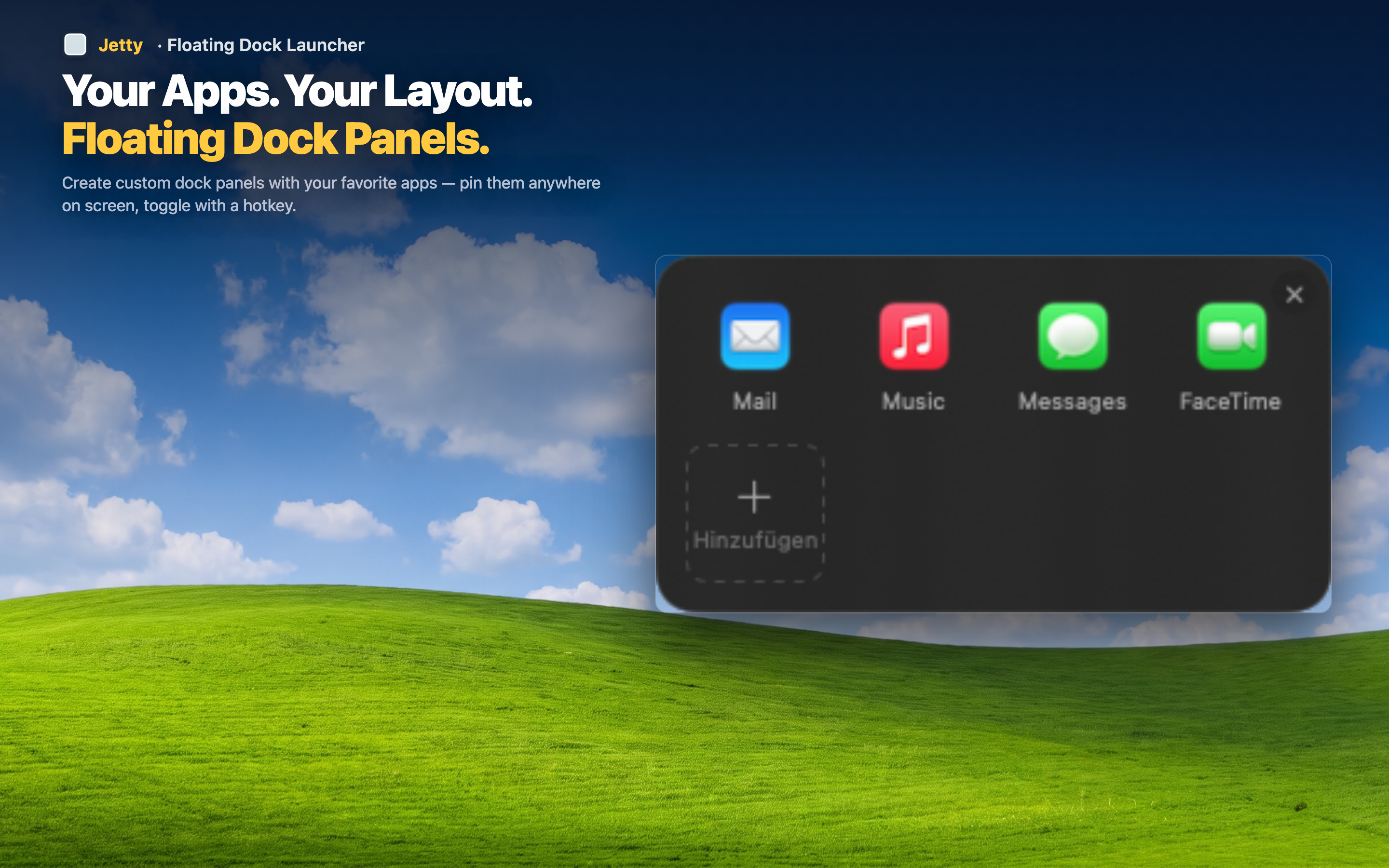
A dedicated "Morning" panel
Put your email client, messaging app, calendar, and main work tool into one panel. Opening your day becomes a quick sequence of clicks in one place instead of a scavenger hunt across the Dock and Spotlight.
Different groups for different routines
A "Shutdown" panel with apps to check before signing off, or a "Weekly Review" panel with your reporting tools — any recurring routine can have its own group, ready whenever you need it.
No scripting required
Building a group is drag and drop. There's no Automator workflow to write, no shell script to maintain, no keyboard shortcut to memorize.