A single creative project can move through several distinct phases in one day: drafting in a writing app, gathering references in a browser, editing images or video, then reviewing and sharing the result. Each phase leans on a different combination of software, but macOS has no sense of "phase" at all — every app you own sits in the same undifferentiated pile, whether it's the tool you need this minute or one you haven't touched in months.
The result is that switching between phases of a creative project means re-locating tools each time, even though the same combinations repeat project after project.
Creative work doesn't map to a flat app list
The Dock and Launchpad assume every app deserves equal, constant visibility or none at all. There's no way to say "these three apps are for drafting, these two are for review" and have that structure show up when you need it. You end up either overcrowding your Dock with every tool from every phase, or hunting through Spotlight repeatedly for the same handful of names.
Panels that match your creative phases
Jetty lets you build one panel per phase of your creative process — "Draft," "Edit," "Review" — each holding exactly the apps, folders, and reference files relevant to that stage. Moving from one phase to the next is a matter of opening a different panel from the menu bar.
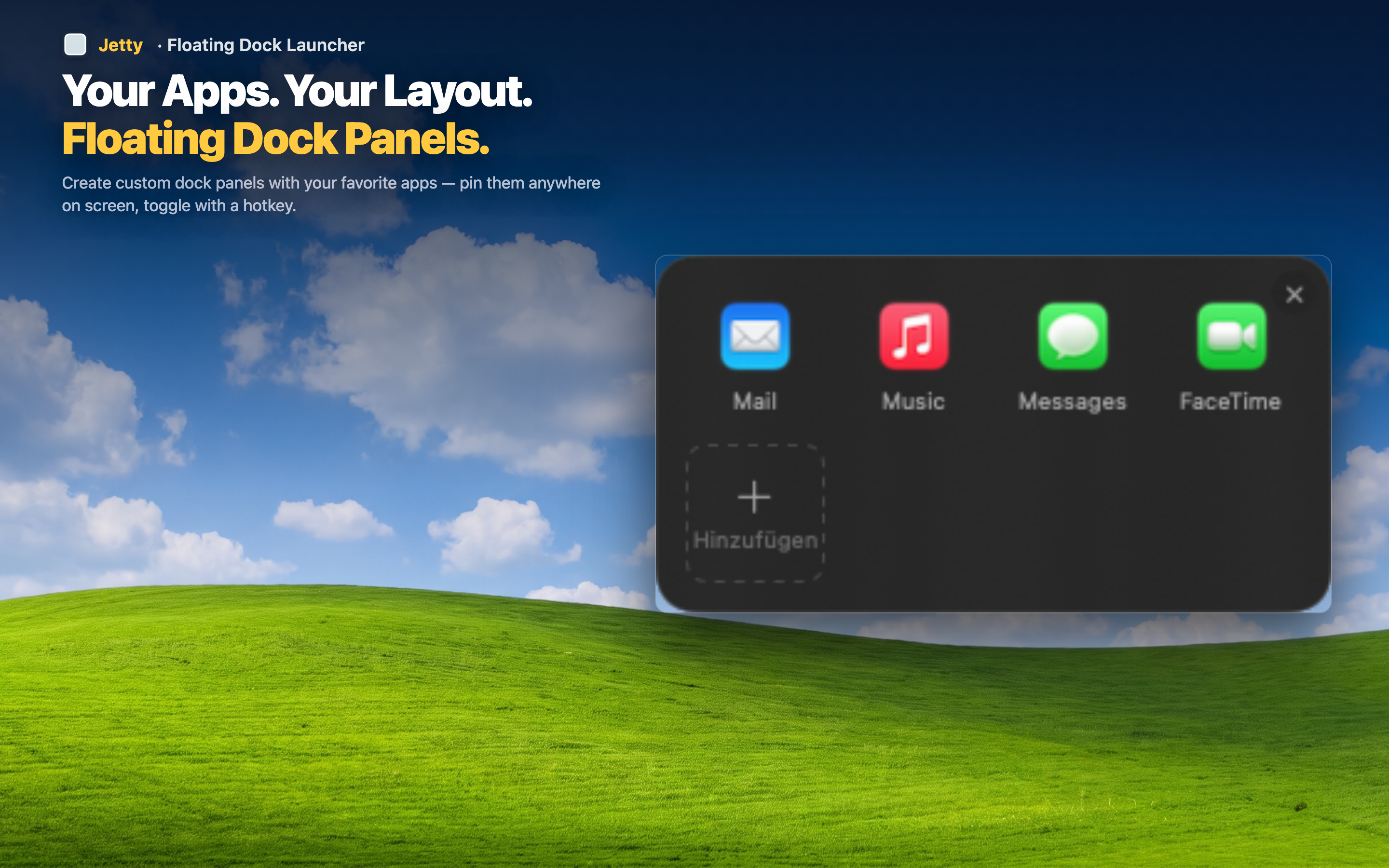
Panels for different mediums
A writer might have "Longform," "Research," and "Publishing" panels. A video editor might have "Capture," "Edit," and "Export." The structure adapts to whatever your creative process actually looks like.
Reference material travels with the tools
Drop mood boards, style guides, or reference folders into the same panel as the apps you use them with, so inspiration and tools are never more than one click apart.
Repeatable across projects
Once your phase-based panels exist, they work for every new project you start — you're not rebuilding your setup from scratch each time you begin something new.