You select a folder in Finder, right-click, and choose "Compress." macOS creates a ZIP file. Done — except now you have a question: did the ZIP capture everything correctly? Are all the files inside? Is the folder structure intact? Did you accidentally include files you meant to leave out?
On macOS, there's no way to verify without extracting the archive you just created. Right-click, Compress, then double-click to extract and check — a round trip that defeats the purpose of compressing in the first place.
The verify-after-compress problem
Creating a ZIP is easy on macOS. Verifying it is not. The typical workflow looks like this:
- Select files or a folder in Finder
- Right-click and choose "Compress"
- macOS creates a .zip file
- You want to verify the contents — but Quick Look only shows the file size
- You double-click the ZIP to extract it
- You browse the extracted folder to verify everything is correct
- You delete the extracted folder
Steps 5 through 7 are pure overhead. You already had the files — you just want to confirm the archive captured them correctly. Extracting to verify, then deleting the extraction, is wasted effort.
This matters most when you're sharing the ZIP with someone else. Sending an incomplete or incorrectly structured archive to a client or colleague is embarrassing and wastes their time too.
Compress, then preview with Space
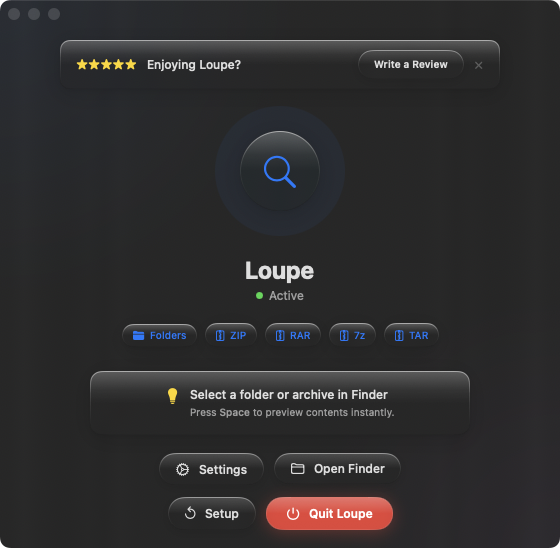
With Loupe installed, the workflow becomes: compress, select the ZIP, press Space, verify. The full contents appear as a tree view in Quick Look — file names, sizes, and folder structure. You can confirm the archive is correct in one second, without extracting anything.
Verifying before sending
You compressed a project folder to share with a client. Before attaching it to an email or uploading it, press Space to confirm every expected file is included. Catch missing assets, extra files, or wrong folder structures before the recipient sees them.
Checking backup archives
You archive old projects as ZIP files to save disk space. After compressing, press Space on the ZIP to verify the full contents are preserved. Then safely delete the original folder, knowing the archive is complete.
Iterating on archive contents
You realize the ZIP is missing a file or includes something it shouldn't. No need to extract and recompress — just add or remove the file from the original folder, compress again, and preview the new ZIP with Space. The preview step makes the iteration cycle faster.