You downloaded a ZIP file from a client, a coworker, or a file-sharing service. Before you unpack it, you want to know what's actually in there. Is it the right version? Are the assets you need included? How many files are we talking about?
On macOS, the answer is: double-click and find out. There's no built-in way to peek inside a ZIP without extracting it first.
Why macOS makes you extract first
When you select a ZIP file in Finder and press Space, Quick Look shows you the archive's file name, size, and modification date. That's it. No file listing, no folder structure, no way to tell whether the archive contains one PDF or five hundred raw photos.
Double-clicking the ZIP extracts everything into a new folder next to the original file. If the archive is large — say a 2 GB design handoff — you've just waited for a full extraction only to confirm you downloaded the wrong version. Now you have to delete the extracted folder and try again.
For developers and designers who handle dozens of archives a day, this adds up fast.
Preview ZIP contents instantly with Quick Look
Loupe is a Quick Look extension that shows you the full contents of a ZIP file the moment you press Space in Finder. No extraction, no waiting, no leftover folders to clean up.
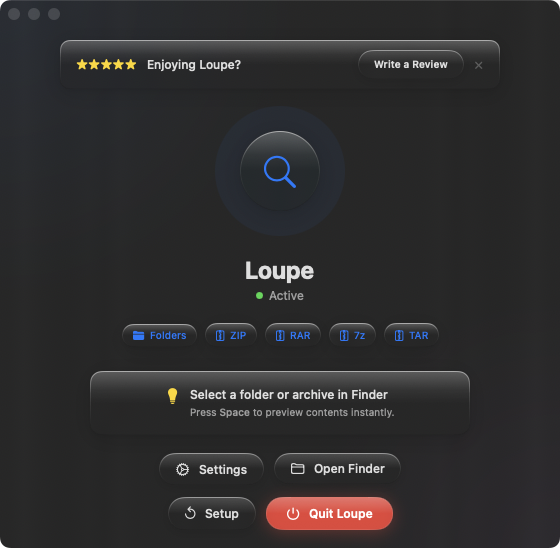
Select a ZIP in Finder, hit Space, and you immediately see every file and folder inside — names, sizes, and the full directory tree. Close the preview and move on. Nothing was extracted. Nothing was written to disk.
Checking client deliverables
A client sends you a ZIP with project assets. Before extracting 800 MB of files, press Space to confirm the right folders and file types are included. Wrong version? Delete the ZIP and request the correct one — no cleanup needed.
Sorting through downloads
Your Downloads folder has a dozen ZIP files from different sources. Instead of extracting each one to figure out what it contains, Space-preview them one by one. Find the file you need in seconds.
Verifying backups
You archived a project folder as a ZIP last month. Before you delete the original, press Space to confirm everything made it into the archive. The full file tree is right there.