You have a ZIP file. Maybe it came from a colleague, a client, or a download link. You want to answer a simple question: what's in it? On macOS, the only built-in way to answer that question is to double-click the ZIP and let Archive Utility extract everything into a new folder. Then you browse the folder, find your answer, and delete the extracted files if you didn't need them.
For a small ZIP, this is mildly inconvenient. For a 3 GB archive, it's a waste of time and disk space. And if you're checking multiple ZIPs to find the right one, the extract-browse-delete cycle becomes genuinely painful.
Why macOS can't inspect ZIPs natively
macOS has handled ZIP extraction since the early days of OS X. Double-click a ZIP, and Archive Utility unpacks it automatically. But Apple never added a way to list the contents without extracting. Quick Look — which previews nearly every other file type — shows nothing useful for ZIP files. You see the file name, the size, and the modification date. No file listing, no folder structure.
This is a design gap, not a technical limitation. The information is right there in the ZIP file's directory header. Any tool can read it without decompressing the actual file data. macOS simply doesn't expose it in Finder or Quick Look.
Inspect any ZIP with Space bar
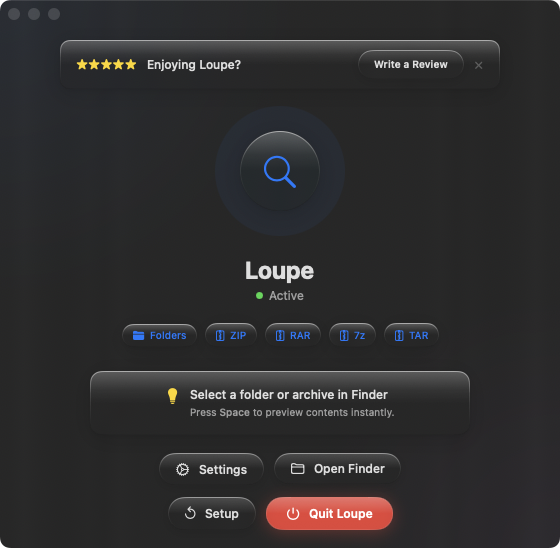
Loupe reads the ZIP file's directory and displays the full contents as a tree view in Quick Look. Select a ZIP in Finder, press Space, and see every file and folder inside. The archive stays untouched — nothing is extracted, nothing is written to disk.
Identifying the right archive
You have four ZIPs in a folder — different versions of the same deliverable. Select each one and press Space to compare their contents. Find the one with the files you need without extracting any of them. What would have taken minutes now takes seconds.
Checking file types before extracting
A ZIP from an unknown source? Press Space to see what's inside before committing to extraction. You'll see every file name and can verify the archive contains what it claims — documents, images, or data files — before letting anything unpack onto your system.
Auditing your own archives
You created a ZIP to send to someone. Before attaching it to an email, press Space to verify the right files are included. Catch missing files or accidental inclusions before your recipient discovers them.