Finder's column view is arguably the best way to navigate deeply nested folder structures on a Mac. Each subfolder opens in a new column to the right, letting you see your entire path at a glance. Click a file, and the rightmost column shows a preview — image thumbnails, PDF pages, video playback. It's fast, visual, and intuitive.
But select a ZIP, RAR, or 7z file in column view, and the preview column goes blank. You see the file name, its size, and the creation date. No file listing, no folder structure, nothing to tell you what's inside. The archive is a dead end — column view can't navigate into it, and Quick Look can't preview it.
Where column view falls short
Column view's strength is progressive disclosure: each click reveals the next level of the hierarchy. But compressed archives break this pattern. A ZIP file might contain a complex folder structure with hundreds of files, yet column view treats it as a single opaque object. You can't click into it. You can't expand it. You can't see the tree inside.
This is particularly frustrating when your workflow involves navigating through folders to find a specific archive, then needing to check its contents. The navigation is smooth until you hit the archive — then you're forced to extract and switch to browsing the extracted folder instead.
Folders have a similar but less severe limitation. Column view lets you navigate into folders, but only one level at a time. There's no way to see the full tree of a deeply nested folder structure without clicking through each level.
Extend column view previews with Quick Look
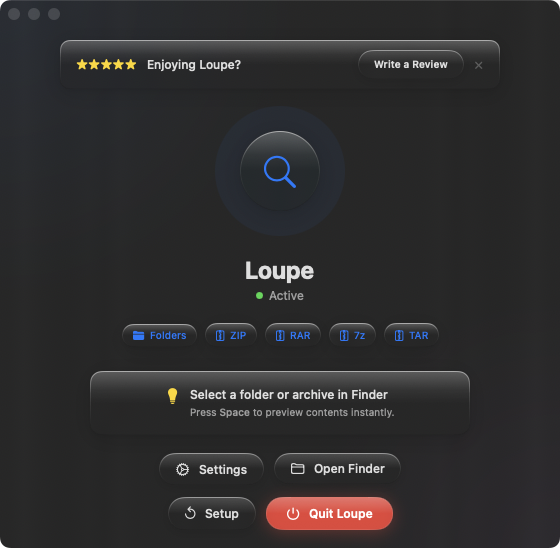
Loupe doesn't change how column view works, but it makes the preview column far more useful. With Loupe installed, selecting an archive in column view and pressing Space opens a Quick Look panel showing the full tree of contents — every file and subfolder, with names and sizes.
Archives stop being dead ends
Instead of hitting a wall when you reach an archive in column view, press Space to see inside it. The tree view shows the same kind of hierarchical structure that column view excels at — just displayed in the Quick Look panel instead of as navigable columns.
Full tree for folders too
While column view shows folder contents one level at a time, Loupe's Quick Look preview shows the entire tree at once. Select a folder, press Space, and see every nested subfolder and file in a single view. It complements column view's step-by-step navigation with a bird's-eye overview.
Arrow-key workflow
In column view, you can use arrow keys to move between files. With Quick Look open, each arrow-key press updates the preview. Move from a PDF to a ZIP to a folder — each one previews instantly. Archives and folders are no longer the blind spots in your browsing flow.