Quick Look is one of the most productive features built into macOS. Select any file in Finder, press Space, and you get an instant preview without launching an application. It works brilliantly for images, PDFs, videos, Markdown files, and even complex formats like Keynote presentations. But there are notable gaps — file types where pressing Space shows you nothing useful.
The biggest gap is compressed archives. ZIP, RAR, 7z, TAR, and .tar.gz files all display the same unhelpful preview: a file name and a file size. No listing of what's inside, no folder structure, no way to decide whether to extract without actually extracting. Folders have a similar problem — pressing Space on a folder shows its name and item count, but nothing about the files within.
Why Quick Look plugins matter
Apple designed Quick Look with an extension system so developers can add preview support for file types that macOS doesn't handle natively. These plugins — now called Quick Look extensions on modern macOS — integrate directly into Finder. Once installed, they work automatically: you keep pressing Space the way you always have, and more file types start showing useful previews.
The best Quick Look plugins are ones you forget you installed. They don't add new apps to learn or new workflows to follow. They just make the Space bar more useful.
Archive and folder previews with Loupe
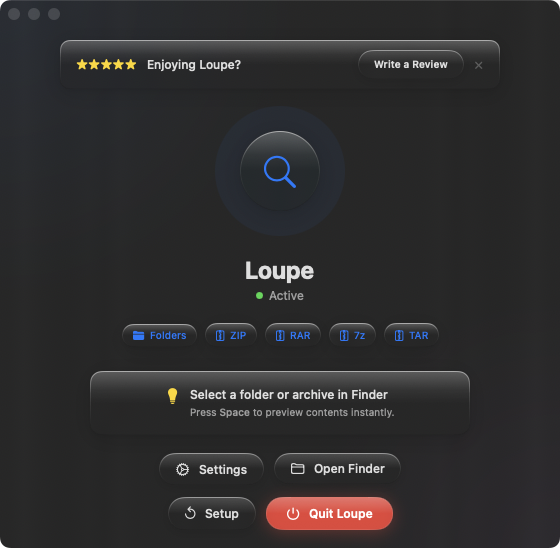
Loupe is a Quick Look extension that fills the two biggest gaps in Finder previews: compressed archives and folder contents. Install it once, and pressing Space on a ZIP, RAR, 7z, TAR, .tar.gz, or .tar.bz2 file shows the full contents as a tree view. Pressing Space on a folder shows its entire file tree, including nested subfolders.
No extraction required
The core value is that you never need to extract an archive just to see what's inside. Press Space, check the contents, close the preview. Nothing was written to disk. No folders to clean up. For anyone who handles multiple archives daily, this saves significant time.
Works with every Finder view
Whether you use list view, column view, icon view, or gallery view, Loupe's previews appear in all of them. Arrow-key browsing works too — flip through a folder of mixed files, and archives and folders preview just like images and documents.
One plugin, two blind spots fixed
Rather than installing separate plugins for archives and folders, Loupe handles both. Select a ZIP — tree view. Select a folder — tree view. The same clean format for both, keeping the preview experience consistent.