The Mac Space bar is arguably the most efficient file preview mechanism on any operating system. One keystroke, instant preview, no application launch. It's so good that you start expecting it to work for everything — and then you hit the file types where it doesn't.
Archives (ZIP, RAR, 7z, TAR) and folders are the two most notable blind spots. Press Space on either, and you get metadata — file name, size, date — but nothing about what's inside. For files that are essentially containers of other files, this makes Quick Look useless precisely when you need it most.
What the Space bar already handles
The list of file types Quick Look supports natively is impressive:
- Images — JPEG, PNG, HEIC, TIFF, GIF, RAW formats
- Documents — PDF, Word, Excel, PowerPoint, Pages, Numbers, Keynote
- Media — MOV, MP4, MP3, WAV
- Code — plain text, Markdown, source code with syntax highlighting
- 3D — USDZ, OBJ, STL
With such broad support, the archive and folder gaps feel like oversights. You can press Space on a 3D model and see it rendered in real time, but you can't press Space on a ZIP and see a list of file names. The gap in capability doesn't match the complexity of the task.
Close the gaps with one extension
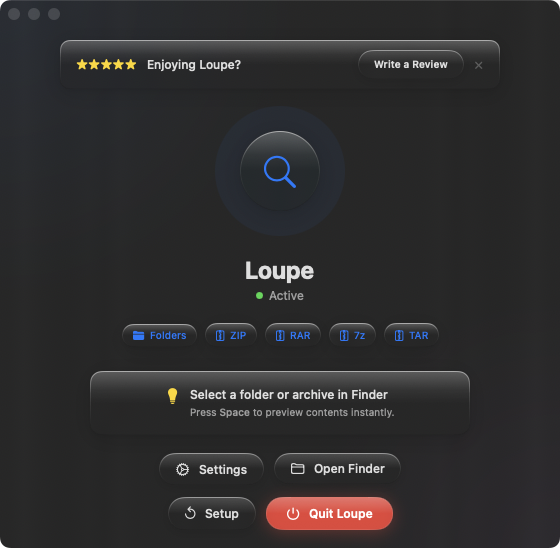
Loupe adds the missing preview types to make the Space bar work on everything you commonly encounter. Archives — ZIP, RAR, 7z, TAR, .tar.gz, .tar.bz2 — show their full contents as a tree view. Folders show their complete file tree. The same one-keystroke preview you rely on for images and documents, now extended to containers.
Consistent preview experience
After installing Loupe, the Space bar works on archives and folders the same way it works on everything else. There are no new gestures to learn, no new apps to open. Your muscle memory stays intact — the previews just cover more ground.
Arrow-key browsing across all types
One of Quick Look's best features is arrow-key cycling: open a preview with Space, then use arrow keys to move through files. With Loupe, this works seamlessly across file types — arrow from a PDF to a ZIP to a folder, and each one previews correctly in the Quick Look panel.
No overhead
Loupe is a Quick Look extension, not a standalone app. It runs only when you press Space on a supported file type. No menu bar icon, no background process, no configuration. Install it and forget it — until the next time you press Space on a ZIP and see its contents instead of a blank preview.