A developer shares a .tar.gz file with you. Or you download an open-source tool distributed as a tarball. You double-click it on your Mac, and macOS either creates a .tar file (stripping one layer of compression) or does nothing at all. You search for help, and every result tells you to open Terminal and type `tar -tzf filename.tar.gz`.
If you're not comfortable with Terminal, this is a dead end. And even if you are, switching to a command-line tool just to check what's inside an archive breaks your Finder workflow.
The .tar.gz problem on macOS
TAR files (tape archives) are a Unix staple, and .tar.gz (gzip-compressed TAR) is the most common distribution format for open-source software, code packages, and server backups. macOS has partial support: it can sometimes extract .tar.gz files via the Archive Utility, but the behavior is inconsistent.
More importantly, there's no way to preview the contents of a .tar.gz file before extracting. Quick Look shows nothing useful — just the file name and size. The only reliable way to list the contents is the Terminal command `tar -tzf`, which outputs a wall of text with no visual structure.
The same problem applies to .tar.bz2 files, which use bzip2 compression instead of gzip. Both are common, and both are opaque on macOS without Terminal.
Preview .tar.gz contents visually
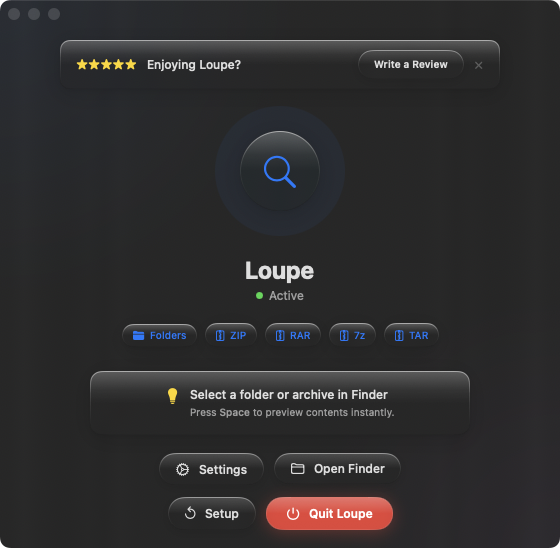
Loupe adds Quick Look support for .tar.gz and .tar.bz2 files. Select the archive in Finder, press Space, and see a clean tree view of every file and folder inside — no Terminal required.
Checking code packages
A developer sends you a .tar.gz containing a project. Press Space to see the directory structure — source files, configuration files, README — before deciding whether to extract it into your projects folder.
Inspecting server backups
Database dumps and server backups are often distributed as .tar.gz files. Instead of extracting a multi-gigabyte archive to verify its contents, preview the file listing with Quick Look. Confirm the backup includes the directories and files you expect.
Staying in Finder
The whole point of Quick Look is that you never leave Finder. With Loupe, .tar.gz files get the same treatment as images, PDFs, and videos — select, Space, preview, move on. No Terminal window, no extraction, no cleanup.