You have a folder of invoices, reports, or exports, and none of them have a date in the name. Sorting by "date modified" in Finder works until you copy the files somewhere else and the modification date resets, or until someone emails you the folder and the dates no longer reflect when the files were actually created. The only reliable fix is to put the date directly in the file name.
Doing this for one file takes a few seconds. Doing it for eighty files, each with a different creation date, is not something you want to do by retyping names one at a time.
Why Finder cannot help here
Finder's batch rename can add text to a file name, but it adds the same fixed text to every selected file. There is no way to insert each file's actual creation or modification date automatically — Finder has no concept of per-file dynamic values in its rename dialog. If your files all share one date, you can type it manually and add it as a prefix. If the dates differ across the batch, Finder cannot help at all.
Inserting dates as part of a pipeline
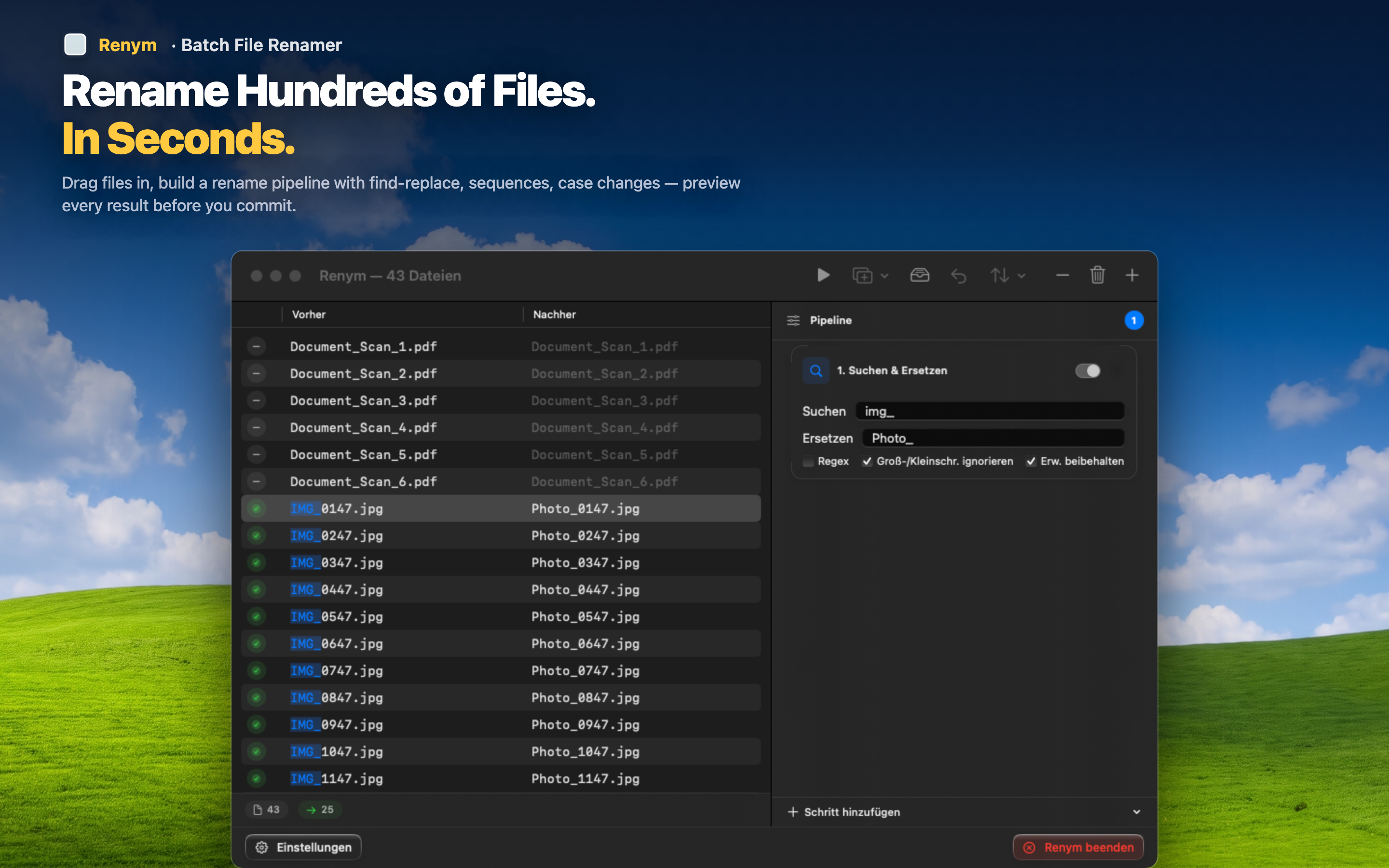
Renym lets you insert a fixed date string as a prefix or suffix across a batch — useful for tagging an entire export or delivery with the day it was processed.
Tag a whole delivery at once
Received a batch of files today that you need to distinguish from tomorrow's batch? Add "2026-09-06_" as a prefix to every file in one step. Six months from now, the folder tells you exactly when each set arrived.
Combine with sequential numbering
Add the date as a prefix, then layer sequential numbering after it: "2026-09-06_001.pdf," "2026-09-06_002.pdf." This keeps files grouped by date and ordered correctly within each group.
Keep the rest of the name intact
Insert the date without disturbing the descriptive part of the file name. "invoice_client_a.pdf" becomes "2026-09-06_invoice_client_a.pdf" — still readable, now sortable by date too.