Spaces in file names look fine in Finder, but they cause trouble almost everywhere else. A Terminal command breaks unless you remember to quote the path. A URL turns the space into "%20," which makes links harder to read and occasionally breaks entirely. A script written without spaces in mind fails silently or splits the file name into pieces it was not meant to be split into.
The common fix is to replace every space with an underscore or a hyphen, or remove spaces entirely. Simple in theory. Tedious in practice when you have a folder of eighty files named "Final Report March 2026.pdf."
What Finder's replace can and cannot do
Finder's batch rename does support a literal find-and-replace, so replacing every space with a hyphen is technically possible — search for a single space character, replace with "-". This works for simple cases. But it breaks down when:
- You need to remove spaces entirely, collapsing "Final Report" into "FinalReport," which a single replace handles fine, but combining it with other cleanup (like fixing double spaces) requires multiple passes
- You want spaces removed but the file extension preserved exactly
- You need this as part of a larger cleanup that also fixes case or removes other characters
Space removal as one pipeline step
Renym handles space removal through find and replace, and lets you chain it with every other cleanup step you need in the same pass.
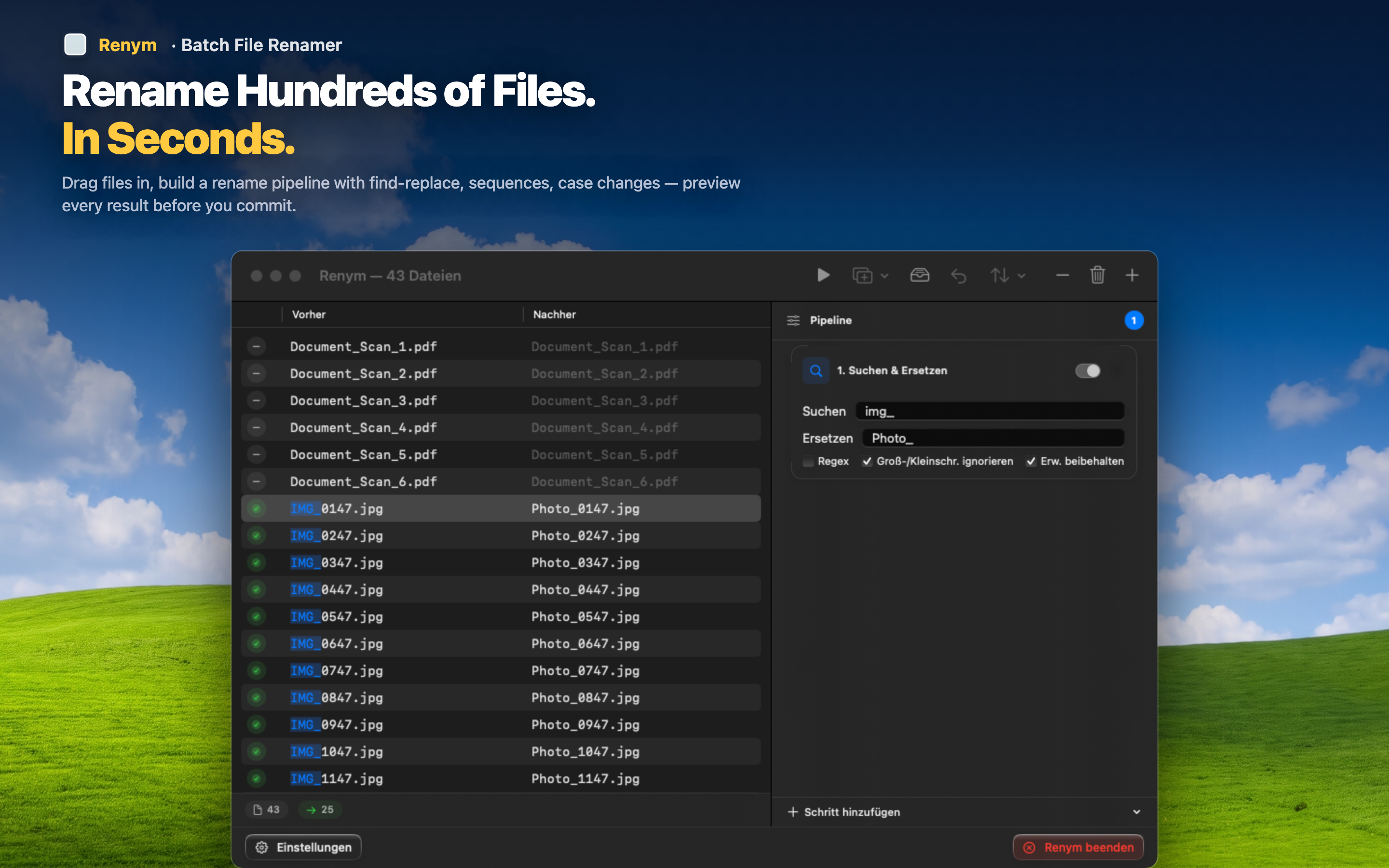
Replace spaces with hyphens or underscores
Find a space, replace with "-" or "_". Every file in the batch gets the same treatment at once, and the preview shows the exact result before you apply anything.
Strip spaces entirely
If you want "Final Report.pdf" to become "FinalReport.pdf" with no separator at all, replace the space with nothing. One action, whole batch.
Fix leftover double spaces or trailing junk
After removing certain words or prefixes, files sometimes end up with double spaces or awkward gaps. Add a regex step like s+ replaced with a single space or hyphen to clean those up in the same pipeline.