Every screenshot you take on a Mac gets the same treatment: "Screenshot 2026-09-06 at 3.42.17 PM.png." It is technically informative, but it is long, repetitive across every file, and awkward to reference in a report, a ticket, or a shared folder. If you have accumulated fifty screenshots for a bug report, a tutorial, or a design review, renaming each one by hand to something like "step-01.png" is exactly the kind of task that eats an afternoon for no good reason.
Why the default name is hard to work with
The "Screenshot [date] at [time]" format was designed for uniqueness, not readability. Every file starts with the same 11 characters, which means:
- Sorting by name just sorts by time taken, not by relevance or content
- The names are too long to read comfortably in a file list or a shared link
- You cannot tell what a screenshot shows without opening it
- Finder's batch rename can strip the "Screenshot" word but still leaves the timestamp clutter unless you build a more specific replacement
Cleaning up a folder of screenshots
Renym handles this cleanup in a couple of pipeline steps, whether you want a fully custom name or just a shorter version of the original.
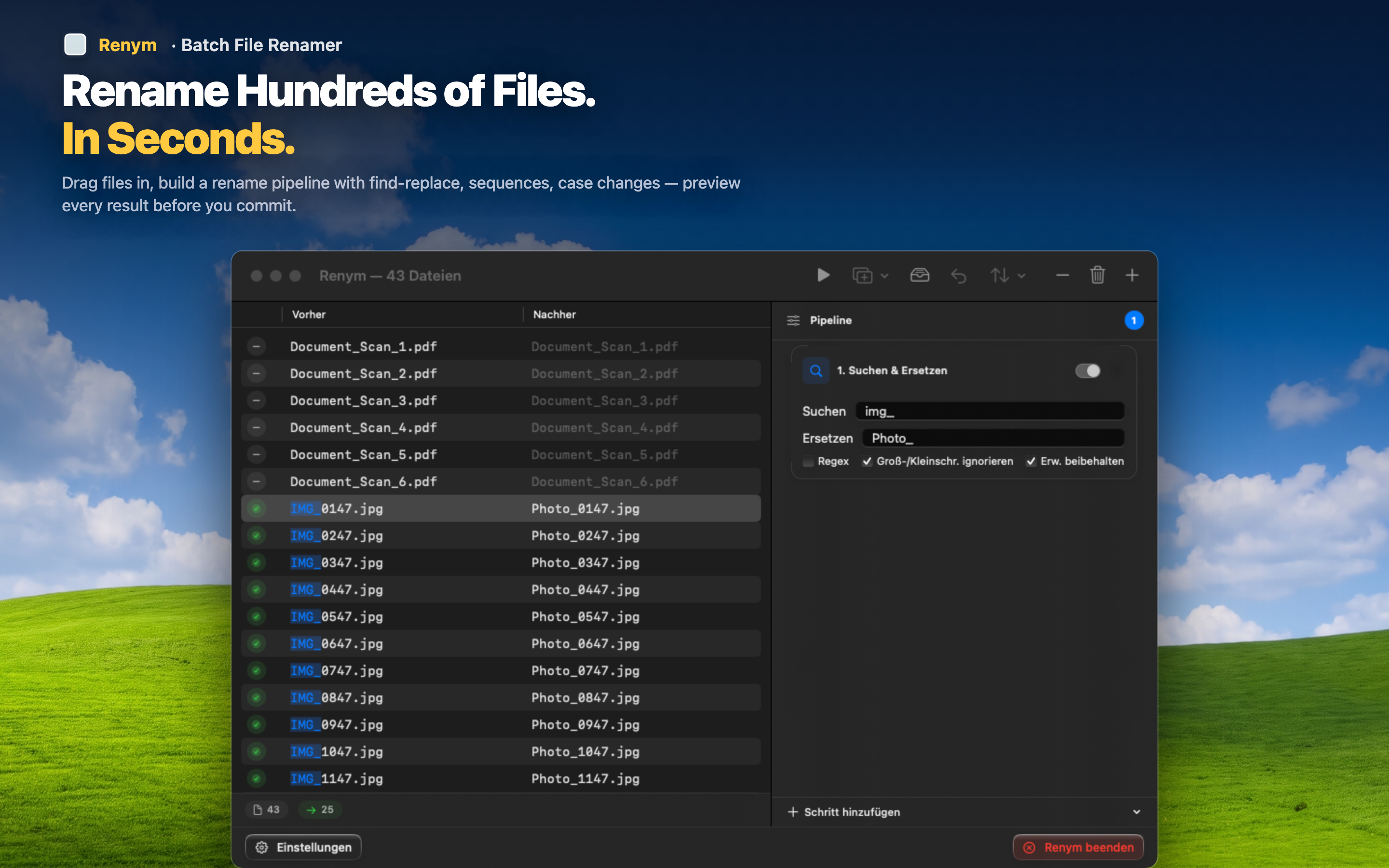
Strip the entire default prefix
Use regex to match and remove the whole "Screenshot [date] at [time]" pattern in one step, leaving you with a blank slate to add your own naming.
Insert a descriptive name and sequence
Add a custom prefix like "bug-report_" or "onboarding-flow_" followed by sequential numbering, so your fifty screenshots become "bug-report_001.png" through "bug-report_050.png," sorted in the order you took them.
Keep it simple when you just need shorter names
If you do not need custom names, just strip "Screenshot " and shorten the timestamp with a targeted regex replacement, keeping enough information to know roughly when each was taken without the full clutter.